
Most people think of a website as a project with a finish line: design it, build it, launch it, done. In reality, launch day is closer to the starting line. WordPress core, themes, and plugins release updates all the time, browsers change, security threats evolve, and search engines keep raising their expectations. A site that is left alone for a year often becomes slower, less secure, and harder to fix with every passing month.
That is why more businesses now treat website maintenance as an ongoing service rather than an emergency expense. This guide explains what long-term WordPress maintenance actually includes, when a dedicated developer makes more sense than an occasional freelancer, how to evaluate candidates, what it costs to think about, and how to build a support arrangement you can trust. It is written to help you decide, not to push you toward any particular choice.
Why WordPress Sites Need Ongoing Care
WordPress powers a very large share of the web, which is both its strength and its risk. Its popularity means a huge ecosystem of themes and plugins, but it also makes WordPress sites a regular target for automated attacks. Security researchers consistently report that most reported WordPress vulnerabilities come from plugins and themes rather than the core software itself, so keeping every component updated and trustworthy matters.
A website that is not maintained tends to suffer in predictable ways:
Security gaps. Outdated plugins and themes are a common way attackers get in.
Broken features. Updates to PHP, WordPress, or browsers can break forms, checkout pages, or layouts.
Slowing performance. Database clutter, oversized images, and heavy plugins build up over time.
Search visibility problems. Slow pages, crawl errors, and broken links can quietly reduce traffic.
Compatibility problems. Old code may stop working with newer hosting environments.
Lost data. Without tested backups, one failed update or hack can mean starting over.
Regular maintenance prevents most of these problems before customers ever notice them. It is almost always cheaper than recovering from a hacked or broken site.
What Long-Term WordPress Maintenance Includes
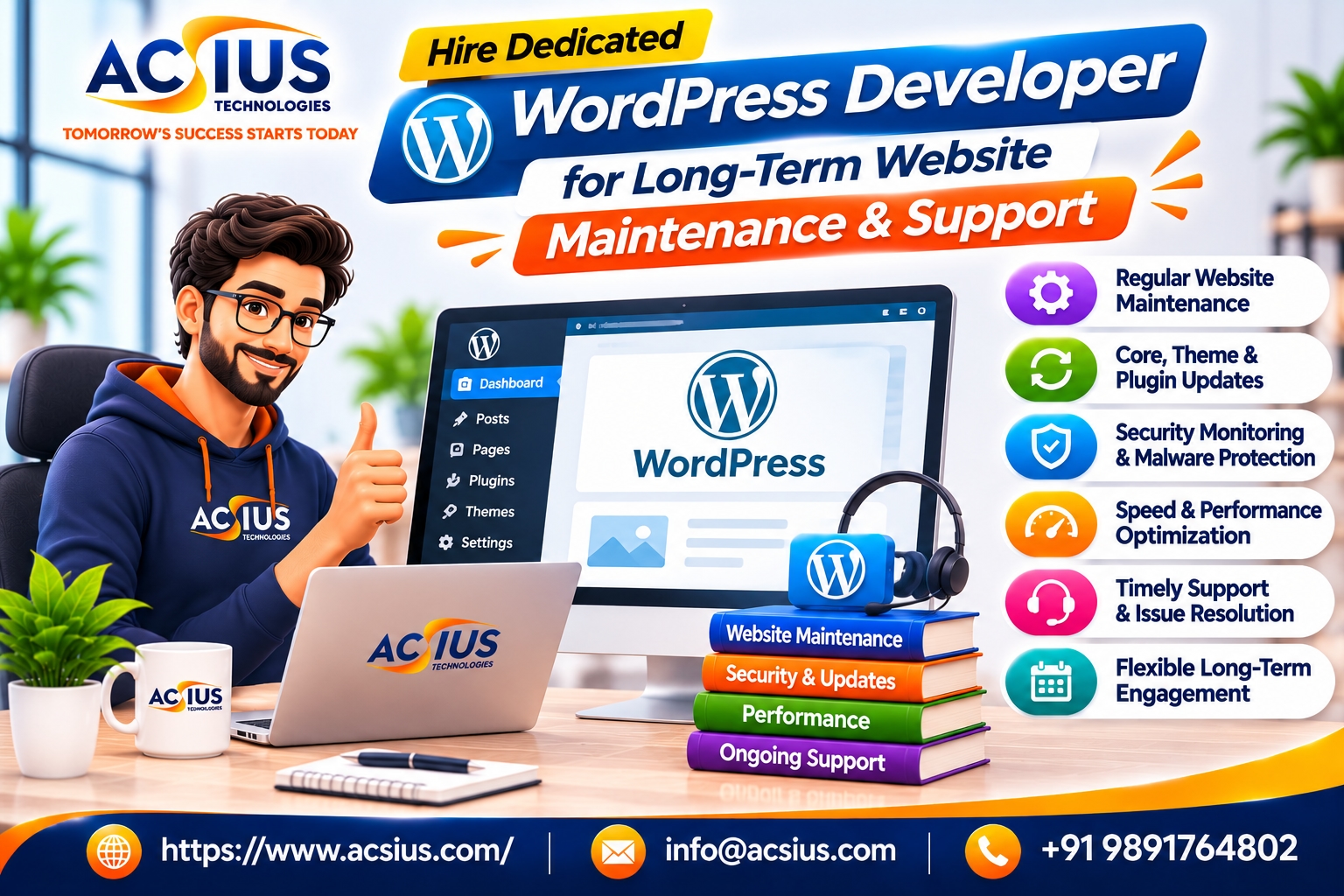
A proper support arrangement covers much more than clicking the update button. If you decide to hire dedicated wordpress developer support, use the list below to confirm what is included and who is responsible for each task.
Updates and compatibility testing
WordPress core, themes, and plugins should be updated on a regular schedule, but not blindly. A careful developer tests updates on a staging copy of your site first, checks key pages and forms, and only then applies them to the live site. This prevents the common problem of an update breaking checkout or contact forms.
Security monitoring and hardening
Security work includes malware scanning, firewall configuration, login protection, user role reviews, strong password policies, and two-factor authentication. It also means removing unused plugins and themes, since forgotten code is a frequent weak point.
Backups and recovery
Backups should be automatic, stored off the server, and tested. A backup you have never restored is only a hope. Ask how quickly your site could be restored after a failure, and who would do it.
Performance optimization
Speed affects both user experience and search performance. Maintenance includes image optimization, caching, database cleanup, script reduction, and monitoring of Core Web Vitals.
Uptime and error monitoring
Monitoring tools can alert your developer when the site goes down, when errors appear, or when an SSL certificate is about to expire, so problems are fixed before customers complain.
Bug fixes and small improvements
Every site needs small changes: a new landing page, a form tweak, a layout fix on mobile, a new tracking tag. A dedicated developer handles these quickly because they already know your site.
SEO and technical health
Ongoing checks for broken links, redirect issues, indexing errors, structured data, and sitemap health help protect your search visibility.
Reporting and documentation
You should receive clear reports on what was updated, what was fixed, and what risks remain, along with documentation that explains how your site is built.
Dedicated Developer vs. Freelancer vs. Agency vs. Plugins
There are several ways to look after a WordPress site, and each fits different situations.
A dedicated developer works mainly on your website, learns its structure and history, and becomes the person who knows why things are built the way they are. That knowledge is surprisingly valuable. Many costly problems come from developers who do not understand earlier decisions and accidentally break something.
When Does a Dedicated Developer Make Sense?
Not every business needs one, but these situations usually point in that direction:
Your site generates revenue or leads. Downtime or broken forms cost real money.
You publish or change things often. New pages, campaigns, and features keep arriving.
Your site is heavily customized. Custom themes, plugins, and integrations need someone who understands them.
You run ecommerce. Checkout, inventory, and payment issues need quick responses.
You have been burned before. A hacked site, a failed update, or an unreachable developer makes reliability a priority.
You have no in-house technical staff. A trusted external developer fills the gap.
You plan to grow. Performance, security, and scalability become more important as traffic rises.
If your website is a small, mostly static brochure that changes twice a year, a lighter arrangement may be enough. A good partner will tell you honestly which level of support fits.
Skills to Look For in a WordPress Developer
Use this checklist when evaluating candidates:
Strong PHP, JavaScript, HTML, and CSS. WordPress sits on top of these, and shallow knowledge shows up quickly.
Deep WordPress knowledge. Themes, child themes, hooks, custom post types, the block editor, and the REST API.
Security awareness. Hardening, safe coding practices, and incident response experience.
Performance expertise. Caching, database optimization, image handling, and Core Web Vitals.
Debugging skills. The ability to find the cause of a problem instead of guessing.
Plugin judgment. Knowing which plugins are reliable, and when custom code is the better choice.
Version control and staging habits. Professional workflows protect your live site.
Ecommerce experience, if you run WooCommerce or another store.
SEO understanding. Clean markup, correct redirects, and structured data.
Clear communication. Plain-language explanations and honest warnings about risks.
How to Evaluate and Hire the Right Person or Team
Polished profiles are easy to create, so look for evidence.
Review real sites. Ask for examples of sites they maintain, and look at speed, stability, and quality.
Ask about process. A good developer can explain how updates are tested, how backups work, and how emergencies are handled.
Run a practical conversation. Describe a realistic problem, such as a plugin conflict after an update, and listen to how they would approach it.
Check references. Speak to current or past clients about reliability, response times, and honesty.
Confirm access and ownership. You should own your domain, hosting account, admin accounts, and code. Never allow a developer to hold your site hostage.
Clarify response times. Ask what happens during an emergency, and what hours they are available.
Discuss backup plans. What happens if the developer is sick or leaves? Good teams document their work and have cover.
Review security practices. Ask how they handle passwords, access, and client data.
Understand reporting. You should receive regular, readable summaries.
Look for honesty. Good developers admit limits and recommend simpler options when appropriate.
Be cautious about unusually low prices, no written agreement, refusal to share access details, or promises that nothing will ever go wrong. Websites are complex, and honest professionals talk about risk openly.
What a Good Support Agreement Should Include
Whether you work with an individual or a company, put the arrangement in writing. A good agreement covers:
Scope. Exactly which tasks are included, such as updates, security, backups, and a certain number of hours for changes.
Response and resolution times. For example, how quickly critical issues are acknowledged and how routine requests are handled.
Availability. Working hours, time zones, and emergency contact methods.
Reporting. What you receive and how often.
Hosting and tools. Who pays for hosting, security plugins, backups, and monitoring tools.
Ownership. Confirmation that you own your website, content, and accounts.
Confidentiality and data protection. Clear terms for how client and customer data is handled.
Change requests. How new features and larger projects are estimated and approved.
Termination and handover. Notice periods and what documentation and access you receive if the relationship ends.
Costs to Think About
Prices vary widely depending on the size of the site, the amount of customization, the experience of the developer, and the hours of support you need. Instead of focusing only on the monthly fee, consider the full picture:
What is included. A low price that covers only automated updates is very different from one that includes testing, security monitoring, and development time.
Hosting and tools. Quality hosting, security services, and backup storage may be separate costs.
Cost of failure. A day of downtime, a hacked site, or lost orders can cost far more than a year of maintenance.
Experience. Senior developers cost more per hour but often solve problems faster and prevent them.
Flexibility. Some arrangements let you scale hours up and down as needs change.
Ask for an itemized proposal and agree how extra work will be quoted.
Maintenance for Other Platforms Too
Not every business runs only on WordPress. Some companies have a mix, such as a WordPress marketing site, a separate online store, and a simple landing page built on another platform. If part of your web presence uses a site builder, you may want to Hire Expert Wix Developers for design tweaks, performance improvements, and feature additions there, so every property is looked after consistently. Make sure your developers coordinate on branding, analytics, and redirects so your visitors and search engines see one coherent presence.
If your business has a larger, more complex store, such as a big catalog with custom pricing or heavy integrations, you may also need specialists who can hire magento developers in India to manage that platform's development, extensions, and performance. Complex commerce systems need their own maintenance routines, and it helps when the team handling your WordPress site understands how the pieces connect.
Practical Maintenance Calendar
A predictable routine keeps small problems from becoming large ones. Here is a simple example:
Daily: automated backups and uptime monitoring.
Weekly: security scans, update checks, and review of error logs.
Monthly: tested updates for core, plugins, and themes, performance review, broken link check, and a written report.
Quarterly: full backup restore test, user and permission review, plugin audit, and SEO technical check.
Yearly: design and content review, hosting and PHP version review, and a roadmap for improvements.
Common Mistakes to Avoid
Updating everything blindly on the live site. Test on staging first.
Installing too many plugins. Each one adds risk, weight, and complexity.
Using nulled or pirated themes and plugins. These often contain malware.
Never testing backups. A backup is only useful if it can be restored.
Sharing one admin login. Use separate accounts with proper roles.
Giving a developer sole control. Keep ownership of your accounts and documentation.
Ignoring hosting quality. Cheap, overloaded hosting undermines every other effort.
Waiting for something to break. Preventive care is cheaper than emergency repair.
Final Thoughts: Treat Your Website Like a Living Asset
A website is not a brochure you print once. It is a working part of your business that needs steady attention to stay fast, secure, and useful. A dedicated WordPress developer gives you continuity, quick responses, and someone who understands your site well enough to protect it and improve it over time. Define your needs, check real work and references, put expectations in writing, and keep ownership of your accounts. That combination turns maintenance from a worry into a quiet advantage.
If you are looking for a team that can provide reliable WordPress maintenance and support, along with help across other platforms when needed, ACSIUS can assess your website, recommend the right level of care, and support it as your business grows. Contact ACSIUS today to discuss your site and build a maintenance plan you can depend on.