Software development traditionally requires several stages, including planning, interface design, programming, testing, and deployment. Even a basic web application can require significant technical knowledge and development time.
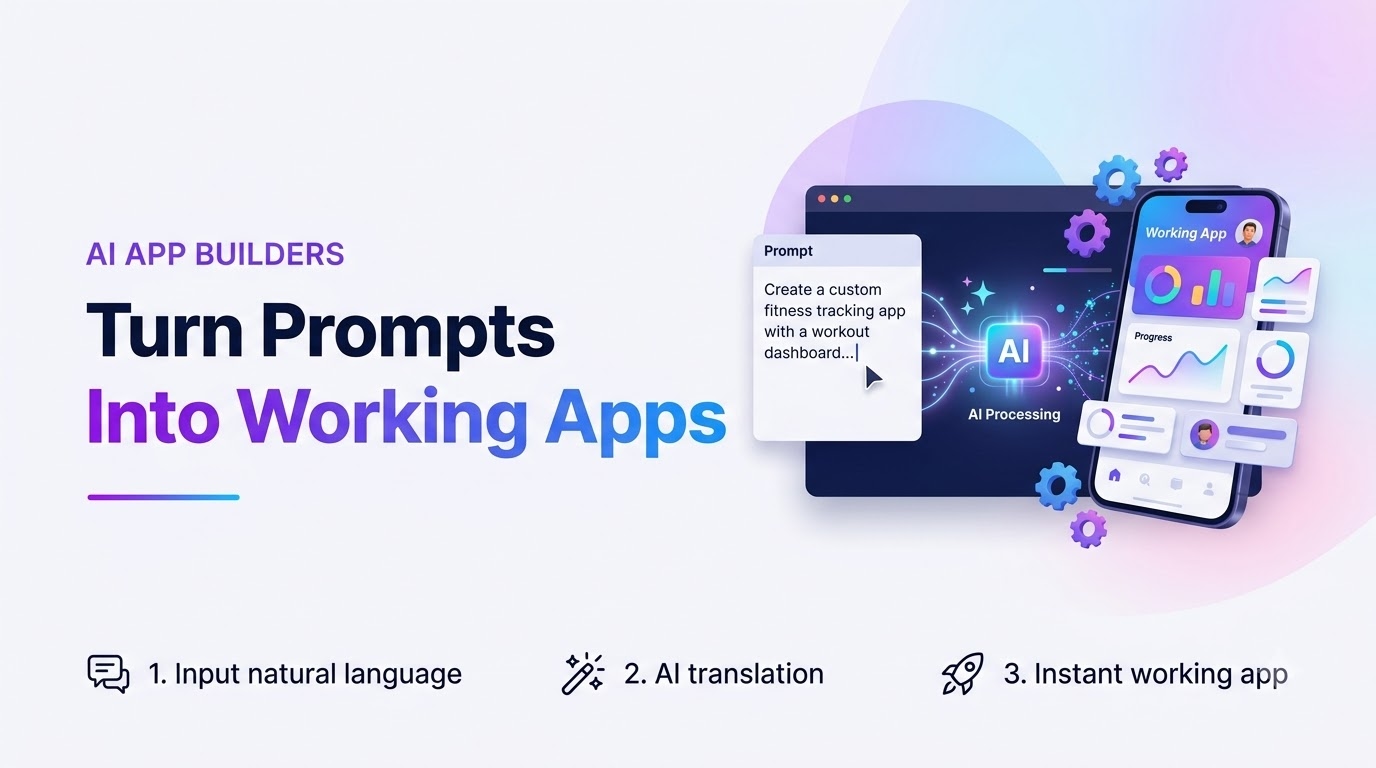
AI-powered application builders are changing this process by allowing users to describe software requirements through natural-language prompts.
Instead of manually writing every component, users can explain what they want, such as a customer dashboard, booking application, or project management system. The platform then generates code, organizes project files, and provides a preview of the application.
However, building a reliable AI app builder involves more than connecting a language model to a text input.
The platform needs to interpret instructions, maintain project context, generate structured code, execute applications safely, and manage changes across multiple prompts.
For founders exploring AI app builder development, understanding these technical workflows is essential before selecting a software foundation or development approach.
This article explains how prompt-to-app platforms work, the architecture behind AI-generated applications, important development challenges, and the business opportunities available to AI SaaS companies.
What Is an AI App Builder?
An AI app builder is a software platform that helps users generate applications using artificial intelligence.
Users provide instructions describing the features, layout, and functionality they need.
The platform interprets these instructions and produces application code or structured project changes.
How Prompt-Based Development Works
Consider a user entering the following instruction:
"Create an employee management dashboard with login functionality, attendance tracking, and monthly reports."
An AI app builder may translate this request into several components:
A login interface
Employee profile pages
Attendance management screens
Reporting dashboards
Navigation components
Supporting application logic
The generated project can then be reviewed, edited, and tested.
Who Can Use AI App Builders?
These platforms can support startup founders, freelance developers, software agencies, product managers, and internal business teams.
However, generated applications still require testing, security review, and validation before production use.
Why AI App Builder Development Is Growing
Businesses are increasingly interested in tools that reduce repetitive software development work.
AI application builders can support this goal by automating selected programming tasks.
Faster Product Prototyping
Founders can generate initial interfaces and workflows to evaluate product ideas.
Accessibility for Nontechnical Users
Natural-language prompts allow people without extensive programming experience to participate in early application development.
Developer Productivity
Developers can use AI generation to prepare components, create boilerplate code, and explore implementation approaches.
Business Automation
Companies can create prototypes for internal dashboards, administrative tools, and workflow applications.
New SaaS Opportunities
Entrepreneurs can operate AI development platforms through subscriptions, usage credits, and business licensing.
The commercial opportunity depends on how effectively the product converts generated code into useful applications.
Understanding the Core Architecture of an AI App Builder
A prompt-to-app platform combines multiple systems that work together.
Each component has a specific responsibility.
Natural-Language Processing Layer
This layer interprets user instructions and identifies the requested functionality.
It may also organize prompts into structured tasks before passing them to a code-generation model.
AI Code Generation Engine
The generation engine produces source files, interface components, and application logic.
It must consider the selected framework and existing project structure.
Project Management System
The platform stores projects, generated files, user settings, and development history.
Browser-Based Development Environment
Users can inspect code, modify files, and review application previews.
Application Execution Layer
Generated code needs an environment where it can run.
Execution may occur in a browser-supported runtime or an isolated server environment.
Authentication and Billing
User accounts, permissions, subscriptions, and AI usage limits require separate management systems.
A modular architecture helps developers improve individual components without unnecessarily affecting the entire platform.
How Natural-Language Prompts Become Application Code
The prompt-to-app workflow is one of the most important technical processes in an AI development platform.
It must convert user requirements into changes that can be applied to a working project.
Step 1: Interpret User Requirements
The platform analyzes the prompt to identify application features, design preferences, and technical requirements.
Step 2: Understand Existing Project Context
For an existing application, the system needs relevant information about current files, dependencies, and previous changes.
Step 3: Generate Code
The AI model produces code or file modifications based on the instructions.
Step 4: Apply File Changes
The platform updates the project workspace.
Changes should be applied consistently to avoid overwriting unrelated functionality.
Step 5: Validate the Result
The system checks for syntax errors, missing dependencies, and other problems.
Step 6: Display the Application
A live preview allows the user to inspect the generated result.
Step 7: Support Follow-Up Instructions
Users can request changes, such as adding a new dashboard, changing the design, or modifying application logic.
The platform should preserve project continuity across these interactions.
Essential Features of a Modern AI App Builder
A commercially useful AI app builder should support the complete application development journey.
AI-Powered Code Generation
The platform should generate structured code that follows the selected framework.
Live Application Preview
Users should be able to inspect the generated interface without manually setting up a separate development environment.
Built-In Code Editor
An editor allows users to review and modify project files.
Project Templates
Templates can provide starting points for dashboards, landing pages, and common business applications.
Multi-File Project Management
The system should support creating, editing, renaming, and organizing project files.
Error Detection
Useful error messages help users understand why generated applications fail.
Project Export
Users should be able to download or transfer their code for additional development.
Subscription and Credit Management
Usage controls help operators manage AI model expenses.
Businesses evaluating a ready-made AI-powered app builder platform can use these requirements to assess how prompt generation, project editing, and application previews fit together within a commercial product.
Building a Browser-Based Code Editing Environment
A browser-based development environment allows users to interact with generated applications without installing a complete local development setup.
File Explorer
Users need a structured view of project folders and source files.
Code Editor
The editor should support syntax highlighting, file editing, and readable error information.
Live Preview
A preview window displays the application as changes are applied.
Dependency Management
Generated projects may depend on external packages.
The execution environment must handle compatible dependencies and report installation problems.
Project Persistence
Projects should remain available when users leave and return.
Error Recovery
The platform should provide a way to recover from failed generations or incorrect file modifications.
These capabilities make the development environment more useful for repeated application improvements.
Why Project Context Management Is Important
AI-generated applications often require multiple prompts.
A user may first generate a dashboard, then add authentication, and later request reporting features.
Without proper context management, the model may modify unrelated components or generate inconsistent code.
Track Relevant Files
The system should identify which project files are relevant to the current instruction.
Preserve Existing Functionality
Generated changes should avoid unnecessarily replacing working components.
Manage Context Limits
Large projects may contain more information than can be passed to an AI model efficiently.
The platform needs a strategy for selecting relevant project context.
Maintain Change History
Version history helps users review changes and recover from unsuccessful generations.
Support Incremental Development
A reliable platform should allow applications to evolve through small, understandable modifications.
Choosing AI Models for Code Generation
AI app builders can use one model provider or integrate several providers.
The choice affects generation quality, operating costs, and platform flexibility.
Single-Model Architecture
Using one provider can simplify initial development and maintenance.
However, the platform becomes dependent on that provider's availability and pricing.
Multi-Model Architecture
A multi-model system allows different models to handle different development tasks.
Model Routing
A routing layer can select models based on user plans, task complexity, and cost considerations.
Usage Tracking
The platform should record consumption for each generation request.
Model Evaluation
Developers should test models using representative application development tasks rather than relying only on general benchmarks.
The right model architecture depends on product requirements and available engineering resources.
Security Challenges in AI-Generated Application Platforms
AI-generated code can introduce security risks when it is executed without sufficient controls.
Security should therefore be part of the initial architecture.
Protect Model API Credentials
Provider credentials should remain on trusted backend systems.
Isolate Generated Applications
Untrusted code should execute within an appropriately restricted environment.
Limit Resource Consumption
Execution environments need CPU, memory, storage, and time limits.
Control File Access
Generated code should not gain unauthorized access to other users' projects.
Validate User Permissions
Project sharing and team collaboration require clear authorization rules.
Review Generated Code
AI-generated applications may contain insecure dependencies or incorrect authentication logic.
Automated checks and human review remain important before production deployment.
For businesses developing broader AI products, AI and automation solutions provide a related category for evaluating intelligent workflows, model integrations, and business automation requirements.
White Label AI App Builder vs Custom Development
Businesses entering the AI software market generally choose between an existing platform foundation and a fully custom product.
White Label AI App Builder
A white-label solution provides a software foundation that can be adapted to another company's brand.
Depending on the package, it may include model integrations, project management, user accounts, and billing functionality.
This approach can reduce the amount of initial development required for common workflows.
Custom AI App Builder Development
Custom development allows a business to design its platform around specific technical and commercial requirements.
It may be appropriate for specialized frameworks, proprietary development tools, or enterprise-specific workflows.
Comparing the Two Approaches
A ready-made platform may be suitable for startups validating an AI SaaS business.
Custom development may be more appropriate when the product requires unique execution environments or extensive integrations.
Businesses comparing these approaches can evaluate a white label AI app builder to understand the branding, configuration, and platform ownership considerations involved.
How to Monetize an AI App Builder Platform
AI application builders can support several monetization models.
The right model should balance customer value with the cost of AI generation and infrastructure.
Subscription Plans
Users pay monthly or annually for access to the platform.
Plans may include different usage allowances and features.
Credit-Based Pricing
Each generation request consumes credits according to the platform's billing rules.
Pay-As-You-Go Usage
Customers purchase additional credits or usage when needed.
Team Subscriptions
Businesses pay for multiple users, shared projects, and administrative controls.
Enterprise Licensing
Larger organizations may require additional security, governance, or deployment options.
White-Label Licensing
Software operators may offer branded deployments to other businesses, subject to the applicable licensing terms.
Founders should estimate variable AI costs before setting commercial prices.
Managing AI SaaS Operating Costs
AI app builders have both fixed and variable operating expenses.
AI Model Usage
Model providers may charge based on token consumption or other usage measurements.
Application Hosting
Backend services, databases, and application hosting create ongoing infrastructure expenses.
Code Execution
Running generated applications may require dedicated compute resources.
Storage
Projects, generated files, and logs require storage.
Payment Processing
Subscriptions and credit purchases may involve transaction fees.
Support and Maintenance
Users may require assistance with failed generations, billing, and project management.
Product Improvements
Model updates, new framework support, and security improvements require continued engineering work.
Understanding these costs is essential for sustainable SaaS pricing.
Building an AI App Builder MVP
A minimum viable product should focus on delivering one complete and reliable development workflow.
Define the Target Audience
Decide whether the platform serves developers, startup founders, agencies, or internal business teams.
Select Supported Frameworks
Supporting a limited set of frameworks initially can simplify testing and maintenance.
Implement Prompt-to-Code Generation
The platform should convert instructions into structured project changes.
Provide a Working Preview
Users should be able to inspect the generated application.
Enable Project Export
The platform should allow users to continue development outside the system.
Add Usage Controls
Credit tracking and billing limits should be included early.
Test Real Projects
Evaluation should cover repeated prompts, dependency problems, generation failures, and project recovery.
A focused MVP can help founders understand customer needs before expanding the feature set.
How AI App Builders Support Different Business Models
AI-powered development platforms can serve several commercial markets.
SaaS Product Development
Founders can use prompt-based tools to prototype subscription applications.
Agency Development
Software agencies can accelerate selected tasks involved in creating client applications.
Internal Business Tools
Organizations can develop prototypes for dashboards, reporting interfaces, and workflow systems.
Educational Platforms
AI development environments can support programming education and guided experimentation.
Industry-Specific Applications
Businesses may adapt application generation workflows to particular sectors.
For example, an operator may focus on ecommerce dashboards, booking systems, or administrative applications.
The commercial value depends on the quality and reliability of the generated output.
Common Challenges in AI App Builder Development
Building an AI app builder introduces several technical and operational challenges.
Incorrect Generated Code
AI models may produce incomplete functionality or code that fails to run.
Dependency Conflicts
Generated applications may require incompatible package versions.
Context Loss
The model may lose track of existing project requirements during long development sessions.
High Usage Costs
Repeated generation requests can create substantial operating expenses.
Security Risks
Executing generated code without sufficient isolation can expose infrastructure and user data.
Unclear User Expectations
Customers may expect production-ready applications without understanding the need for testing.
Platform Maintenance
Framework updates and model changes require ongoing development work.
A reliable product should handle these limitations transparently.
How to Evaluate a Ready-Made AI App Builder Solution
Founders considering a ready-made platform should review both its features and technical implementation.
Test Prompt Generation
Use realistic development prompts to evaluate the quality of generated applications.
Review the Code Editor
Check whether users can inspect and modify generated files.
Verify Live Preview Functionality
Test whether applications can run reliably within the development environment.
Examine Billing Controls
Understand how subscriptions, credits, and model usage are managed.
Review Security Architecture
Ask how credentials, project files, and execution environments are protected.
Confirm Source-Code Rights
Determine which components are owned and which depend on third-party licenses.
Evaluate Customization
Understand which workflows can be changed without major redevelopment.
Miracuves provides software foundations for businesses exploring AI-powered application development products. However, founders should verify the included capabilities, third-party dependencies, and deployment requirements before choosing a platform.
Final Thoughts
AI app builder development combines natural-language processing, code generation, project management, application execution, and SaaS operations.
A successful platform must do more than produce code from prompts.
It should help users maintain project continuity, preview applications, recover from errors, and manage development work through a clear interface.
For entrepreneurs, a white-label foundation can provide a starting point for entering the AI SaaS market, while custom development offers greater flexibility for specialized requirements.
The most important priorities are reliable generation, secure execution, transparent usage pricing, and a practical development workflow.
By focusing on these fundamentals, businesses can create AI-powered application platforms that support real software development needs rather than offering only short-lived demonstrations.