
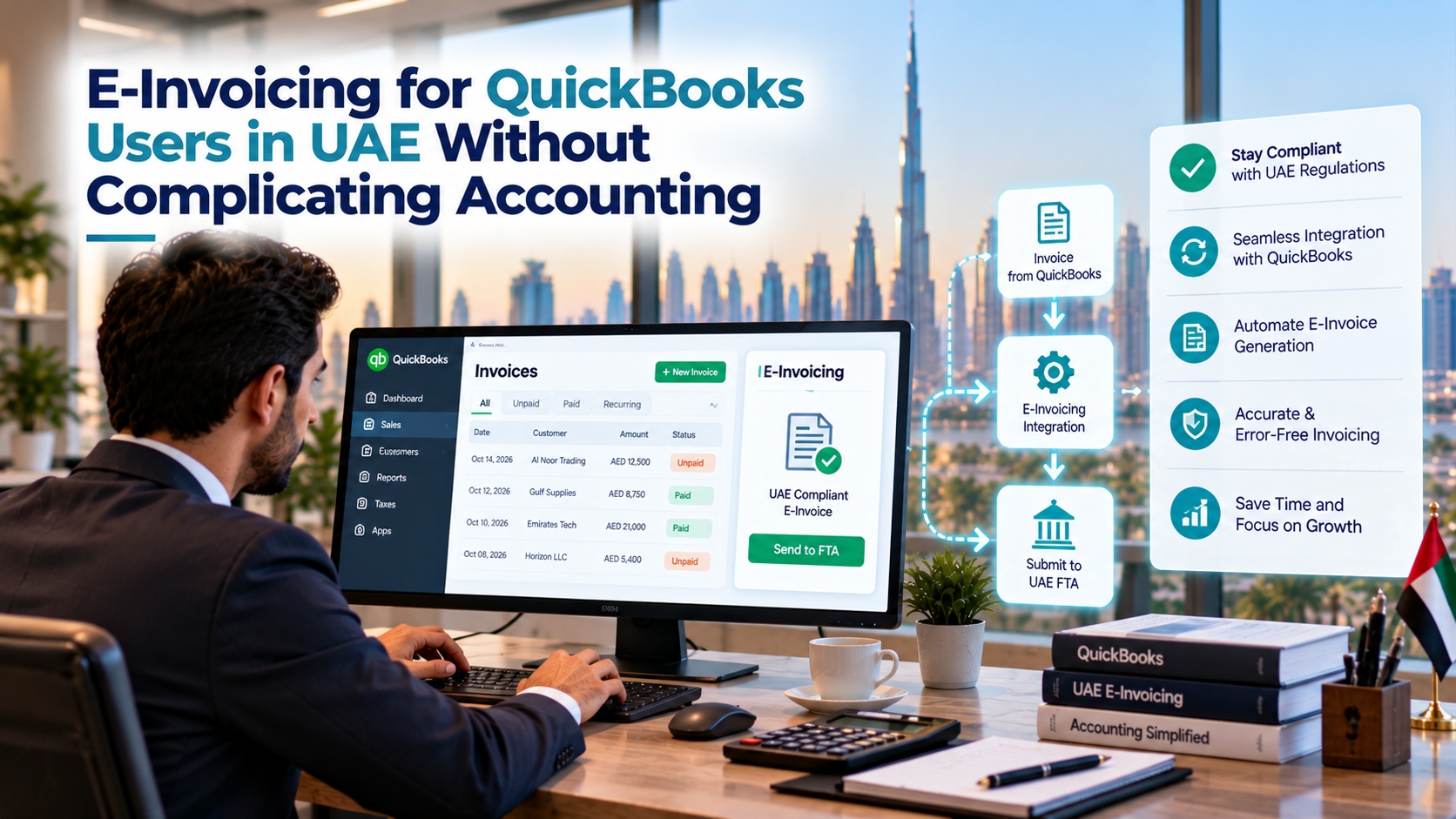
QuickBooks helps businesses manage everyday accounting tasks, from recording sales and tracking expenses to preparing financial reports. For companies operating in the UAE, however, moving towards structured electronic invoicing raises an important question: how can the existing accounting workflow connect with the required e-invoicing process?
The answer depends on how the business uses QuickBooks, how invoice information is stored and which integration options are available. E-invoicing for QuickBooks users in UAE requires businesses to consider more than digital invoice creation. They also need to review data accuracy, electronic transmission, validation and the process for handling unsuccessful invoices.
With the right preparation, businesses can assess their current accounting setup and plan a transition without unnecessarily disrupting routine financial work.
Why QuickBooks Users Need to Review Their Invoicing Process
QuickBooks can help businesses create invoices, maintain customer records and organise accounting information. Yet an invoice generated by accounting software is not automatically a compliant structured electronic invoice.
A PDF sent to a customer by email, for example, is not the same as an invoice exchanged using a required structured digital format. E-invoicing involves preparing invoice data in the applicable format and exchanging it through the relevant process.
For a small business, this distinction matters because invoicing may currently depend on a relatively simple routine. An employee creates an invoice, emails it to the customer and records the transaction in QuickBooks. Under an electronic invoicing workflow, additional steps may be needed to validate the data, transmit the invoice and monitor its processing status.
Understanding these differences early helps businesses identify where their current process may need to change.
Start by Checking Your QuickBooks Setup
Not every business uses QuickBooks in the same way. Some use it mainly for customer invoicing and bookkeeping, while others connect it with payment platforms, inventory tools, e-commerce systems or external applications.
Before selecting an e-invoicing solution, review how your accounting workflow operates today.
Check customer and business information. Make sure names, addresses and required tax identification details are accurate. Incomplete customer records can create problems when invoice information is prepared for electronic processing.
Review VAT settings. Check how tax codes, rates and invoice totals are configured. The treatment of different transactions should be consistent with the business's applicable tax requirements.
Identify invoice fields. List the information recorded on invoices, including dates, invoice numbers, line descriptions, quantities, prices, discounts and tax amounts. Confirm which additional fields may be needed for the applicable e-invoicing format.
Document connected applications. If orders, payments or customer details come from other software, identify where that information originates and how it reaches QuickBooks.
This review helps establish whether the existing setup is ready for integration or whether data cleanup and process changes should happen first.
How QuickBooks Can Fit Into an E-Invoicing Workflow
Consider a UAE-based consulting company that uses QuickBooks to bill customers for monthly services. The finance team prepares an invoice, checks the amount and sends it to the customer.
An integrated e-invoicing workflow may add several stages to this process:
Create the invoice: The user prepares the invoice in QuickBooks using the relevant customer and transaction details.
Transfer the required data: The integration retrieves the invoice information needed for electronic processing.
Map and validate the data: The information is converted into the required structure and checked for missing or inconsistent fields.
Transmit the invoice: The prepared data is sent through the applicable electronic invoicing process.
Review the response: The business checks the processing status and identifies invoices that require attention.
Reconcile the records: Finance staff compare the relevant invoice information with the accounting records maintained in QuickBooks.
The exact design depends on the applicable UAE requirements, the QuickBooks product and configuration in use, and the capabilities of the selected integration solution. Businesses should confirm these details before choosing an implementation approach.
Choose an Integration Method That Fits Your Business
The most suitable approach depends on transaction volume, technical resources and the applications already connected to QuickBooks.
Direct or API-based integration
Where supported, an API-based connection can transfer invoice information between QuickBooks and an e-invoicing solution. Depending on the integration, it may reduce manual data entry and support automated processing.
Before choosing this approach, confirm that the relevant QuickBooks edition and configuration support the required interfaces. Also establish how authentication, field mapping, errors and processing responses will be managed.
Middleware or a third-party connector
A connector or integration layer can help when the business uses multiple applications or needs additional data transformation. It may provide a central point for coordinating information between accounting software and the e-invoicing service.
The business should still assess the connector's compatibility, security, maintenance requirements and ability to handle changes in the invoicing workflow.
Manual or file-based processing
Some solutions may offer file-based data exchange or manual upload options. These can be useful for limited testing or specific controlled workflows, but they may involve extra effort when invoice volumes grow.
Repeated uploads and manual status checks can also increase the risk of missed errors or duplicate processing. Businesses should confirm whether a file-based approach is appropriate for their operational needs and compliance obligations.
What to Look for in a UAE E-Invoicing Solution
A solution should fit the business's accounting workflow and support the requirements that apply to its UAE operations. Before making a decision, consider the following points:
QuickBooks compatibility: Confirm that the solution works with the specific QuickBooks product and setup being used.
Accurate data mapping: Check how customer details, invoice lines, tax information and document references are transferred.
Validation checks: Look for checks that identify missing or inconsistent information before transmission.
Processing visibility: Make sure users can monitor invoice status and identify transactions that need attention.
Error correction: Understand how rejected or unsuccessful invoices are corrected and resubmitted.
Credit notes and adjustments: Check how the workflow handles corrections and related documents where required.
Recordkeeping: Confirm that relevant invoice records and processing history can be retrieved for reconciliation.
Support and maintenance: Establish who will resolve technical issues and manage integration changes.
Businesses can review UAE e-invoicing requirements and available implementation options to understand the broader process before deciding how to connect their accounting software with electronic invoicing.
Test Real Invoices Before Moving to Production
A solution may work correctly with a basic invoice but encounter problems when the business processes different transaction types. Testing should therefore reflect the company's real invoicing activity.
For example, a business could test a standard service invoice, an invoice with a discount, transactions with different VAT treatments and a credit note where applicable. The team should confirm that the information transfers correctly and that validation results are handled as expected.
It is equally important to test what happens when something goes wrong.
Can users identify missing or incorrect invoice information?
Are processing errors communicated clearly?
Can the source data be corrected without creating duplicate records?
Can finance staff reconcile the invoice with the accounting entry?
Is there a clear procedure for unresolved technical issues?
A controlled pilot helps the business address these questions before relying on the integration for regular invoicing.
Prepare Your Team for the New Process
Technology alone cannot ensure a smooth transition. Employees need to understand how their responsibilities may change when invoices move through an electronic processing workflow.
Finance teams should know how to review invoice statuses, correct source data and reconcile records. IT or the designated support team should understand how to monitor integrations and investigate technical failures. Business owners should know who is responsible for resolving outstanding invoices.
A short internal procedure can define who reviews errors, how corrections are approved and how problems are escalated. This is particularly useful for smaller businesses where one employee may handle several accounting responsibilities.
Businesses should also verify the implementation timelines and obligations that apply to them using official UAE guidance. They should not assume that using QuickBooks, or sending invoices digitally, automatically fulfils every applicable e-invoicing requirement.
Make QuickBooks Part of Your E-Invoicing Plan
For QuickBooks users in the UAE, preparation begins with understanding the current accounting workflow. Review customer records, tax settings and invoice fields before comparing integration options. Then test representative transactions and establish a clear process for managing errors and reconciling records.
The goal is not to replace an accounting workflow that already works well. It is to determine how that workflow can connect with the required structured invoicing process while keeping invoice data accurate and giving employees visibility into what happens after an invoice is created.
With careful planning and a compatible solution, businesses can work towards e-invoicing readiness while continuing to use QuickBooks for their everyday accounting needs.




