
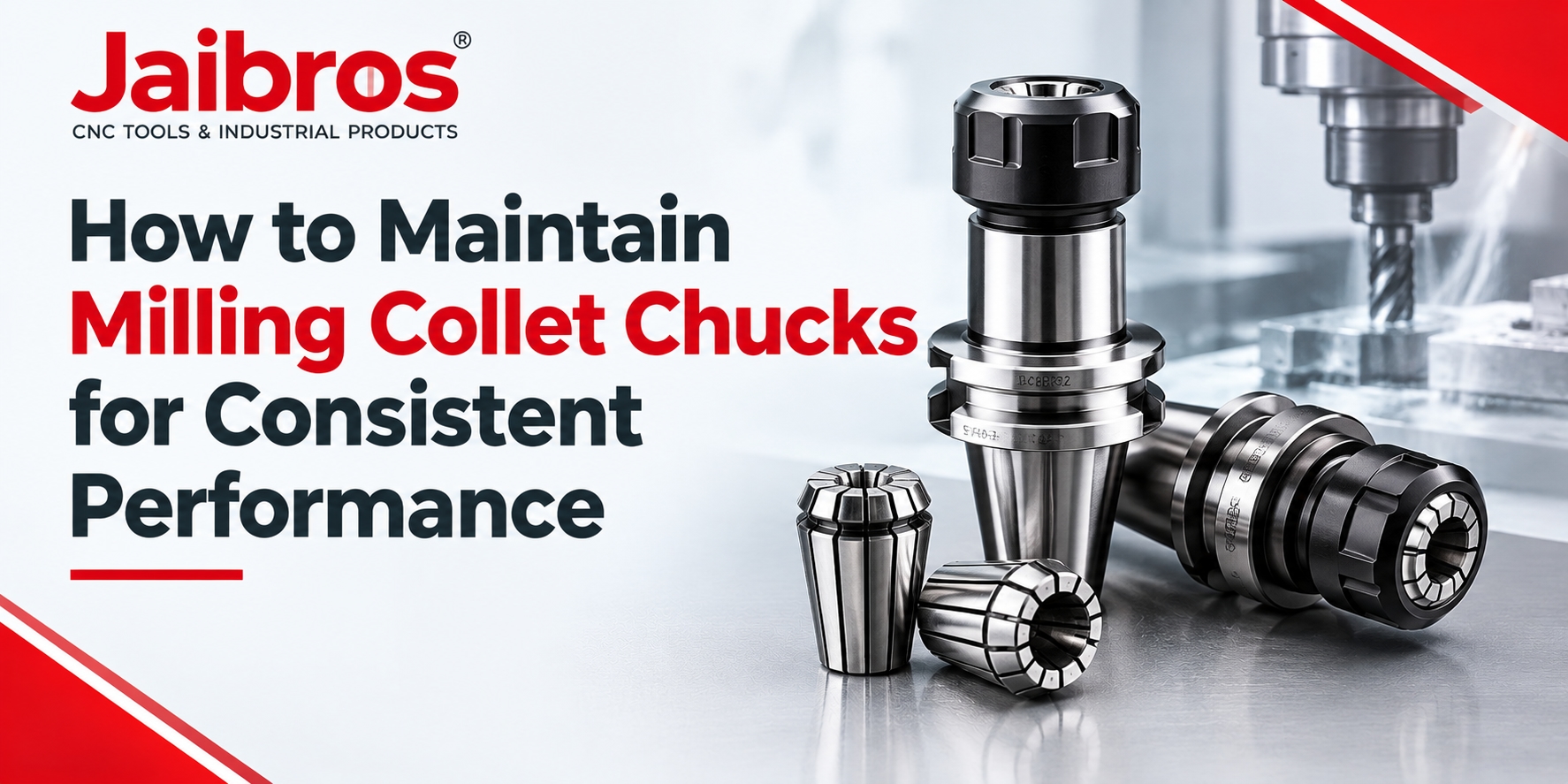
Proper tool maintenance is essential for achieving accurate machining results, reducing tool wear, and maintaining consistent production quality. In milling operations, the condition of the tool holder directly affects cutting stability, surface finish, and machining accuracy. Dust, metal chips, improper clamping, and regular wear can gradually reduce tool-holding performance.
Collet chucks require regular cleaning, inspection, and correct installation to work reliably. A simple maintenance routine can help machinists prevent common problems, reduce unnecessary downtime, and extend the service life of their machining equipment. Understanding these practices is important for workshops that use CNC machines for daily production.
1. Clean the Holder After Every Machining Operation
Metal chips, cutting fluid, and fine dust can collect on the holder during machining. If these contaminants remain on the contact surfaces, they may affect tool alignment and clamping accuracy.
After completing a machining operation, remove the tool and clean the accessible surfaces with a suitable lint-free cloth. Use an appropriate cleaning method to remove chips and residue from the internal bore, taper, and other contact areas.
Avoid using sharp metal objects that could scratch precision surfaces. Always follow the equipment manufacturer's cleaning instructions, and ensure the holder is clean and dry before installation.
2. Inspect the Collet for Wear and Damage
The collet grips the cutting tool and transfers clamping force around its shank. Cracks, worn slots, corrosion, or damaged contact surfaces can weaken the grip and affect machining performance.
Inspect the collet regularly for visible damage and uneven wear. Check whether the slots are clean and whether the component moves correctly within the holder assembly. Replace damaged parts rather than continuing to use them.
Regular inspection is especially important during continuous production, where repeated tool changes and cutting loads can gradually affect component condition.
3. Check the Nut and Clamping Mechanism
The clamping nut plays an important role in securing the cutting tool. Dirt, damaged threads, or incorrect assembly can prevent the system from applying force evenly.
Clean the nut and inspect its threads for damage. Check the manufacturer's instructions for the correct assembly sequence and tightening method. Use the recommended tool and specified torque wherever applicable.
Never force a nut that does not turn smoothly. Excessive tightening can damage components, while insufficient tightening may allow the cutting tool to slip during operation.
4. Select the Correct Tool Size and Holder Type
Using a compatible holder and collet is essential for reliable machining. The clamping range, tool shank diameter, holder interface, and machine spindle must match the application requirements.
For example, ER collet chucks are commonly used for holding cutting tools in milling and other machining operations. Selecting the correct ER series and matching collet size helps provide proper tool engagement.
Straight shank collet chucks may be suitable for particular machine setups, depending on their design and the required interface. Always verify compatibility with the machine and cutting tool before installation.
Incorrect combinations can cause poor clamping, increased runout, vibration, or tool damage.
5. Check Runout and Tool Alignment
Runout occurs when a rotating tool does not follow its intended rotational axis accurately. Excessive runout can lead to uneven cutting forces, poor surface finish, premature tool wear, and reduced dimensional accuracy.
Use a suitable measuring instrument, such as a dial indicator, to check runout when required. Follow the machine and tool-holder manufacturer's recommended measurement procedure.
If the reading is outside the permitted tolerance, inspect the cutting tool, collet, holder, spindle interface, and contact surfaces. Clean and reseat the components before measuring again. Replace damaged parts when necessary instead of trying to correct the problem through excessive tightening.
6. Follow Correct Storage and Handling Practices
Improper storage can cause scratches, corrosion, and accidental damage to precision components. After cleaning, store holders and collets in a dry, organised location where they cannot collide with other tools.
Use suitable protective cases or racks to prevent damage to contact surfaces. Keep different sizes clearly identified to reduce selection mistakes during tool changes.
Handle components carefully when installing or removing them. Dropping a holder or striking it against a hard surface may damage its precision features even when the damage is not immediately visible.
7. Create a Regular Maintenance Schedule
A planned maintenance routine helps workshops identify problems before they interrupt production. The inspection frequency should depend on machining intensity, operating conditions, and the manufacturer's recommendations.
A practical schedule may include the following checks:
After use: Remove chips and cutting-fluid residue.
Before installation: Inspect contact surfaces and check for visible damage.
At regular intervals: Examine threads, clamping components, and signs of wear.
When accuracy changes: Measure runout and inspect the complete tool-holding assembly.
During scheduled maintenance: Record inspection results and replace worn components when required.
Consistent records make it easier to identify recurring issues and improve maintenance planning.
8. Avoid Common Maintenance Mistakes
Several mistakes can reduce the performance and service life of a tool holder. These include using the wrong collet size, tightening components excessively, ignoring visible damage, and installing parts without cleaning their contact surfaces.
Another common mistake is continuing production when vibration or poor surface finish appears. These symptoms may indicate problems with tool condition, clamping, machine setup, or cutting parameters.
Stop the machine when an unsafe condition is suspected, inspect the setup, and correct the underlying cause before resuming work. Good maintenance should always follow approved operating procedures.
Conclusion
Maintaining milling tool holders requires regular cleaning, careful inspection, correct assembly, and proper storage. These practices help reduce runout, support stable cutting, improve surface finish, and prevent avoidable production interruptions.
A consistent inspection routine also helps machinists identify worn components before they affect machining quality. By following manufacturer recommendations and checking the complete tool-holding setup, workshops can maintain reliable performance and make better use of their CNC tools. For reliable machining performance, explore Jaibros, a destination for CNC tools, industrial products, and machining accessories. Find suitable tooling solutions for your workshop and choose products that meet your machining requirements.
Frequently Asked Questions
1. How often should milling collet chucks be cleaned?
Clean the holder and its contact surfaces after use or whenever chips, dust, or cutting-fluid residue are present. Inspect the assembly before each installation, particularly in demanding production environments. The required cleaning frequency depends on operating conditions and the manufacturer's instructions. Regular cleaning helps prevent contamination from affecting tool alignment and clamping performance.
2. What causes vibration during milling operations?
Vibration can result from excessive tool overhang, incorrect clamping, worn components, poor tool balance, unsuitable cutting parameters, or inadequate workpiece support. Begin by checking the cutting tool and holder for contamination or damage. Then verify tool seating, spindle condition, and machining settings. Correcting the actual cause is more effective than simply tightening the assembly further.
3. How can I identify a worn collet?
Look for cracks, damaged slots, corrosion, uneven wear, or surfaces that no longer grip the tool correctly. Poor clamping, unusual vibration, and increased runout may also indicate a problem. Visual inspection alone may not reveal every defect, so follow the manufacturer's inspection procedure. Replace damaged components promptly to maintain safe and consistent machining performance.
4. What is the difference between ER collet chucks and straight shank collet chucks?
These terms describe different aspects of tool-holding design. ER systems use a standardised collet arrangement to grip a cutting tool, while a straight-shank design describes a cylindrical shank interface used in a compatible machine or holder setup. Selection depends on the spindle or holder interface, tool dimensions, required accuracy, and the machining application.
5. How can I extend the service life of CNC tool holders?
Clean components regularly, inspect them for wear, use compatible collets and cutting tools, and follow the specified tightening procedure. Store precision parts in a dry location and protect them from impacts. Check runout when machining accuracy changes, and replace damaged components rather than continuing to use them. A documented preventive maintenance schedule can help reduce unexpected downtime.







