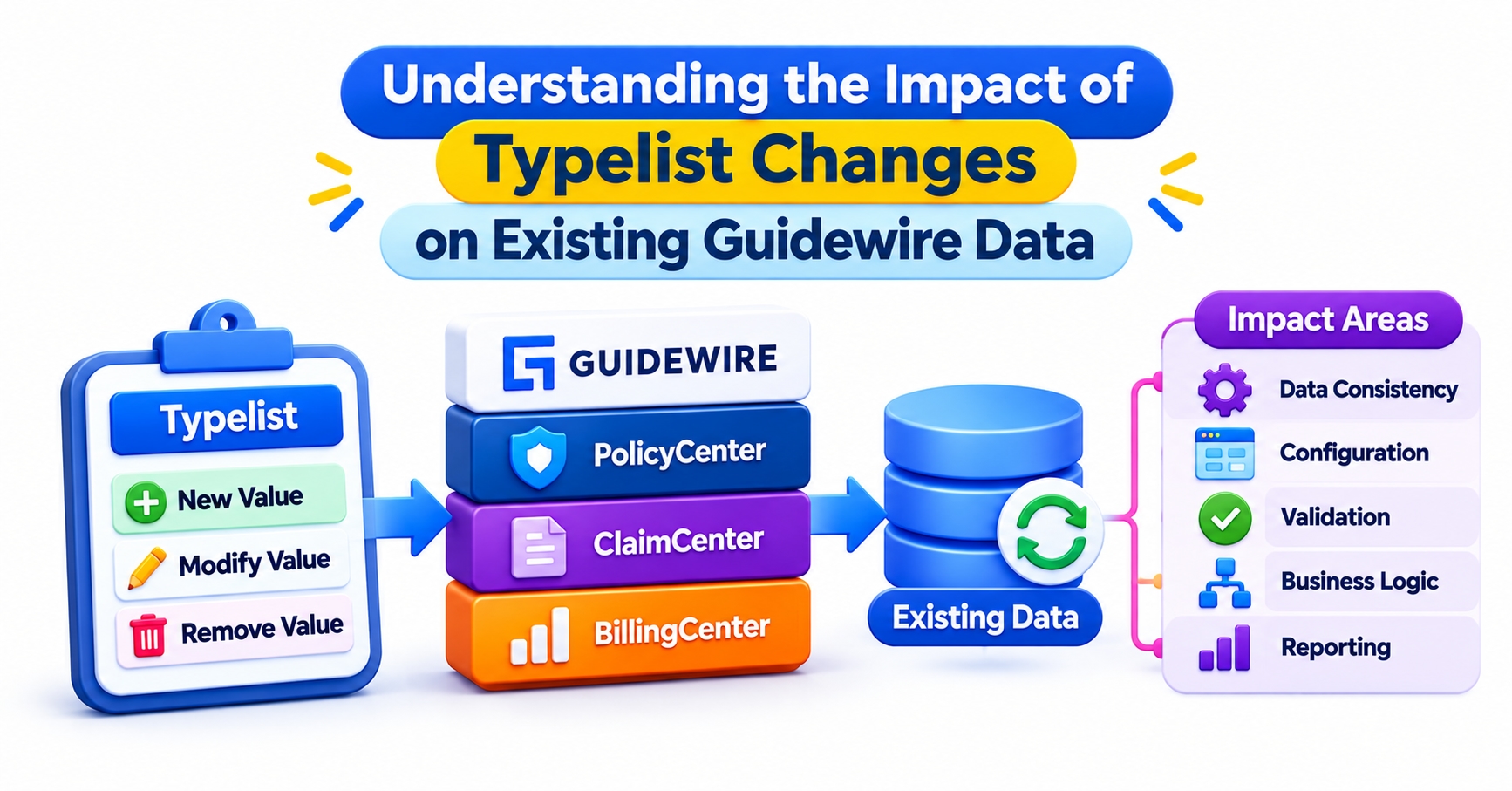
A typelist edit takes about two minutes in Studio. Dealing with what it did to existing policies and claims can take weeks. Guidewire typelist changes look small, yet each typecode may already sit on thousands of stored records, inside rules, and in messages sent to systems you do not control, a lesson that often arrives late even for people who completed Guidewire training in Hyderabad.
Here is what really happens to existing data when a typelist changes, and how to make those changes without breaking anything.
How Guidewire Typelist Changes Reach Records Already in the Database
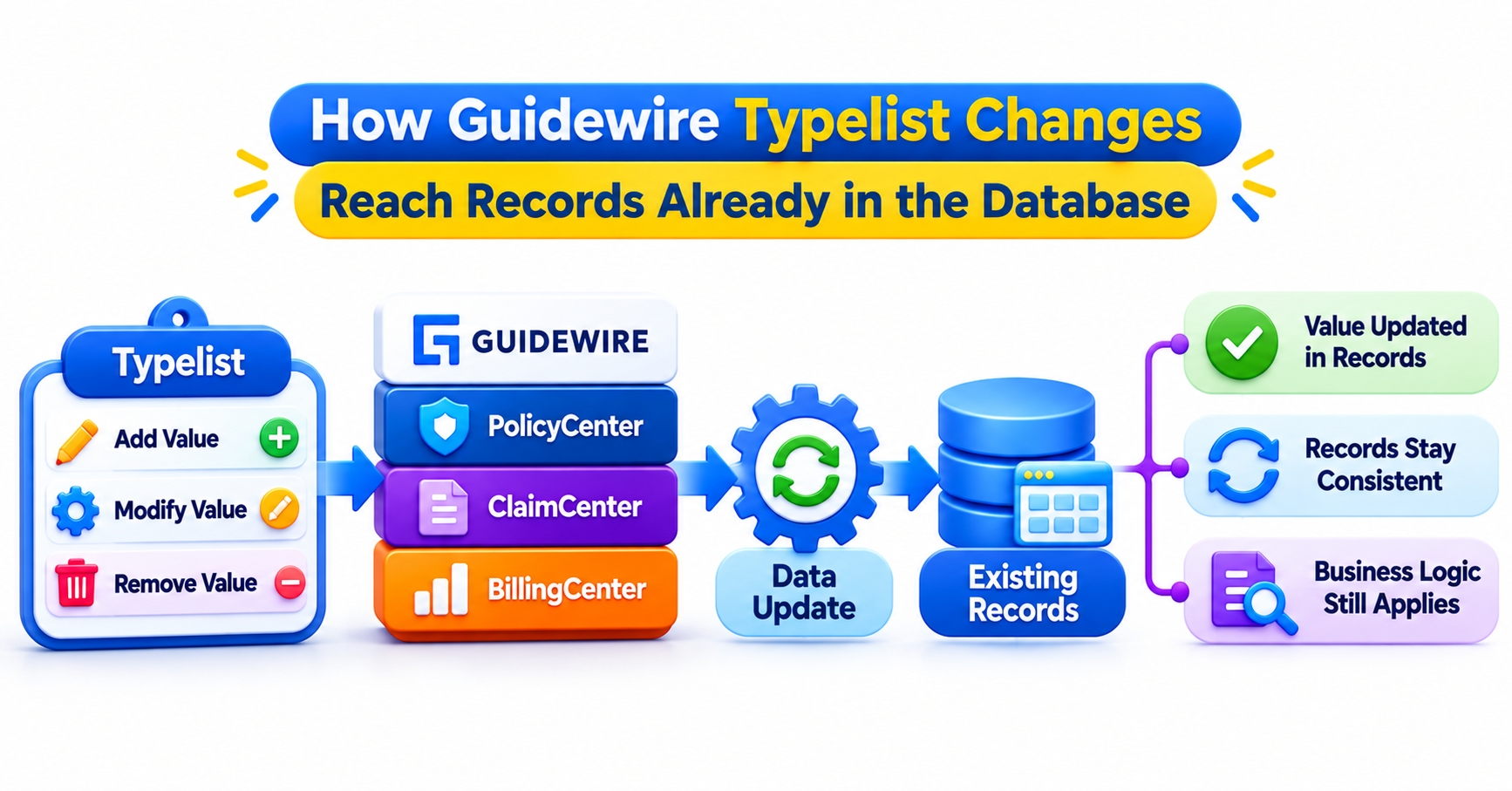
A typelist is a controlled list of allowed values for a field, such as policy status, loss cause, or contact type. Each value is called a typecode. When a user picks one from a dropdown, the application stores that choice on the record.
What gets stored matters more than most people realize. A typekey column on a policy or claim holds a reference to a row in the typelist’s own table, and that row carries the typecode string, the display name, and a retired flag. The label on screen is looked up at display time. The record itself only knows which typecode it points to.
That design explains why some changes feel free and others do not. Changing the display text of a typecode touches nothing in your data, because every record simply shows the new label the next time it loads. Changing the typecode itself is a different act, since the typecode is the identity that records, rules, and integrations all point to.
It helps to think of a typelist change as happening on three layers:
Identity: the typecode string, and whether it exists at all
Presentation: the display name, description, and ordering
Behavior: the categories and filters that decide where a typecode appears and how code treats it
Most production incidents come from a change that looked like it belonged to the presentation layer but quietly shifted behavior or identity.
Typelist definitions are part of the application’s configuration, so they travel with a release rather than being edited in the live database. When a new build starts against an existing database, the typelist tables are brought in line with the definitions during the upgrade. Existing rows are not rewritten to match your intent. They keep pointing at whatever typecode they pointed at before, which is exactly why a removed or renamed typecode can leave records stranded.
Consider a hypothetical example. A team decides a body-type typecode should read “Sport Utility” instead of “SUV”. If they change only the display name, thousands of existing policies show the new label and nothing else happens. If they also change the typecode string, the old typecode disappears from the definition while those policies still reference it. The intention is identical; the outcome is not.
Adding a Typecode: Safer Than Most Changes, but Not Risk-Free
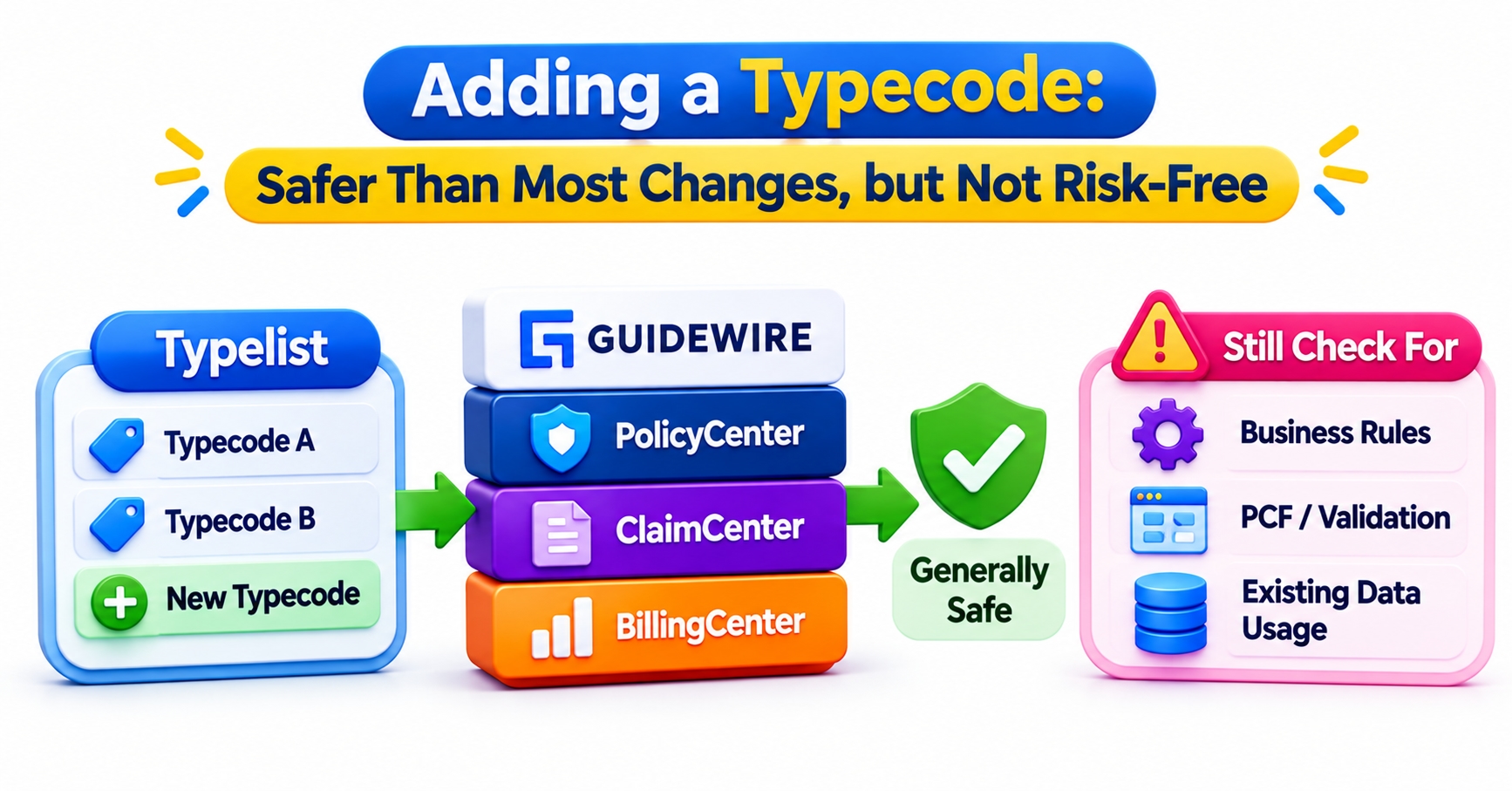
Adding a typecode is the gentlest change you can make, because no existing record points at something new. Policies and claims already in the system are untouched. That is also the first thing people misunderstand: adding a value does not move any old data onto it.
Suppose a claims team adds a more specific cause of loss, such as a burst pipe, to separate it from a general water damage typecode. Every claim filed before the release stays on the general value. Reports that compare water losses across the release date will show a split that has nothing to do with real claim behavior. Someone has to decide whether historical claims should be reclassified, and if so, how, because Guidewire will not guess.
The most common mistake with a new typecode is forgetting its categories. Many dropdowns are driven by typefilters, which pull in typecodes belonging to a particular category. A typecode that exists but belongs to no relevant category is valid in the database and invisible in the screen where users need it. The ticket then comes back as “the new value is missing”, and the fix is a second release.
New values also test every place that assumed the old list was complete:
Gosu code that uses a switch or if-else chain with no default branch
Validation in integrations that reject any value they do not recognize
Reports and extracts that bucket values with a hard-coded list
Data conversion mappings written against the previous typecodes
For custom values on base typelists, teams commonly follow a naming convention that marks them as extensions, with an _Ext suffix on the typecode. Check what your version and hosting model require. The convention keeps your values clearly separate from those Guidewire ships, which matters when an upgrade introduces a base typecode with a name close to yours.
A good habit is to ask one question before merging any new typecode: which consumers will see a value they have never seen before? Listing them takes ten minutes and usually finds one that would have failed quietly.
Retiring Versus Deleting: Where Existing Data Gets Tested
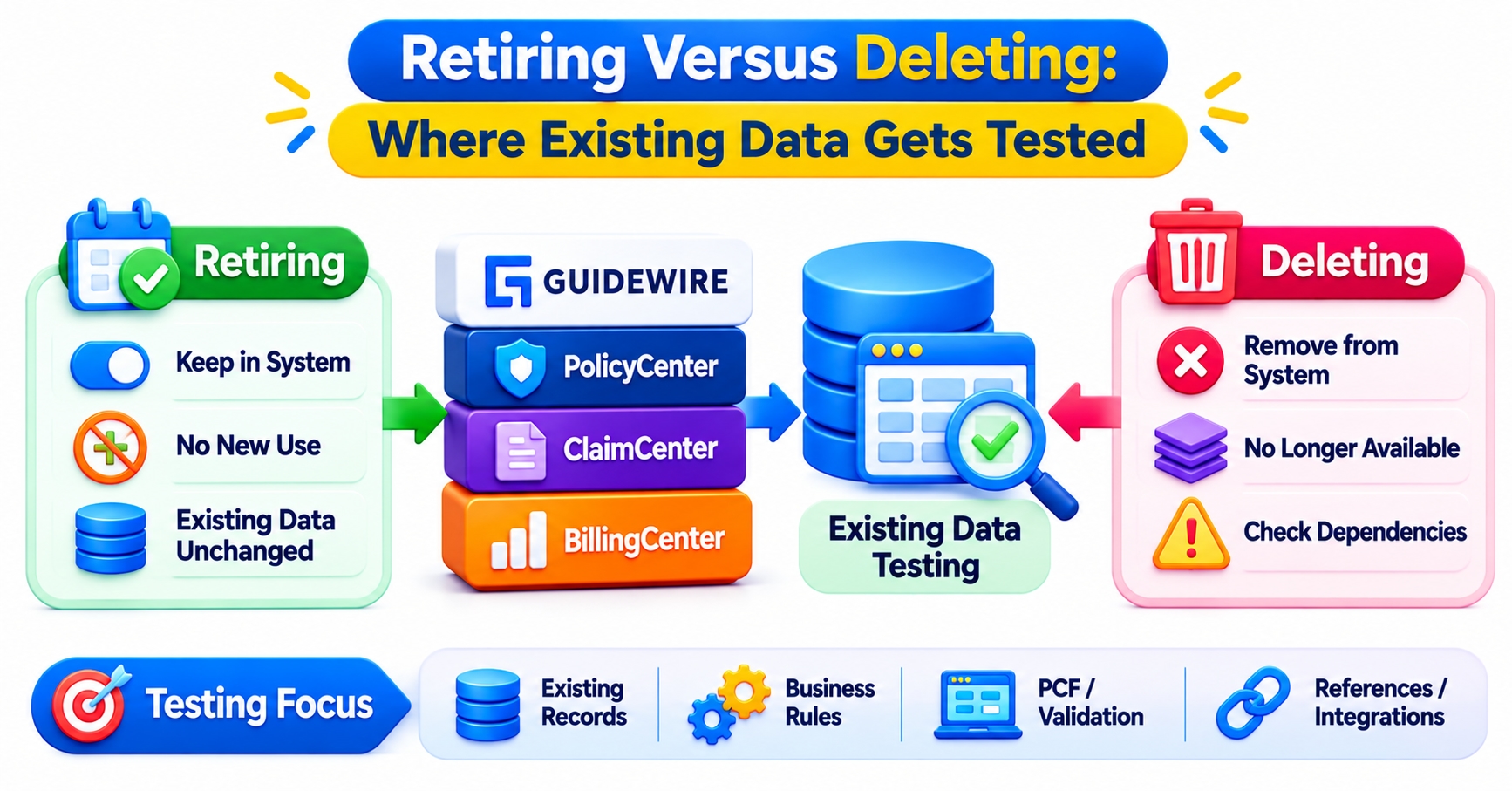
If a value should no longer be chosen, retire it. Do not delete it. The distinction sounds like semantics, but it decides whether your historical data stays intact.
A retired typecode remains in the typelist table, flagged as retired. It stops being offered for new selections, yet every record that already uses it keeps pointing at a row that still exists. Reports still resolve it to a label, and Gosu code that refers to the typecode constant still compiles. Retirement is how you say “no new use” without rewriting history.
Deleting a typecode removes its definition. Any record that references it now points at nothing, and any Gosu, rule, or PCF file that mentions the constant fails to compile. The platform’s upgrade checks are designed to resist this, and that resistance is a feature. When a delete does go through after the data has been migrated, it is only because someone first proved that no references remain.
That proof is harder than it sounds. A single typelist can be used by many entities and columns, including custom extension columns added by your own team. Checking one table and finding it clean is not evidence. You need to search every column that uses that typelist, across core entities, extensions, and any archived or staging data your organization keeps.
A sensible path when a value truly has to disappear:
Retire the typecode and release that change first.
Decide what historical records should map to, if anything.
Run the data update through an approved migration process, not an ad hoc SQL script.
Confirm zero remaining references.
Only then consider deleting, and ask honestly whether you need to.
Many mature programs never delete. A retired typecode costs almost nothing to keep, while a deleted one can cost a production incident. Also test how a retired value behaves when someone edits an old record that still carries it. The behavior depends on the field and the version, and users should not discover it first.
Renames, Category Moves, and Reordering: The Quiet Breakers
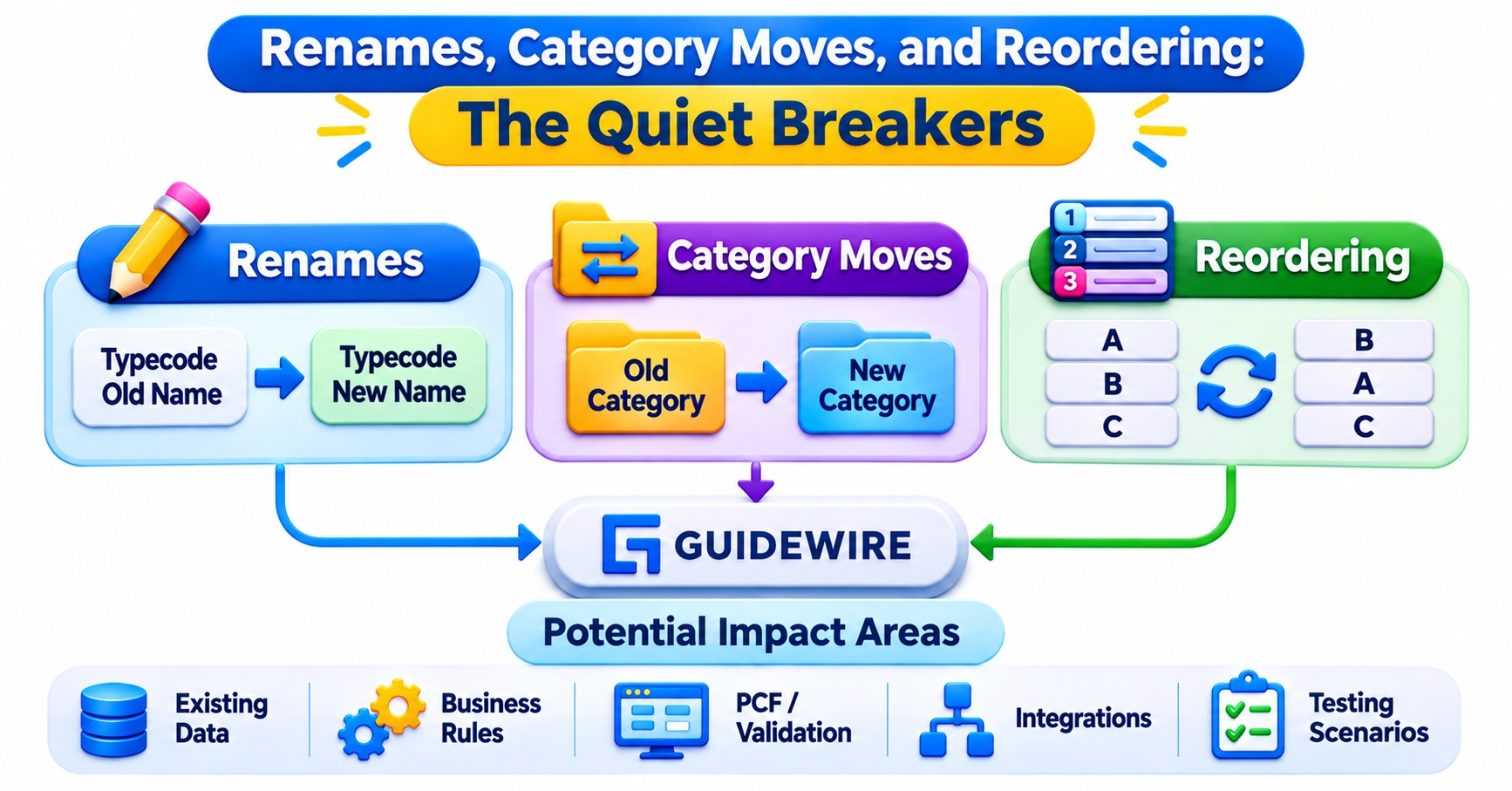
Some typelist edits do not look dangerous, and that is what makes them dangerous.
Renaming a typecode string is not a rename from the system’s point of view. The old identity is gone and a new one has appeared, so it behaves like a delete followed by an add. Records stay attached to the old value or get blocked by upgrade checks, depending on the situation. If the goal is simply nicer wording, change the display name and leave the typecode alone.
Even display-name changes can bite. Gosu that compares a typecode’s display name against a string, instead of comparing the typecode itself, will stop matching after a wording tweak. Localized environments add another wrinkle, since each language carries its own label. Compare typecodes, never labels.
Category changes are subtler still. Categories decide which filters include a typecode, and Gosu can ask whether a typecode belongs to a category. Moving a typecode from one category to another produces no compile error and no data change. It only changes behavior going forward.
Here is a hypothetical case. A claims rule routes any loss whose cause belongs to a weather category to a catastrophe team. Someone moves one typecode out of that category because it reads better elsewhere. New claims with that cause now route differently. Claims filed last month stay where they were assigned. Nothing failed, so nobody notices until two similar claims have been handled by two different teams.
Ordering has similar side effects. Typecode priority controls how values appear in dropdowns and can influence any code that sorts or picks the first match. Inserting a value at the top of a list can change the default a user sees without anyone intending it.
The rule of thumb: a change that produces no error is not the same as a change that produced no effect. Search for category checks, display-name comparisons, and sort assumptions before touching any of these.
The Systems Outside Guidewire That Quietly Depend on Your Typecodes
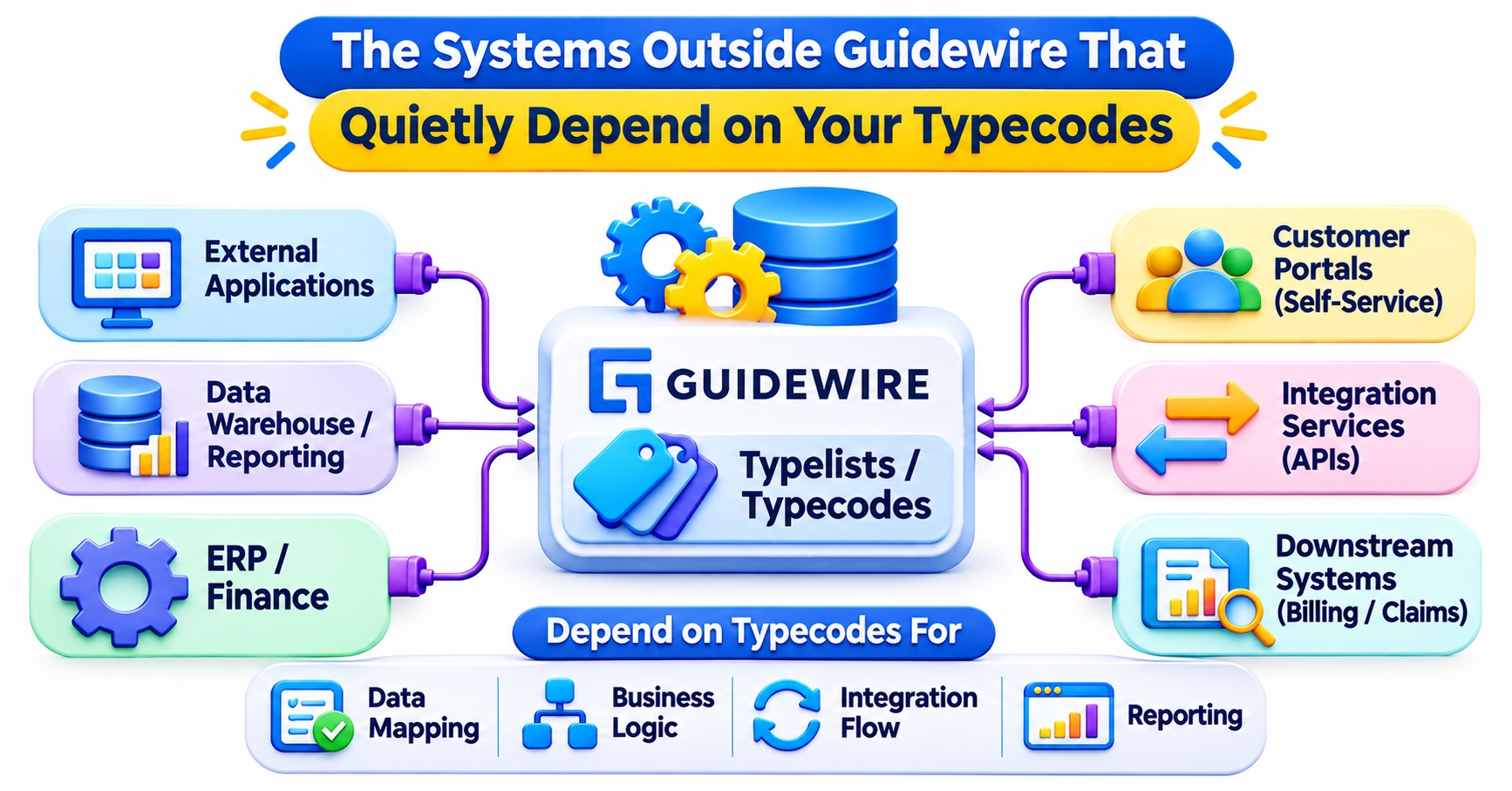
Typecode strings leave the application constantly. They appear in web service payloads, outbound messages, data feeds to analytics platforms, document templates, and files exchanged with partners. Once a typecode crosses that boundary, it becomes a contract you do not fully control.
A downstream billing or finance system may validate against its own copy of the value list. An analytics team may have a dashboard built on a CASE statement listing every typecode they knew about last year. A new value then lands in an “Other” bucket, or an old one disappears from a trend line, and the numbers stop agreeing with the source system without any error to point at.
Data conversion and migration scripts add another dependency. Mapping tables written against typecodes can fail when a value changes, and they tend to be maintained by people who are not in the release meeting.
One environment trap deserves its own warning. The numeric identifiers behind typecodes are internal and can differ between environments, so a query or script that hard-codes an ID might work in test and return the wrong rows in production. Join to the typelist table and match on the typecode string instead.
Before any typelist release, build a short consumer inventory:
Which APIs and messages carry this typelist?
Which reports, extracts, or warehouse jobs filter or group on it?
Which partners or vendors receive these values?
Which conversion or mapping files reference it?
Business analysts are often best placed to run this inventory, since they already trace requirements across screens, rules, and integrations. Learners building that skill through Guidewire business analyst training practice exactly this kind of impact tracing, and it pays off the first time a “small” configuration change touches five teams.
A Change Workflow That Protects Existing Data
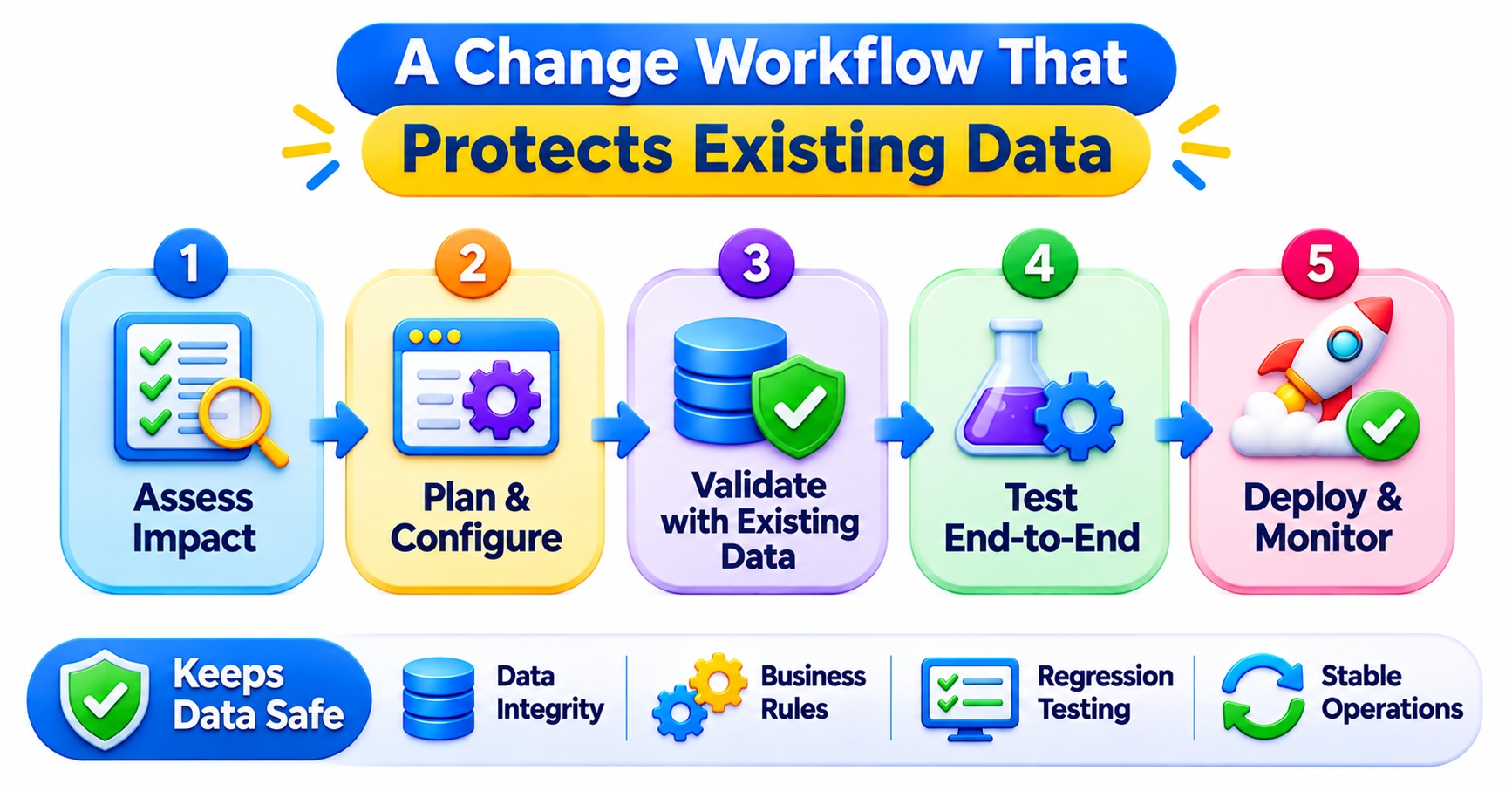
Safe typelist changes come from a repeatable routine rather than from caution alone. The routine below works for most teams, whatever their release cadence.
Start with the intent. Write down whether the change affects identity, presentation, or behavior, and whether any existing record needs to change as a result. This one sentence prevents most confusion later.
Then measure the footprint. Search the codebase for the typecode constants, the category checks, and any display-name comparisons. Query the database for how many records use the value today, including extension columns. Add the consumer inventory from the previous step.
Finally, rehearse before release:
Apply the change to a production-like copy of the data, not a thin test set
Run the database upgrade against that copy and review any warnings
Test creation, editing, and search for records that carry old, retired, and new values
Check key integrations and reports with realistic payloads
Prepare the data migration, if one is needed, as a reviewed and repeatable script
Plan the rollback honestly. Once users start saving records with a new typecode, reverting the definition is not a clean undo, because those records now depend on the value you are removing. For that reason, the careful sequence of add, migrate, retire, and only later remove usually beats a single big-bang change.
Practicing change-impact checks on a sandbox is a habit worth building, whether you are learning at JastTech or on a live project. Teams that treat a typelist like a shared contract instead of a private dropdown rarely get surprised by it.
Guidewire typelist changes are easy to make and slow to undo. Understanding how typecodes live in stored records, rules, and integrations is what separates a clean release from a long cleanup. Change the label freely, retire before you delete, and always ask who else is reading the value.