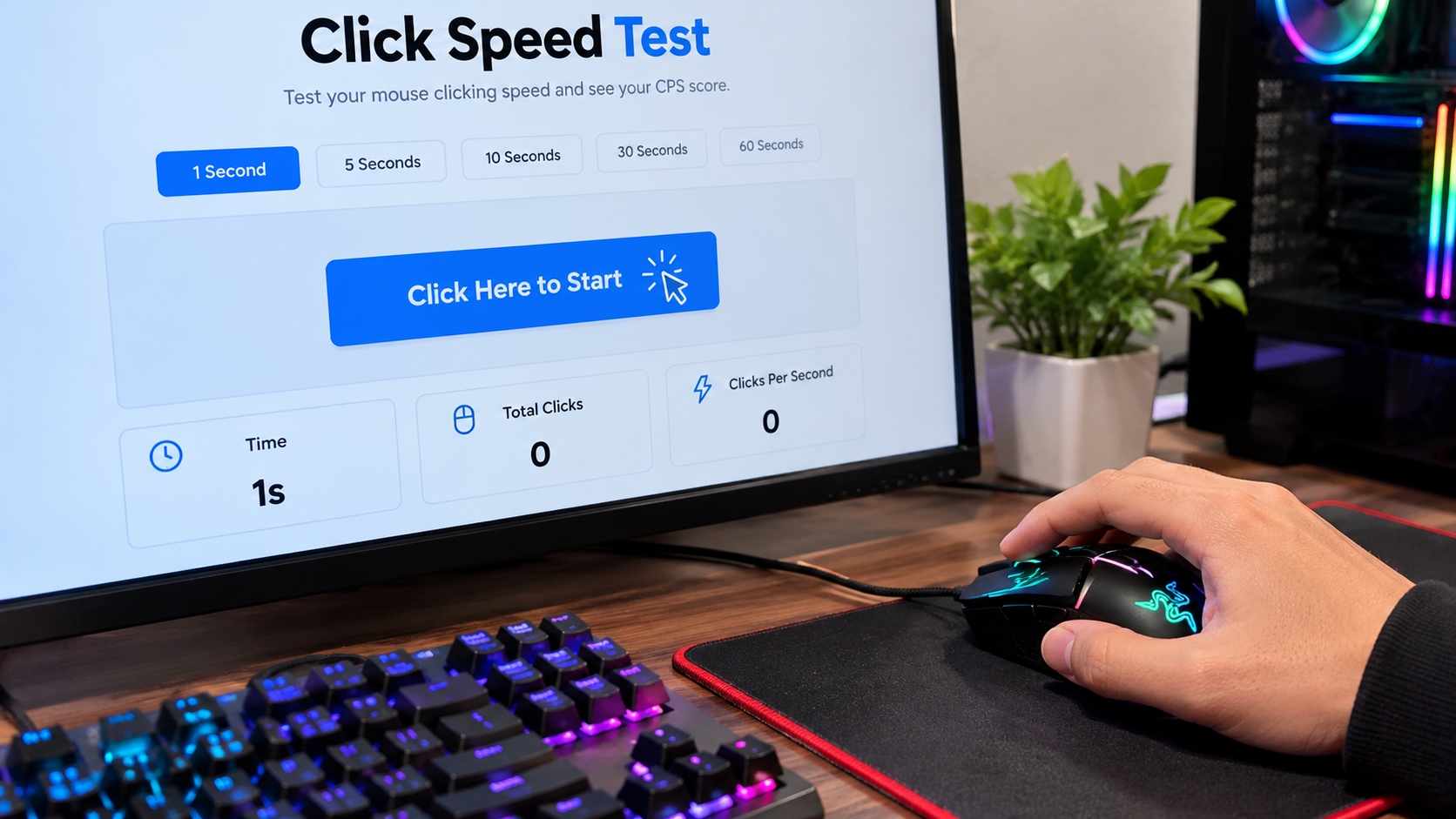
Have you ever wondered how fast you can click a mouse button? Whether you enjoy online games or simply want to challenge yourself, measuring your clicking speed can be a fun way to test your skills. You only need a mouse, a few seconds, and a simple online tool to get started.
A click speed test measures how many times you can click your mouse within a set time. The result helps you understand your clicking pace, compare different attempts, and track your progress. With regular practice, you can learn to click more consistently without putting too much pressure on your fingers.
What Is a Click Speed Test?
A click speed test is an online tool that counts your mouse clicks during a selected time limit. When the timer ends, the tool displays your result as clicks per second (CPS).
For example, if you make 50 clicks in 10 seconds, your score is 5 CPS. A higher score means you made more clicks per second during that attempt.
These tests are popular among gamers who want to practice rapid clicking. They are also useful for beginners who want to measure their mouse speed and compare their results over time. You do not need special equipment or advanced computer skills to get started.
How to Take a Clicking Test
Taking a clicking test is simple. Follow these steps to measure your speed and understand your results.
Step 1: Choose Your Test Duration
Open the Click Speed Test and choose a time limit if the tool provides different options. Beginners can start with a 5-second or 10-second challenge.
A shorter test measures a quick burst of clicking, while a longer test gives you more time to maintain a steady rhythm.
Step 2: Get Comfortable
Place your mouse on a flat surface and hold it naturally. Make sure the buttons work correctly and your hand feels relaxed before starting.
You do not need an expensive gaming mouse. An ordinary mouse that registers clicks properly is enough for most tests.
Step 3: Start Clicking
Click the start button and begin clicking as quickly as you comfortably can. Continue until the timer ends.
Try to maintain a steady rhythm instead of rushing so much that you lose control. The goal is to measure your actual performance, not just make random movements.
Step 4: Check Your Results
After the timer ends, look at your total clicks and CPS score. Some tools also display the test duration and your best result.
Write down your score if you want to compare it with future attempts. Repeating the same test can help you understand how consistent your clicking speed is.
How to Calculate Clicks Per Second
Understanding clicks per second is easy once you know the formula.
CPS = Total clicks ÷ Test duration in seconds
For example, suppose you make 70 clicks during a 10-second test. Divide 70 by 10, and your result is 7 CPS.
Here are a few examples:
20 clicks in 5 seconds = 4 CPS
40 clicks in 10 seconds = 4 CPS
80 clicks in 10 seconds = 8 CPS
These examples show how the calculation works, rather than defining a standard score for every player.
If you take several attempts, calculate the average of your scores. For example, results of 6, 7, and 8 CPS give you an average of 7 CPS. This can be more useful than judging your ability from one unusually good attempt.
What Is a Good CPS Score?
There is no single score that is perfect for everyone. Your result depends on your clicking technique, test duration, comfort, and how consistently your mouse registers clicks.
If you are a beginner, focus on learning the test and building a steady rhythm. Once you feel comfortable, try to improve your own previous results.
Instead of comparing yourself with every other player, use the same test duration each time and record several attempts. This gives you a clearer picture of your progress.
Remember that a high score does not automatically mean someone is a better gamer. Gaming also involves accuracy, timing, decision-making, and other skills that a simple clicking test cannot measure.
How to Improve Your Clicking Speed
Getting better takes practice, but you do not need to spend hours clicking every day. A few simple habits can help you improve your consistency.
Practice regularly: Take a few short tests and record your scores. Use the same duration when comparing results so the comparison stays fair.
Keep your hand relaxed: Avoid gripping your mouse too tightly. A comfortable hand position can help you maintain control during repeated clicks.
Find your rhythm: Clicking as fast as possible may lead to missed clicks. Experiment with a steady pace that feels natural and allows you to maintain control.
Use a reliable mouse: Make sure your mouse registers clicks correctly. A gaming mouse may offer different features, but it does not guarantee a higher score.
Take breaks: Repeated clicking can make your fingers and wrist tired. Rest between sessions and stop if you experience pain or discomfort.
The most useful goal is to improve gradually while staying comfortable. Consistency matters more than chasing a personal record every time.
Why Does Your CPS Score Change?
It is normal for your score to vary between attempts. You may click faster during one round and slower during another because of fatigue, rhythm, or concentration.
Your equipment can also make a difference if the mouse does not register clicks consistently. Changes in test duration can affect your results, too.
To make fair comparisons, use the same mouse, test duration, and testing conditions whenever possible. Complete several attempts before deciding whether your performance has improved.
Frequently Asked Questions
Can I take a CPS test on a laptop?
Yes. You can use a compatible mouse with your laptop. Some tools may also support a touchpad, although touchpad results may differ from mouse results.
Do I need a gaming mouse?
No. A regular mouse that works correctly is enough. Comfort and reliable click registration are more important than buying expensive equipment just for a test.
Is clicking speed the same as reaction time?
No. Clicking speed measures repeated clicks over time, while reaction time measures how quickly you respond to a stimulus. They are different skills.
How often should I practice?
Start with short sessions and take breaks between attempts. There is no need to practice continuously. Stop if your hand or wrist becomes uncomfortable.
Conclusion
A CPS test gives you a simple way to measure your mouse clicking speed and follow your progress. By choosing a suitable time limit, learning how your score is calculated, and practicing with a comfortable technique, you can better understand your results.
Start with a short challenge, record your score, and try again when you are ready. Focus on steady improvement, stay relaxed, and enjoy the challenge.