
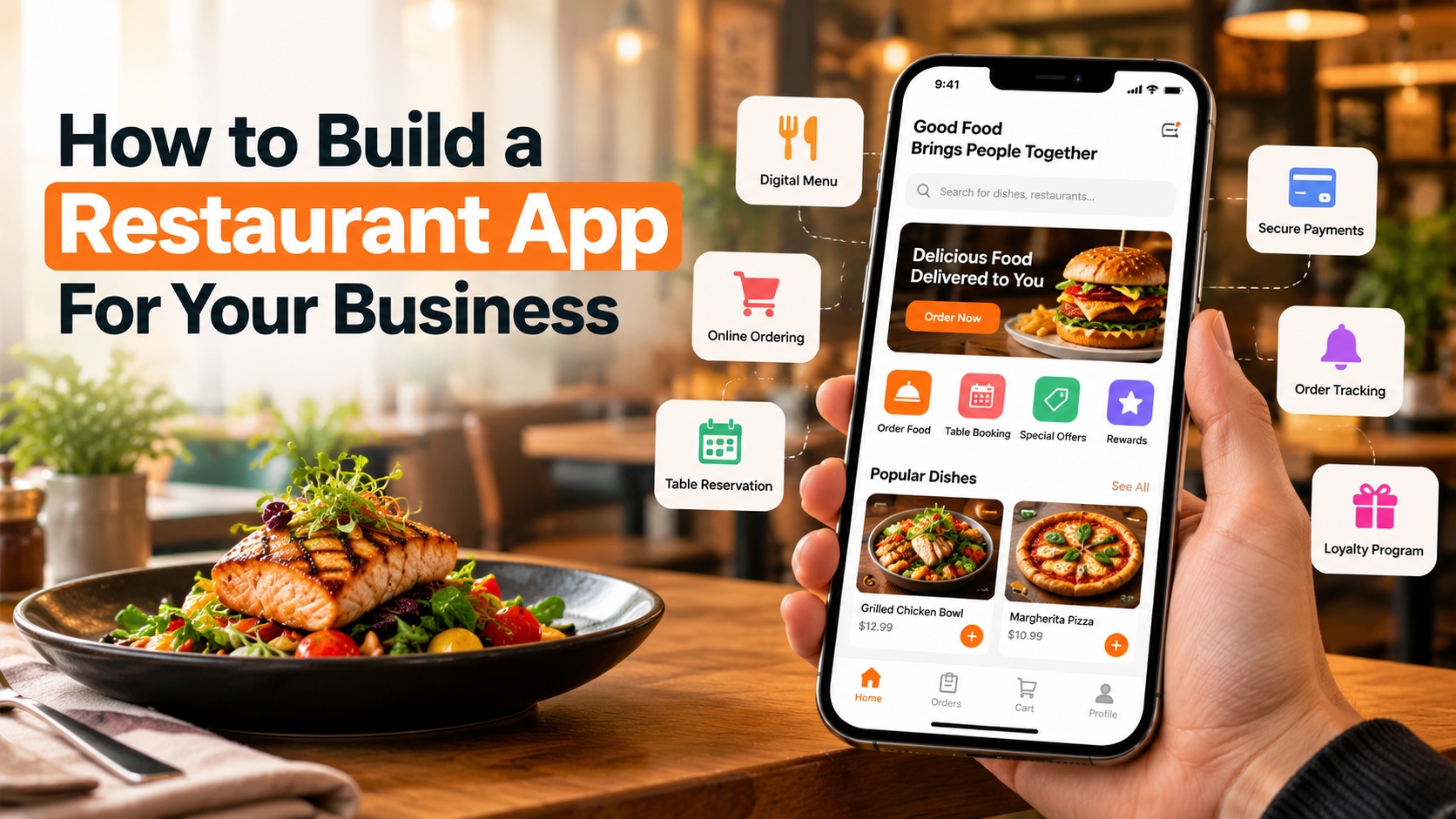
People now use their smartphones for almost everything, including finding restaurants and checking menus,
However, building an app is not just about adding a menu and an order button. You need to understand your customers, choose the right features, set a budget, and plan how the app will support your business.
In this guide, we will explain how to build a restaurant app step by step, which features you should consider, and what to keep in mind before launching it.
1. Define Your Restaurant App Idea
Before starting development, decide what you want your app to do. The right app depends on your restaurant type, target customers, and business goals.
For example, a small café may need a simple app for online orders and loyalty rewards. A family restaurant may benefit more from table reservations, digital menus, and takeaway orders. A restaurant chain may need additional features to manage multiple locations.
Start by answering these questions:
Do you want to offer online food ordering?
Will customers be able to book tables?
Do you want to provide takeaway and delivery options?
Will your app support one restaurant or several locations?
Do you want to reward regular customers with points or discounts?
Having clear answers will help you avoid unnecessary features and focus on what your customers actually need.
2. Research Your Target Customers and Competitors
Once your idea is clear, learn more about your target customers. Understand how they order food, what payment methods they prefer, and what problems they face when using restaurant apps.
You should also review apps from competing restaurants. Look at their menus, checkout process, delivery options, customer reviews, and loyalty programs. Pay attention to the complaints customers share. For example, customers may dislike complicated registration, unclear delivery charges, or limited payment options.
This research can help you identify features that will make your app more useful.
Do not copy every feature you see in competing apps. Instead, choose the features that match your business goals and give customers a better experience.
3. Choose the Essential Features
The features you include will affect the development cost, timeline, and customer experience. Start with the basics and add advanced options when your business needs them.
Digital Menu
A digital menu lets customers browse food items, view prices, read descriptions, and check available options. Use clear photos and provide useful details about ingredients, portion sizes, and dietary requirements.
Online Food Ordering
Customers should be able to select items, customize their orders, add special instructions, and review their cart before checkout. Keep the ordering process simple so customers can place an order without unnecessary steps.
Online Payments
Offer secure payment options that suit your target market. Depending on your business location, these may include cards, digital wallets, and other supported payment methods. Make the final price clear before customers confirm their orders.
Table Reservations
If your restaurant offers dine-in services, a reservation feature can help customers book a table without calling. Let them choose a date, time, and party size, and provide confirmation after booking.
Order Tracking and Notifications
Customers appreciate updates about their orders. Notifications can tell them when an order is confirmed, being prepared, or ready for pickup. Delivery tracking may also be useful if you manage your own delivery service.
Loyalty Programs and Special Offers
Reward regular customers with points, discounts, birthday offers, or exclusive deals. A well-planned loyalty program can encourage repeat orders without relying on discounts for every customer.
Customer Feedback
Allow customers to share ratings and feedback. This can help you understand what is working and identify areas that need improvement.
4. Plan Your App Design and User Experience
A restaurant app should be easy to understand, even for someone using it for the first time. Customers should be able to find the menu, choose their food, and place an order without confusion.
Keep the home screen simple and display important options clearly. Use readable text, familiar icons, and high-quality food images. Make buttons easy to tap and avoid showing too many offers at once.
It is also important to make the app work well on different screen sizes. Test the complete ordering process, from opening the app to receiving an order confirmation.
A smooth experience can help reduce abandoned orders and make customers more comfortable using your app again.
5. Select the Right Technology and Development Partner
After planning your features and design, decide how the app will be developed. You can build separate native apps for iOS and Android or choose a cross-platform approach. The best option depends on your budget, technical needs, expected users, and future plans.
You will also need a backend system to manage menus, orders, customer accounts, payments, and restaurant staff access. An admin dashboard can help you update prices, manage promotions, track orders, and monitor business activity.
Choosing the right development partner is an important part of this process. A reliable restaurant app development company should understand your business requirements, explain the available technology options, and provide a clear development plan.
For example, Nimble AppGenie can be considered when exploring app development support for a restaurant business. Before choosing any provider, review its relevant portfolio, communication process, technical capabilities, and post-launch support.
Ask for a detailed project proposal that explains the scope, estimated cost, delivery milestones, and responsibilities of both parties.
6. Estimate Your Restaurant App Development Cost
The cost of building a restaurant app depends on its features, design, technology, and level of customization. A basic app with a digital menu and simple ordering system will generally cost less than a platform with real-time delivery tracking, multiple restaurant locations, advanced analytics, and third-party integrations.
Other expenses may include:
UI and UX design
Backend development and database setup
Payment gateway integration
Testing and quality checks
App store publishing
Hosting and security
Ongoing maintenance and updates
Ask developers to separate initial development costs from recurring expenses. This will give you a clearer picture of the total investment.
If your budget is limited, begin with a minimum viable product (MVP). Launch the essential features first, collect customer feedback, and add more functionality as demand grows.
7. Test the App Before Launching
Never launch your restaurant app without proper testing. Even a small problem with payments, menu prices, or order notifications can create frustration for customers and staff.
Test the app on different devices and screen sizes. Check whether customers can register, browse the menu, apply discounts, complete payments, and receive accurate order updates.
Your team should also test the admin dashboard. Make sure restaurant staff can accept orders, update availability, change prices, and manage reservations without difficulty.
Run a small pilot launch with selected customers or at one restaurant location. Their feedback can help you fix problems before making the app available to a wider audience.
8. Launch and Promote Your Restaurant App
Once testing is complete, publish your app on the relevant app stores and prepare your marketing activities. Simply launching an app does not guarantee that customers will download it.
Promote it through your website, social media pages, email campaigns, restaurant signage, and packaging. You can offer a welcome discount or loyalty points to encourage customers to try it.
Train your staff before launch so they understand how to receive, prepare, and manage app orders. Keep an eye on customer feedback, failed payments, order completion rates, and repeat purchases after launch.
These details can show you where the app needs improvement.
9. Maintain and Improve Your App
Your work does not end when the app goes live. Mobile operating systems change, customer expectations evolve, and technical issues may appear over time.
Regular mobile app maintenance services can help keep the app secure, fix bugs, improve performance, and maintain compatibility with supported devices. You should also monitor server performance, payment integrations, and third-party services.
Plan a budget for updates and support from the beginning. Review user feedback regularly and make improvements based on actual customer needs rather than adding features without a clear purpose.
A dependable restaurant technology partner, such as Nimble AppGenie, may also be worth evaluating for ongoing improvements and technical support.
Conclusion
Building a restaurant app requires more than choosing a design and adding online ordering. You need to understand your customers, select useful features, plan your budget, choose suitable technology, and test the complete experience before launch.
Start with the problems your restaurant needs to solve. A simple, reliable app that makes ordering or reservations easier can be more valuable than a complicated app filled with features customers rarely use.
Choose an experienced restaurant app development company, focus on customer convenience, and plan for regular improvements. With the right approach, your restaurant app can support daily operations, improve customer relationships, and create more opportunities for business growth.
Remember that long-term success depends on how well the app serves your customers after launch, not simply on how quickly it reaches the app stores.