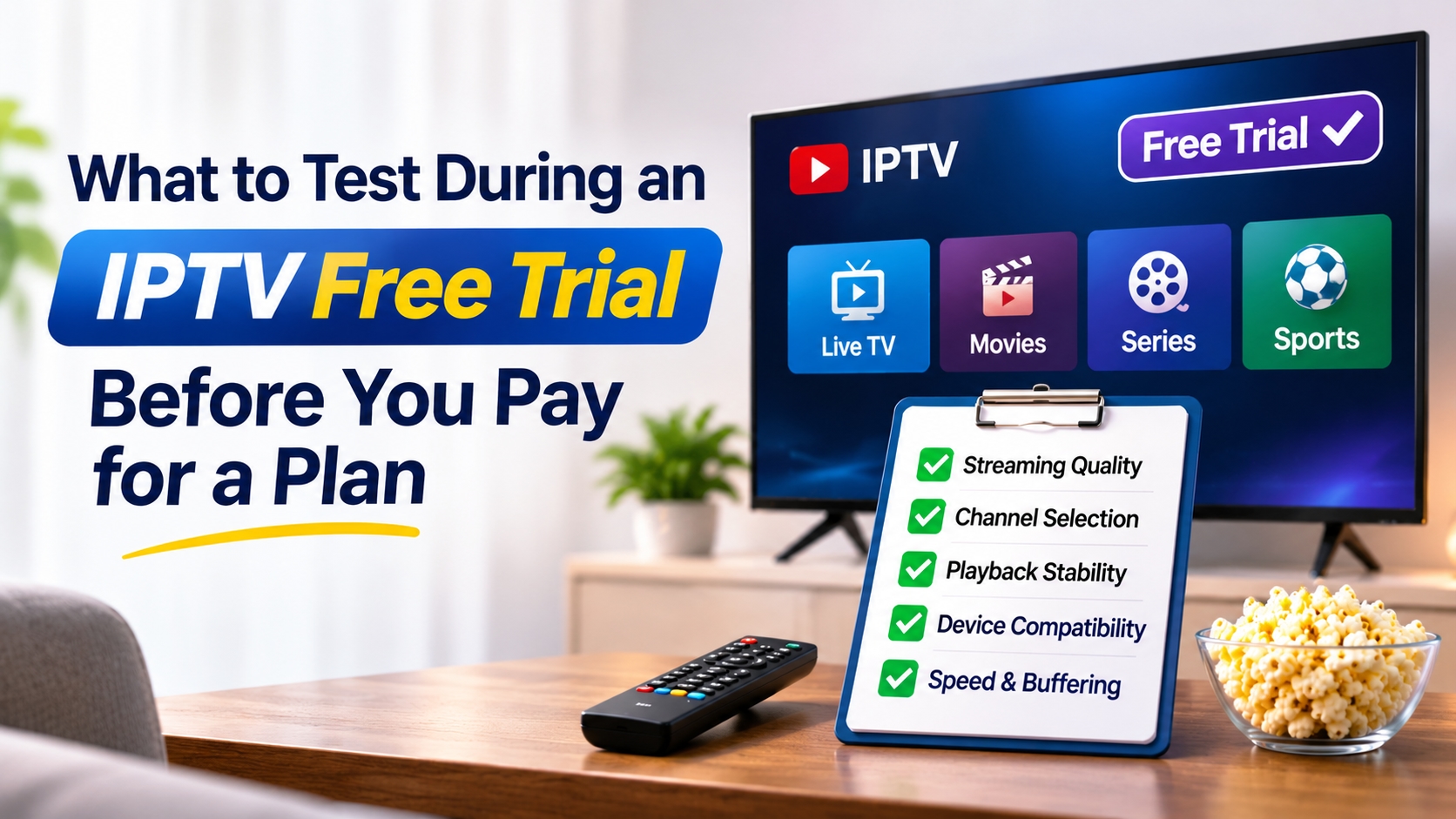
Internet Protocol Television, or IPTV, delivers live channels and on-demand video through an internet connection instead of cable or satellite. Quality depends on provider servers, network conditions, and the device in use, so a service can look good in a description and perform poorly in a living room. A free trial gives a viewer a short window to check how a service works before paying for a plan. This article explains what to test during that window and how to record the results.
Prepare Before the Trial Starts
A structured test produces more useful results than casual viewing. Before activating a free trial, a viewer should note the home internet speed, the devices that will be used, and the channels or programs that matter most. A simple list of these items makes later comparisons easier.
Internet speed should be checked with a standard speed test app. As a general guide, standard-definition streams need a few megabits per second, high-definition streams need more, and 4K streams need substantially more. A wired Ethernet connection usually gives steadier results than a wireless one, so testing on both is useful.
Test Stream Quality and Stability
Picture and Sound
Playback should be reviewed on the largest screen that will be used. Viewers can check for sharp images, accurate colors, and audio that stays in sync with the video. Fast motion, such as sports, shows compression problems more clearly than news or talk programs.
Buffering and Freezing
Frequent pauses, frozen frames, or sudden drops in resolution point to an unstable service. Testing should cover at least three time periods: weekday daytime, weekday evening, and weekend prime time. Evening hours often show whether servers can handle heavy demand. A service that performs well only at midday may not meet daily needs.
Live Events
If possible, a viewer should watch a live match or a breaking news broadcast during the trial. Live events create traffic spikes, and they show how a provider handles a large number of simultaneous viewers.
Review the Channel Lineup and Content Library.
Channel Accuracy
Provider descriptions often list channel counts, but numbers alone say little. A viewer should check whether the specific channels they want are present, working, and labeled correctly. Regional channels, international channels, and sports packages deserve extra attention if they are a main reason for subscribing.
Program Guide
The electronic program guide, or EPG, should show accurate titles and start times. Missing or incorrect listings make scheduling and recording harder. Checking the guide for several channels over a few days shows how often it updates.
On Demand Library
Movies and series on demand should load promptly and allow pausing, rewinding, and resuming. Viewers can also check whether subtitles and alternate audio tracks are available in the languages they need.
Check Device and App Compatibility
Many households use more than one device. During a free trial, a viewer should install and run the service on each device in regular use, such as a smart TV, streaming box, phone, tablet, or computer. The app should install without trouble, log in reliably, and respond quickly to remote control or touch input.
Some plans limit the number of simultaneous connections. Testing two devices at the same time shows whether the connection limit fits household needs and whether quality holds when several streams run together.
Evaluate Support and Account Management
Customer support is easier to judge before payment than after. A viewer can send a question through the contact options listed by the provider and note the response time, clarity, and tone. Hours of availability also matter, especially for people who watch from different time zones.
The account dashboard should be simple to use. Setup instructions, activation details, and troubleshooting guides should be easy to find. Some providers, including EasyStream TV, list their trial terms and support contact options on their websites, which allows viewers to run this kind of check directly.
Read the Trial Terms Carefully
Free trial terms vary from one provider to another. A viewer should confirm how long the trial lasts, whether payment details are required at sign-up, and whether the trial includes the full channel list or a limited version. A limited version may not represent the paid experience. It is also useful to confirm how cancellation works and whether the trial ends automatically.
Legal and safety points deserve attention as well. Viewers should confirm that the provider operates openly, lists contact details, and explains where its content comes from. Licensing rules differ across countries, so a viewer should understand the laws that apply where they live.
Record Results and Compare Services
Written notes make comparison easier. A basic scorecard can rate stream quality, channel accuracy, guide reliability, device performance, and support on a scale of one to five. Recording the date and time of each test helps reveal patterns, such as slowdowns at certain hours.
When testing more than one provider, the same method should apply to each, using the same devices, network, and viewing times. This approach gives fair results and reduces the effect of temporary network problems. A viewer trying to identify the best IPTV service for a specific household can use the scorecard to compare results against personal priorities, such as sports coverage, language options, or device support.
Conclusion
A free trial is a practical way to check how an IPTV service behaves under everyday conditions. Testing stream stability, channel accuracy, device support, customer service, and trial terms gives a clear basis for a decision. Viewers who follow a consistent checklist can compare options with evidence, and a careful review during the trial period helps them select the best IPTV service for their needs before paying for a plan.