If you've ever watched Outlook freeze for ten seconds every time you click on an email, you already know the problem this article is about. You just might not know the cause — or the fix.
The Slow Creep of a Bloated PST File
Nobody sets out to build a 30GB PST file. It happens gradually. Every email you send, every attachment you receive, every calendar invite and contact — it all lands in the same file, quietly growing in the background while you focus on actual work.
Then one day, things start to feel off. Outlook takes longer to open. Searching your inbox turns into a waiting game. Attachments won't load. And in the worst cases, Outlook throws an error and refuses to open the file at all.
This isn't bad luck — it's math. PST files were never designed to scale indefinitely, and once they cross a certain size threshold, performance degrades and the risk of corruption climbs sharply.
A Real-World Example
Consider a mid-sized accounting firm during tax season. One of their senior accountants had been with the company for nine years and never once archived her mailbox. By the time anyone noticed, her PST file had ballooned to 42GB — years of client correspondence, tax filings, and attachments all sitting in a single file.
The first sign of trouble wasn't dramatic. Outlook just got sluggish. Then, right in the middle of the busiest week of the year, the file threw a "not a valid Outlook data file" error. No warning, no backup plan — just a locked mailbox during the one week the firm couldn't afford it.
That scenario plays out more often than most IT teams like to admit, and it's rarely the employee's fault. Nobody trains staff to monitor PST file size. It's an invisible problem until it isn't.
Why PST Files Cause These Issues
A few structural realities make large PST files risky:
Single point of failure: Everything — years of emails, attachments, contacts — lives in one file. If it corrupts, you don't lose a folder, you lose everything.
Performance degradation: As the file grows, indexing, searching, and loading all slow down noticeably.
Backup difficulty: A 40GB file is far harder to back up reliably (and quickly) than several smaller ones.
Migration headaches: Moving to a new machine, a new Outlook profile, or the cloud becomes painfully slow with an oversized file.
Increased corruption risk: Larger files are simply more exposed to interruptions — a crash, a power cut, a network hiccup — during read/write operations.
The irony is that the fix isn't complicated. It's just something most users never think to do until it's too late: split the file before it becomes a liability.
What Splitting a PST File Actually Does
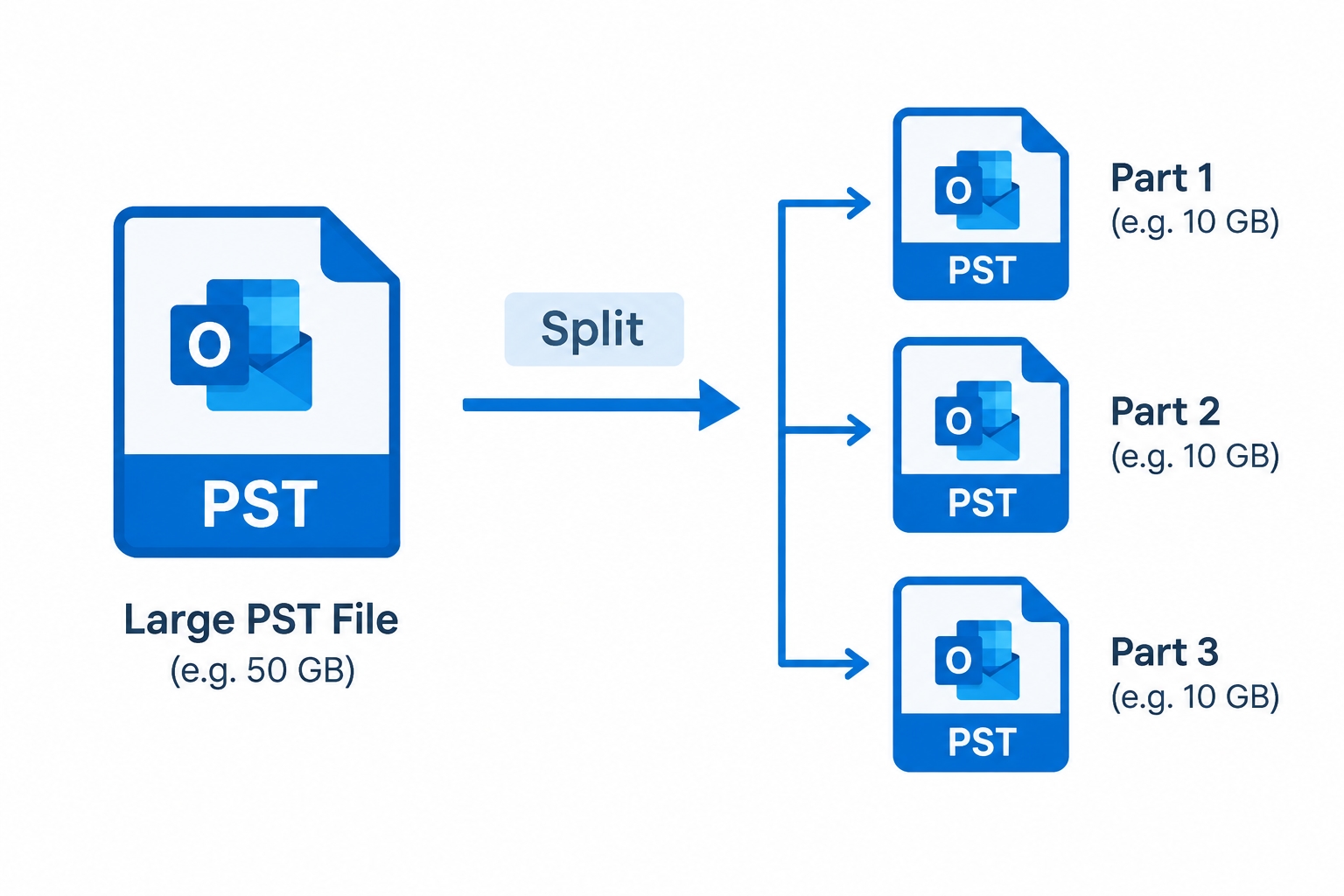
Splitting doesn't mean deleting anything. It means taking one oversized PST and dividing it into multiple smaller, independent PST files — based on whatever logic makes sense for how you work. That could be:
By size — e.g., break a 40GB file into ten 4GB files
By date — keep recent emails in one file, archive older years separately
By folder — separate client folders, projects, or departments into their own files
By sender/email ID — isolate correspondence with specific people or domains
Done properly, this reduces load on Outlook, shrinks backup windows, lowers corruption risk, and makes your mailbox genuinely easier to navigate — without losing a single email, attachment, or piece of metadata.
How Shoviv PST Splitter Solves This
This is exactly the kind of problem the Shoviv PST Splitter Software was built for. Rather than manually archiving folders in Outlook (a slow, error-prone, and honestly tedious process), the tool automates the entire split in a controlled, read-only way.
Key capabilities:
Multiple splitting criteria — split by size, date range, folder, or sender email address, depending on what suits your workflow
Preserves data integrity — emails, attachments, metadata (to/from/date/time), and folder hierarchy remain exactly as they were
Read-only operation — the original PST file is never modified or put at risk during the process; the tool works from a copy-based, non-destructive approach
Supports ANSI and Unicode PST files — works regardless of which Outlook version originally created the file
Broad Outlook compatibility — supports Outlook 2019, 2016, 2013, and earlier versions
No size ceiling — whether the file is 10GB or 100GB, performance doesn't degrade
Simple interface — built so that both IT professionals and non-technical users can complete a split without a manual
Back to the Accounting Firm
In a scenario like the one above, the fix would look like this: instead of waiting for the file to fail mid-task, the firm's IT admin runs a size-based split ahead of time — say, capping each resulting file at 5GB. The accountant keeps the current year's active correspondence in one file for fast daily access, while prior years are split off into separate archives she can still open and search whenever she needs historical records.
The result: Outlook opens instantly again, backups run in a fraction of the time, and there's no single file whose failure could take down nine years of client history in one go.
Signs You Should Split Your PST File Now (Not Later)
Outlook takes noticeably longer to open or search
Your PST file is approaching or exceeding 20-25GB
You've had at least one "file may be corrupt" warning
Backups of your mailbox are taking unusually long
You're planning a migration to a new machine, profile, or Outlook version
Multiple employees in your organization have mailboxes with no archiving policy
If two or more of these sound familiar, it's worth acting before Outlook forces the issue on its own timeline instead of yours.
The Bottom Line
Oversized PST files are one of those problems that's completely preventable and completely ignorable — right up until they aren't. The cost isn't just Outlook running slow; it's the very real risk of losing years of correspondence to a single corrupted file, often at the worst possible moment.
Splitting your PST files proactively, using a tool built specifically for the job, turns a ticking time bomb into a routine maintenance task. It takes far less time than dealing with the aftermath of a crash — and a lot less stress.