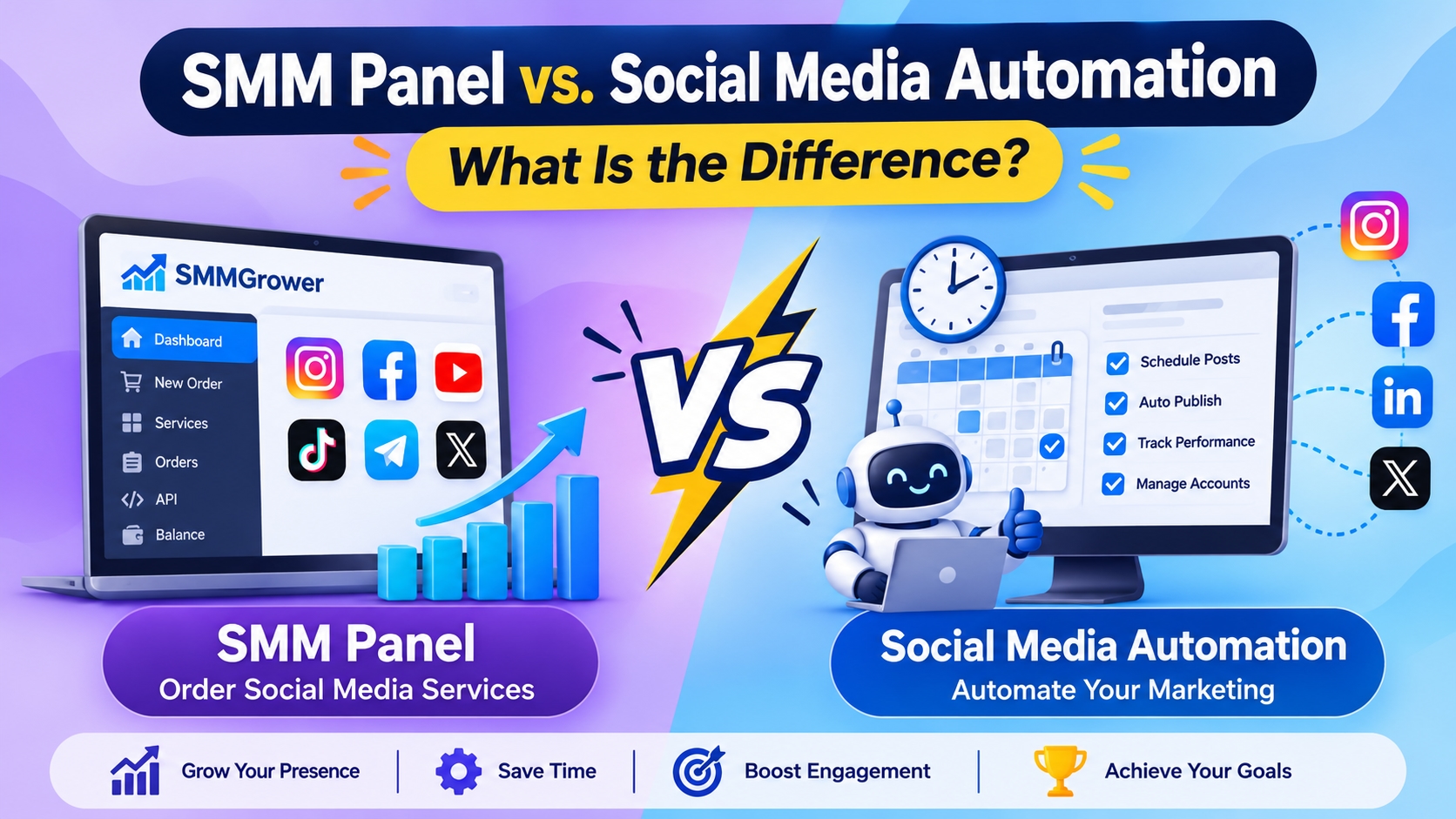
Social media marketing requires more than publishing posts regularly. Businesses, content creators, and marketing agencies also need ways to manage engagement, organize campaigns, and maintain a consistent online presence. Two common solutions are SMM panels and social media automation tools. However, they serve different purposes.
Understanding SMM Panel vs. Social Media Automation can help you choose the right solution for your marketing goals. An SMM panel focuses on ordering social media services such as followers, likes, views, and comments. In contrast, social media automation tools help schedule posts, manage publishing workflows, monitor activity, and automate repetitive marketing tasks.
Although both solutions can reduce manual work, they are not interchangeable. Let's compare their features, benefits, limitations, and practical use cases to understand which one fits your needs.
What Is an SMM Panel?
An SMM panel is an online platform that allows users to order and manage social media marketing services from a centralized dashboard. These services may include followers, likes, views, comments, subscribers, and other engagement options across different social media platforms.
Instead of contacting multiple service providers, users can browse available services, compare prices, select quantities, and track their orders from one account.
For example, an Instagram creator may use an SMM panel to explore follower or video-view services, while a marketing agency may use one dashboard to manage orders for several clients.
How Does an SMM Panel Work?
Most SMM panels follow a straightforward ordering process:
Create an Account: Register on an SMM panel and access its dashboard.
Choose a Service: Select a platform such as Instagram, Facebook, TikTok, YouTube, or Telegram.
Review Service Details: Compare prices, minimum and maximum quantities, delivery estimates, and refill conditions.
Submit an Order: Enter the required public profile, post, video, or channel link and select the quantity.
Track Progress: Monitor pending, processing, completed, or other order statuses through the dashboard.
Some SMM panels also provide API access, allowing agencies and resellers to automate supported order-management processes.
What Is Social Media Automation?
Social media automation refers to using software and automated workflows to handle repetitive social media marketing activities. It helps businesses manage multiple accounts, schedule content, monitor engagement, and organize their publishing processes without performing every task manually.
For example, a business can prepare a week's worth of Instagram and Facebook posts and schedule them to publish automatically at selected times.
Social media automation software can also support reporting, team approvals, notifications, and other account-management activities.
Common Social Media Automation Features
Social media automation tools generally provide several features:
Content Scheduling: Plan posts and publish them automatically at selected times.
Automated Publishing: Distribute prepared content across connected social media accounts.
Performance Reporting: Collect engagement and content-performance information.
Social Listening: Monitor brand mentions, relevant conversations, and keywords.
Workflow Management: Organize content approvals and assignments between team members.
Engagement Management: Help teams organize comments, messages, and audience interactions.
These features allow marketing teams to spend less time on repetitive tasks and more time creating useful content and improving their strategies.
SMM Panel vs. Social Media Automation: Key Differences
The main difference between an SMM panel and social media automation is their primary purpose. An SMM panel provides access to specific social media marketing services, while automation software helps manage everyday social media activities.
Both can support a marketing workflow, but their features and applications are different.
Comparison Factor | SMM Panel | Social Media Automation |
|---|---|---|
Main Purpose | Order social media services | Automate marketing activities |
Primary Focus | Followers, likes, views, and engagement services | Scheduling, publishing, and account management |
Content Scheduling | Not usually a core feature | Common feature |
Order Management | Central dashboard for service orders | Campaign and workflow management |
Performance Tracking | Service order status and delivery | Content and account analytics |
API Integration | May support automated service ordering | May support workflow integrations |
Typical Users | Agencies, creators, and resellers | Businesses, marketers, and content teams |
Pricing Model | Often based on service quantity | Usually subscription- or usage-based |
The right option depends on whether you need social media services or software to manage your daily marketing activities.
SMM Panel vs. Social Media Management Tools
SMM panels and social media management tools are sometimes confused because both offer centralized dashboards. However, their functions are different.
An SMM panel helps users access and manage orders for available social media services. Social media management software helps users organize their own accounts, publish content, analyze performance, and coordinate marketing activities.
For example, a marketing agency may use management software to prepare and schedule client posts. It may use an SMM panel separately to manage orders for selected promotional services.
SMM Panel vs. Buffer
Buffer is a social media management platform designed to help users plan, schedule, and publish content across connected accounts.
An SMM panel serves a different purpose by providing access to listed services such as followers, likes, views, and comments.
Therefore, Buffer is more suitable for managing content publishing workflows, while an SMM panel is designed for ordering social media services.
SMM Panel vs. Hootsuite
Hootsuite provides social media management features such as content scheduling, monitoring, analytics, and team collaboration.
An SMM panel generally focuses on service selection, order submission, and delivery tracking.
Businesses that need a structured content management workflow may benefit from Hootsuite, whereas agencies and resellers looking for a centralized service-ordering system may consider an SMM panel.
SMM Panel vs. Meta Business Suite
Meta Business Suite helps businesses manage their Facebook and Instagram presence. Users can create and schedule content, respond to messages, and review available performance insights.
An SMM panel offers a different set of services and is not a replacement for Meta's account management features.
The choice depends on whether you need tools for managing your own social media accounts or a platform for accessing third-party marketing services.
Benefits of Using an SMM Panel
An SMM panel can make social media service ordering easier, particularly for agencies, resellers, and businesses managing multiple campaigns.
Here are some common benefits.
1. Centralized Service Management
An SMM panel brings multiple social media service categories into one dashboard. Users can compare available options and manage orders without switching between several providers.
2. Access to Multiple Platforms
Many SMM panels support services for Instagram, Facebook, YouTube, TikTok, Telegram, and other networks.
This makes it easier for agencies and resellers to manage different platform requirements through one account.
3. Convenient Order Tracking
Users can check order statuses, review previous transactions, and monitor service delivery from a centralized dashboard.
This can simplify campaign administration when multiple orders are running simultaneously.
4. Reseller and Agency Opportunities
Some SMM panels provide API integration, flexible service pricing, and bulk-order functionality. These features can help resellers connect their own systems and manage customer orders more efficiently.
However, agencies should evaluate service quality, platform policies, and delivery conditions before offering these services to clients.
Benefits of Social Media Automation Tools
Social media automation tools help marketing teams maintain consistent publishing schedules and organize their daily activities.
Some important advantages include:
1. Saves Time on Repetitive Tasks
Manually publishing content across several platforms can take considerable time. Automation tools allow marketers to prepare content in advance and schedule it for future publication.
2. Maintains a Consistent Posting Schedule
A content calendar helps businesses organize posts and maintain a regular publishing routine. This makes campaign planning easier.
3. Improves Team Collaboration
Many social media management platforms support content approvals, team assignments, and shared calendars. These features are particularly useful for agencies managing multiple clients.
4. Provides Performance Insights
Automation and management tools can collect information about reach, impressions, clicks, and engagement. Marketers can use these insights to understand content performance and adjust their strategies.
5. Organizes Multiple Social Media Accounts
Businesses managing several accounts can use centralized dashboards to plan content, review notifications, and monitor marketing activities more efficiently.
Can SMM Panels Automate Social Media Growth?
SMM panels can automate parts of the service-ordering process, but that does not mean they provide complete social media marketing automation.
For example, a panel may process submitted orders, update their status, and support API-based order placement. These functions automate service management rather than content creation, publishing, or audience communication.
Similarly, social media automation software can schedule posts and organize marketing workflows, but it does not necessarily provide third-party engagement services.
It is important to understand this distinction before choosing a tool. Automated order processing, automated content publishing, and genuine audience development are three different activities.
SMM Panel API vs. Social Media Marketing Automation
API integration is another area where these two solutions can overlap.
Some SMM panels provide API access that allows developers and resellers to connect their systems with the panel. They can use supported API functions to retrieve service information, check balances, submit orders, and monitor order statuses.
Social media marketing automation APIs may serve broader purposes, including content publishing, reporting, account management, and workflow integrations.
For example:
An SMM panel API can help a reseller automate customer order processing.
A social media management API can help a business schedule and manage content.
A marketing workflow integration can connect reporting, notifications, and other business applications.
Although both can reduce manual work, their API capabilities depend on the provider and supported integrations.
Which Is Better for Agencies and Resellers?
The better option depends on the services an agency provides and the type of work it needs to automate.
Agencies focused on content creation, scheduling, reporting, and client communication may benefit more from social media automation tools. Resellers who want to offer followers, likes, views, and other listed services may find an SMM panel more relevant.
Some agencies may use both solutions as separate parts of their marketing workflow.
For example, an agency could use social media management software to prepare and publish client content while using an SMM panel to manage eligible service orders.
Before selecting either option, consider:
Your clients' marketing objectives.
The social media platforms you manage.
Available features and integrations.
Monthly software or service costs.
Reporting and order-tracking requirements.
Social media platform policies and account safety.
Choosing tools based on actual business requirements is more useful than selecting them simply because they offer automation features.
Can You Use an SMM Panel and Social Media Automation Together?
Yes. An SMM panel and social media automation software can be used together because they perform different functions.
For example, a digital marketing agency may follow this workflow:
Plan Content: Prepare social media content based on the client's marketing strategy.
Schedule Publishing: Use automation software to schedule posts across connected accounts.
Manage Campaigns: Monitor content performance and audience interactions.
Manage Service Orders: Use an SMM panel when specific promotional services are required.
Review Results: Evaluate content performance and service-order information separately.
This approach can help agencies organize different marketing activities without expecting one platform to handle every task.
However, purchased engagement should not be treated as a substitute for genuine audience interest, valuable content, or long-term community building. Always review the relevant social platform's policies before using third-party engagement services.
How to Choose the Right SMM Panel for Your Business
If your goal is to manage social media service orders, choosing a suitable SMM panel is important. Not every platform offers the same service quality, pricing, delivery conditions, or management features.
Consider these factors before making a decision:
Service Variety: Check whether the panel supports the platforms and service categories required for your campaigns.
Transparent Pricing: Compare prices, minimum quantities, and maximum quantities before placing orders.
Delivery Information: Review estimated start times and delivery conditions for individual services.
Order Tracking: Choose a platform that provides clear order statuses and accessible order history.
API Availability: If you operate an agency or reseller business, check whether API access supports your intended workflow.
Customer Support: Look for accessible support channels and clear guidance for payment, order, and refill-related issues.
For businesses, creators, and resellers looking for a centralized service-ordering platform, SMMGrower provides access to social media services across platforms such as Facebook, Instagram, YouTube, TikTok, and Telegram. Users can compare available services, review delivery details, and manage orders through its dashboard.
The platform also provides API access for supported order-management processes, which can be useful for agencies and resellers looking to organize their workflows.
Frequently Asked Questions
1. What Is the Difference Between an SMM Panel and Social Media Automation?
An SMM panel provides access to social media services such as followers, likes, views, and comments. Social media automation tools help users schedule content, manage publishing, monitor activity, and automate repetitive marketing tasks.
2. Is an SMM Panel a Social Media Automation Tool?
Not exactly. An SMM panel primarily manages social media service orders. Some panels provide API access and automated order processing, but they do not necessarily offer content scheduling or complete social media management features.
3. Can SMM Panels Automate Social Media Growth?
SMM panels can automate certain service-ordering activities, but they cannot replace a complete growth strategy. Sustainable social media growth also depends on content quality, audience engagement, consistency, and platform-specific marketing practices.
4. Which Is Better for Small Businesses: SMM Panels or Automation Tools?
It depends on the business requirements. Social media automation tools are useful for scheduling content and managing accounts. An SMM panel may be relevant when a business needs access to specific social media marketing services.
5. Can I Use an SMM Panel With Buffer or Hootsuite?
Yes, they can be used as separate tools within the same marketing workflow. Buffer or Hootsuite can help manage content publishing, while an SMM panel can handle available service orders. However, direct integration is not guaranteed and depends on the platforms involved.
6. Are SMM Panels and Social Media Management Tools the Same?
No. SMM panels focus on ordering and tracking social media services, while social media management tools focus on content planning, publishing, monitoring, and analytics.
7. Do SMM Panels Provide API Integration?
Some SMM panels provide API integration for supported functions such as retrieving service lists, checking balances, submitting orders, and tracking order statuses. Available features depend on the individual provider.
8. Can Agencies Use Both SMM Panels and Automation Software?
Yes. Agencies can use automation software for content planning and publishing while using an SMM panel to manage specific service orders. Using separate tools for different tasks can make campaign workflows easier to organize.
Final Thoughts
Understanding the difference between an SMM panel and social media automation is important when selecting tools for your marketing activities. An SMM panel focuses on social media service ordering, while automation software helps manage content publishing, account activities, and repetitive marketing workflows.
Neither solution completely replaces the other. Businesses, creators, agencies, and resellers should choose tools based on their objectives, available features, budget, and platform requirements.
If you need a centralized platform to explore and manage social media service orders, consider visiting SMMGrower to review its available services and dashboard features.