
What Is Ransomware Recovery?
Ransomware recovery is the process of containing an attack, removing the malware, and restoring encrypted files and systems to normal operation. It begins the moment you suspect an infection and ends only when your network is verified clean. Think of it like cleaning up after a fire: you must stop the flames, check the structure, and then rebuild safely.
Ransomware is malicious software that locks your files with encryption and demands payment, usually in cryptocurrency, for the decryption key. Ransomware Recovery means getting your data back without rewarding the attacker, and it relies on backups, forensic analysis, and a tested incident response plan. Cybersecurity bodies such as CISA and NIST describe “recover” as one of the core functions of a mature security programme.
Why Speed Matters After an Attack
Every minute counts because ransomware can spread across shared drives, cloud folders, and connected servers within hours. A student who leaves one infected laptop on the school network can put every classroom computer at risk. Quick action limits the damage, shortens downtime, and protects sensitive records from being copied by attackers. Delay also gives criminals time to destroy backups, which makes the later restoration far harder.
A Real-Life Example
In 2021, the Colonial Pipeline attack in the United States forced the company to halt pipeline operations for several days. The company paid a ransom of roughly 75 bitcoin, and the FBI later recovered a portion of it. In 2017, shipping giant Maersk suffered the NotPetya attack and rebuilt thousands of computers, saved by one offline domain controller in Ghana that had survived a power outage. These cases show that preparation and offline backups often matter more than the ransom itself.
Step-by-Step Ransomware Recovery Process
Follow these steps in order, like a recipe, because skipping one can cause reinfection. Each step builds on the one before it, so rushing to restore files before cleaning the network is a common and costly mistake. Document every action with timestamps, since insurers, regulators, and law enforcement may ask for them later. Staying calm and methodical is the best skill any responder can show during a crisis.
Step 1: Isolate and Contain
Disconnect infected devices from Wi-Fi, Ethernet, and shared storage immediately, but do not power them off if you need forensic evidence. Disable remote access accounts and change administrator passwords from a clean device. This stops the malware from reaching healthy machines and cuts off the attacker’s control.
Step 2: Identify the Ransomware Strain
Look at the ransom note, the file extensions, and any contact details to learn which family of malware you face. Free resources such as the No More Ransom project, backed by Europol, offer decryptors for many older strains. Knowing the strain helps you decide whether a safe decryption tool already exists.
Step 3: Restore from Clean Backups
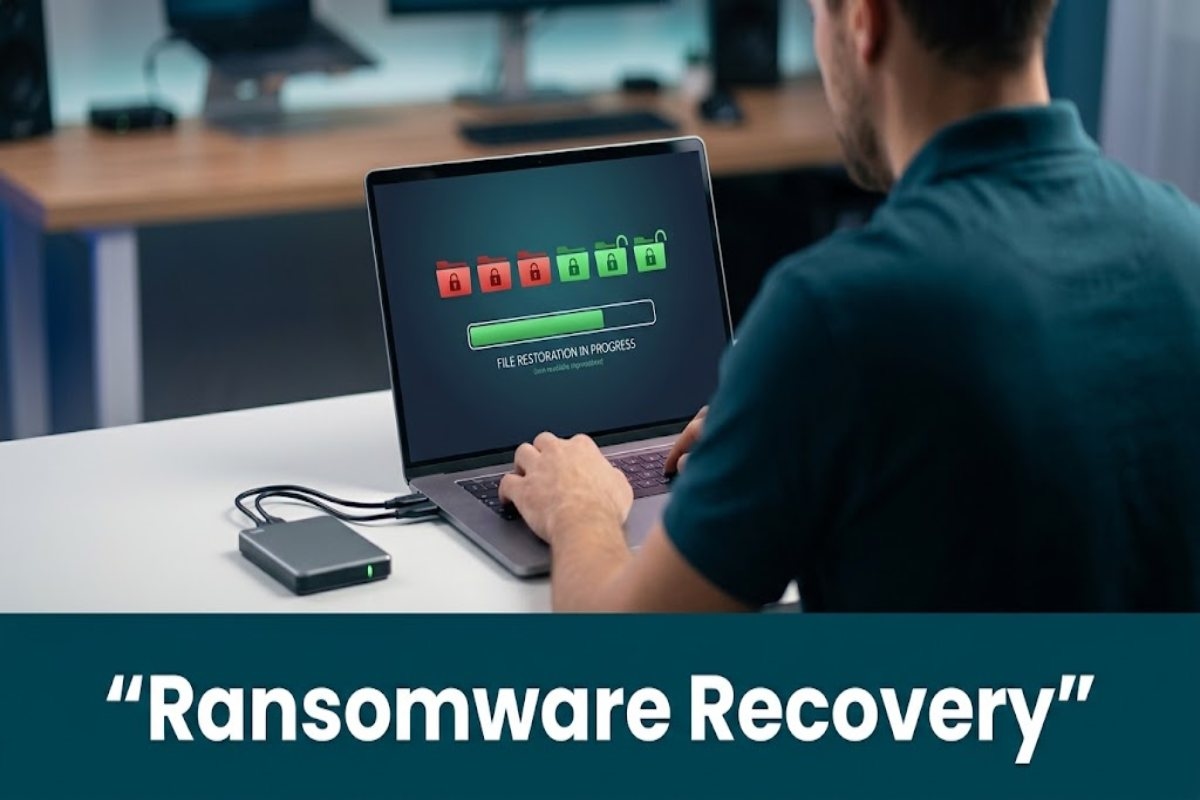
Once the environment is cleaned, rebuild systems from trusted images and restore your files from backups that were not connected during the attack. Careful Ransomware data recovery from verified, offline copies is the safest route because it avoids paying criminals and prevents reinstalling hidden malware. Test a few files first to confirm they open correctly before restoring everything.
When to Hire Professional Help
Some incidents are too complex for an in-house team, especially when backups are damaged or the attackers have stolen confidential data. Specialist providers of ransomware recovery services bring forensic tools, negotiation experience, and round-the-clock response teams that most small organisations cannot afford to keep on staff. Their work often includes root-cause analysis, malware eradication, and guidance on legal reporting duties. Choosing a reputable firm quickly can reduce downtime from weeks to days.
Look for these qualities before signing a contract:
Proven incident response experience with documented case studies
Certified analysts and clear, written service-level agreements
Transparent pricing with no hidden fees or guaranteed-result promises
How to Prevent Future Attacks
Prevention is cheaper than cure, and it starts with good habits that every student and employee can learn. Strong passwords, multi-factor authentication, and regular software updates close the doors that attackers use most often. A modern approach to Digital risk protection monitors the open web, dark web, and social platforms for leaked credentials, fake domains, and early signs of targeting. Combined with employee awareness training, this layered defence turns your organisation into a much harder target.
Build your defence around these essentials:
Follow the 3-2-1 backup rule: three copies, two media types, one offline or immutable
Patch systems quickly and use endpoint detection and response tools
Segment your network and practise your incident response plan twice a year
Frequently Asked Questions
Should I pay the ransom?
Law enforcement agencies such as the FBI generally advise against paying. Payment does not guarantee you will receive working decryption keys, and it may encourage future attacks. Always consult legal counsel and authorities before making any decision.
Can encrypted files be unlocked without a backup?
Sometimes, if a free decryptor exists for that specific malware family. Tools listed on the No More Ransom portal help victims of many older strains. If no tool exists, specialists may still find clues, but success is never guaranteed.
How long does the restoration process take?
It depends on the size of the network and the quality of your backups. A small business with clean backups may recover in a few days. Large organisations with widespread damage can need several weeks.
Does cyber insurance cover these incidents?
Many policies cover investigation costs, downtime, and legal fees, though terms vary widely. Read your policy carefully and notify your insurer as early as possible. Insurers often require specific security controls to be in place.




