If your computer runs Windows 10 and QuickBooks Desktop keeps freezing or acting up, you have probably been told to run QBRefresher. The natural question is whether the QuickBooks Refresher Tool Windows 10 combination works, and whether anything is different compared with Windows 11. Short answer: there is no separate Windows 10 edition of the tool. It ends background QuickBooks processes and performs a mini repair of QuickBooks Desktop, and it runs on the same Windows systems that QuickBooks Desktop itself supports. This guide explains the compatibility rules, how to check your setup, and how to run the tool on Windows 10 without wasting time.
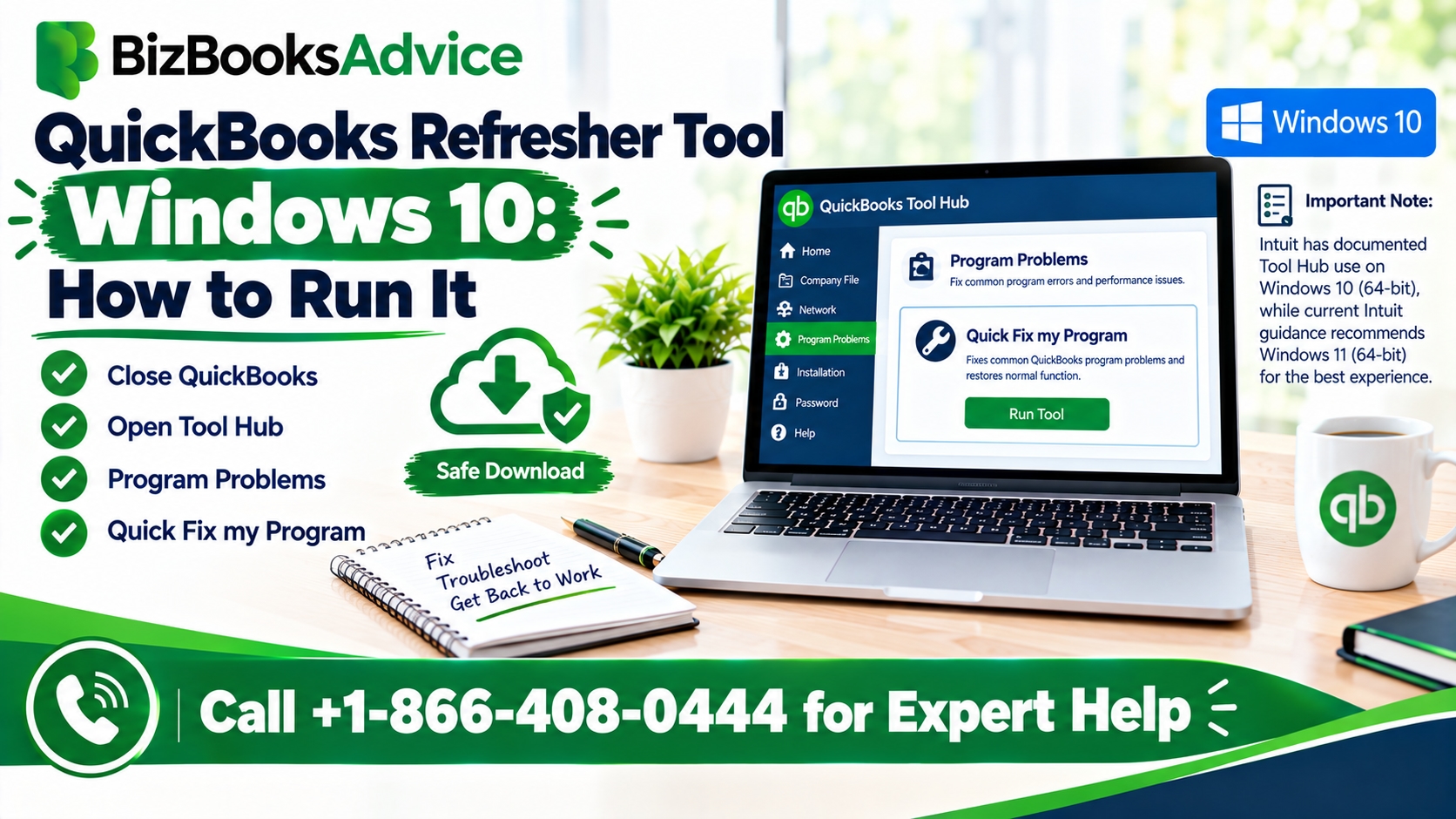
QuickBooks Refresher Tool Windows 10 compatibility: what Intuit says
Intuit's instructions for the Refresher Tool do not list a Windows version restriction of their own. We found nothing in them that limits the tool to Windows 11 or excludes Windows 10. In practice, the safest rule is to treat the tool as following QuickBooks Desktop's own operating system support. Intuit's requirements pages for recent QuickBooks Desktop versions list Windows 10 (64-bit) and Windows 11 (64-bit), installed natively. They also list what is not supported:
Windows 8.1
Windows 10 in S mode
Linux
Running QuickBooks through an emulator or virtual environment
ARM-based processors, according to Intuit's requirements note for QuickBooks Desktop 2023
If your PC falls into one of those groups, the problem is your setup, and the Refresher Tool is unlikely to help. Requirements differ by QuickBooks year, so check the page for your exact version before you troubleshoot further.
One more point matters here. Microsoft ended regular Windows 10 support on October 14, 2025. QuickBooks Desktop may still run on Windows 10, and Intuit's current specifications still list it, but an operating system without regular security updates carries more risk, especially for a computer that holds financial data. Check Microsoft's page for any extended security update coverage that applies to you, and plan a move to Windows 11 if your QuickBooks version supports it.
Check your Windows setup first
Before you run any tool, take two minutes to confirm the basics.
Press the Windows key + R, type winver, and press Enter. This shows your Windows version.
Open Settings → System → About. Look at the Edition line. If it says "in S mode," QuickBooks Desktop is not supported on that computer.
On the same About screen, check System type. You need a 64-bit operating system, and an x64-based processor rather than ARM.
Note your QuickBooks Desktop year and release from Help → About QuickBooks Desktop.
Write these four details down. They help if you later contact support, and they tell you quickly whether you are dealing with a compatibility problem or an ordinary program glitch.
QuickBooks Refresher Tool Windows 10 steps
The run itself is the same on Windows 10 as anywhere else. We cover where to get the file in our separate download guide, so here is the short version.
Restart the computer first. This clears some stuck processes before you begin.
Close every open copy of QuickBooks Desktop, including any other versions installed on the PC.
Save the tool file to your Windows desktop.
If File Explorer shows the file as blocked, right-click it, choose Properties, tick Unblock, then click Apply and OK.
Double-click the QBRefresher file and accept the terms.
Start the repair and let the command window finish without closing it.
Open QuickBooks Desktop and your company file, and check whether the problem is gone.
For background on what the tool does and when to use it, see our QuickBooks Refresher Tool for Windows guide.
Windows 10 issues to rule out
Some symptoms that look like a QuickBooks problem come from Windows itself, and a QuickBooks Refresher Tool Windows 10 run will not fix those.
Pending updates. If Windows is waiting to install updates or needs a restart, install them and restart before you try again. A half-finished update can leave programs behaving oddly.
Low disk space. QuickBooks and Windows both need room to work. If your system drive is nearly full, free some space before you troubleshoot.
Several QuickBooks versions on one PC. Older and newer installations can leave background processes running. This is one reason Intuit tells you to close all versions before running the tool.
A damaged installation. If the tool changes nothing, the program files may be damaged, which is a different repair.
What to do if it does not help
If a QuickBooks Refresher Tool Windows 10 run changes nothing, do not repeat it again and again. Work through the next steps in order.
Open QuickBooks Tool Hub and run Quick Fix my Program from the Program Problems tab.
Run the QuickBooks Install Diagnostic Tool from the Installation Issues tab, and restart when it finishes.
Update QuickBooks Desktop to the latest release for your year.
Install pending Windows updates and restart.
If the problem points to your company file instead, use Verify Data and Rebuild Data, after taking a backup.
If the same problems keep returning on an unsupported or aging Windows 10 setup, the better fix may be an upgrade path, not another repair.
Planning a move to Windows 11
If you decide to leave Windows 10, confirm first that your QuickBooks Desktop version supports Windows 11. Intuit's requirements for QuickBooks Desktop 2022 list Windows 11 support starting with the R3 release, and older versions are not certified for it. Back up your company file, save your license information, install the newest QuickBooks update, and then upgrade Windows. The Refresher Tool steps stay the same afterward.
When to get professional help
Consider getting help if the tool runs but QuickBooks still freezes or crashes, if your setup falls into an unsupported group, or if you are unsure whether to repair the current computer or move to a new one. A QuickBooks professional can check compatibility, the installation, and the company file together. You can reach BizBooksAdvice at +1-866-408-0444. If you need more on the QuickBooks Refresher Tool Windows 10 process, start with your version's requirements page from Intuit.
Frequently asked questions
Does the QuickBooks Refresher Tool work on Windows 10?
Intuit's instructions do not restrict the tool by Windows version, and it follows the operating systems QuickBooks Desktop supports, which include 64-bit Windows 10 and Windows 11. Check the requirements page for your QuickBooks year to be sure.
Is there a separate QuickBooks Refresher Tool Windows 10 download?
No. The same tool is used across supported Windows versions. Get it from Intuit's support pages.
Is QuickBooks Desktop still supported on Windows 10?
Intuit's specifications list Windows 10 (64-bit) for current versions, but Microsoft ended regular Windows 10 support in October 2025. Check your version's requirements and Microsoft's page for security update options.
Will it work on Windows 10 in S mode?
No. Intuit lists Windows 10 S mode as unsupported for QuickBooks Desktop.
Should I upgrade to Windows 11 to fix QuickBooks problems?
Not necessarily. Try the repair steps first, then consider an upgrade for security reasons, provided your QuickBooks version supports Windows 11.