
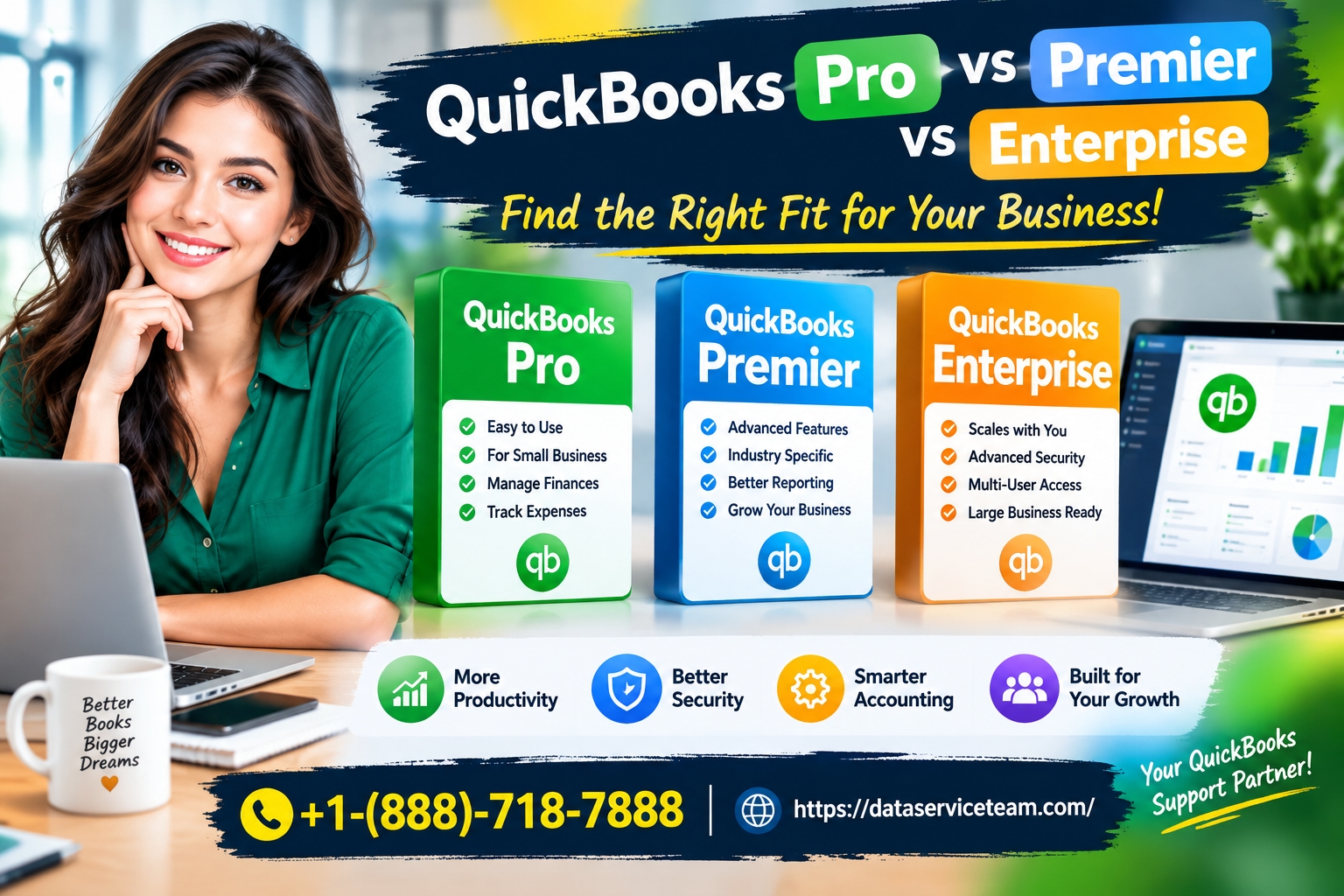
Quick Answer: QuickBooks Pro supports up to 3 users with basic inventory and standard reports. Premier adds up to 5 users and industry-specific reporting. Enterprise supports up to 40 users, advanced multi-location inventory, and consolidated reporting. Critically, Intuit stopped selling new Pro and Premier subscriptions to U.S. customers in September 2024, leaving Enterprise as the only actively sold Desktop edition.
Introduction
Choosing between QuickBooks Pro, Premier, and Enterprise used to be a straightforward exercise in matching user count to budget. That calculation has changed. In September 2024, Intuit stopped selling new QuickBooks Desktop Pro, Premier, and Mac subscriptions to U.S. customers, leaving Enterprise as the only Desktop product actively sold to new buyers. Existing Pro and Premier subscribers can renew, but the roadmap is finite.
This shift matters because the “right” edition for your business is no longer just about features. It is about where you sit on Intuit’s support timeline and whether staying on a renewal-only product makes sense for your next three to five years.
This guide compares the three editions on the dimensions that actually drive purchasing decisions: user capacity, inventory handling, reporting depth, payroll options, and long-term availability. It also addresses what to do if you are already running Pro or Premier and facing a renewal decision. We are an independent QuickBooks service provider and work with Desktop users across multiple countries and business sizes.
What Is the Difference Between QuickBooks Pro, Premier, and Enterprise?
The three editions share the same core accounting engine and interface, but they diverge on capacity and specialization. QuickBooks Pro is the entry-level Desktop product, designed for small teams with basic bookkeeping needs. Premier sits in the middle, adding industry-specific report templates and a slightly higher user ceiling. Enterprise is the top tier, built for larger teams, deeper inventory requirements, and multi-entity operations.
The practical differences concentrate in four areas: how many people can work in the file simultaneously, how inventory is tracked, how many records the file can hold, and whether industry-tailored reporting is available out of the box.
For QuickBooks Online users, this comparison does not apply. QuickBooks Online uses a completely different architecture and pricing model. The Desktop editions discussed here are Windows-based, file-hosted products with annual subscription renewals.
User Limits and Multi-User Capacity
The most immediate differentiator is how many people can access the company file at once.
QuickBooks Pro supports up to 3 users . This is sufficient for owner-operated businesses or very small teams where one person handles most transactions and another handles billing or payroll.
QuickBooks Premier supports up to 5 users . The extra seats matter for businesses that have separated bookkeeping, purchasing, and sales roles but are not yet large enough to justify Enterprise pricing.
QuickBooks Enterprise supports up to 30 users on Silver, Gold, and Platinum tiers, and up to 40 users on Diamond . Enterprise also allows two company files to be open simultaneously and offers 14 predefined user roles with granular permissions, compared to the more limited role options in Pro and Premier .
If this does not fit your situation: If you have 6 to 10 users and are considering Premier, the user ceiling is a hard constraint. You cannot purchase additional Premier licenses beyond 5. Enterprise Silver becomes the practical Desktop path at that point.
Inventory Management Depth
Inventory handling is where the gap between Premier and Enterprise becomes most visible for product-based businesses.
Pro and Premier both offer basic inventory tracking: quantity on hand, cost of goods, purchase orders, and low-stock notifications. Premier does not add advanced inventory features beyond what Pro provides in this area .
Enterprise adds multi-location inventory tracking with three levels of location detail (for example, row, shelf, bin; or section, area, pallet). It supports transferring inventory between locations, assigning expiration dates by lot or serial number, and calculating landed costs that factor in freight, duties, and insurance . Enterprise also supports nested assembly items and production tracking that Pro and Premier cannot match.
If you are on Premier and hitting inventory limits: The Advanced Inventory add-on is an Enterprise feature, not a Premier upgrade. If your business needs bin-level tracking or lot/serial expiration management, Premier is the wrong platform regardless of user count.
Warning: Advanced Inventory is an add-on cost on top of the Enterprise subscription. Confirm current pricing before assuming Enterprise resolves your inventory needs within your existing budget.
Reporting and Industry Editions
Pro includes standard financial reports—profit and loss, balance sheet, accounts receivable, and accounts payable—sufficient for most small businesses.
Premier adds industry-specific report templates. Intuit offers Premier in editions tailored to Contractors, Manufacturing and Wholesale, Nonprofit, Professional Services, and Retail. These editions include pre-built reports and chart of accounts structures relevant to each industry.
Enterprise expands reporting further, with more than 200 customizable reports and 70 industry-specific reports . Enterprise industry editions cover the same verticals as Premier plus additional ones including Legal, Healthcare, and Financial Services .
If this does not work for your reporting needs: If you need consolidated reporting across multiple company files, only Enterprise supports combined financial statements across up to six files, and even then the workflow is manual rather than automated . Businesses with five or more entities that require automated consolidation should evaluate Intuit Enterprise Suite or a cloud ERP rather than Desktop Enterprise.
Quick Questions and Answers
Can I still buy QuickBooks Pro or Premier as a new customer?
No. Intuit stopped selling new Pro, Premier, and Mac subscriptions to U.S. customers on September 30, 2024. Existing subscribers can renew, but new purchases are not available through Intuit.
Does Enterprise run on Mac?
No. All QuickBooks Desktop editions, including Enterprise, are Windows-native. Mac users require a hosted Windows environment or must migrate to QuickBooks Online .
Can I upgrade from Pro to Enterprise without re-entering data?
Yes. Enterprise uses the same file format and interface. You open your existing company file in Enterprise after installation, and your data carries over. This is one of the few genuinely seamless transitions in the QuickBooks ecosystem .
Pricing and Payroll Considerations
Subscription Costs
QuickBooks Desktop pricing has shifted repeatedly. As of 2026 reporting, Pro Plus renews at roughly $1,149 per year for a single user, with additional seats around $230 each. Premier Plus renews at approximately $1,609 for one user, with extra seats around $345 . Enterprise Silver starts around $1,873 per user per year, with Gold and Platinum tiers costing more.
These figures are renewal or list prices and change with Intuit’s annual adjustments. Confirm current pricing directly before budgeting.
Payroll Options and Compliance
Pro and Premier require separate payroll subscriptions. Intuit stopped selling new Enhanced Payroll subscriptions to new U.S. customers on September 30, 2024, mirroring the Desktop product discontinuation. Existing payroll subscribers can renew, but new adopters must evaluate alternatives.
Enterprise includes Enhanced Payroll with Gold and Platinum base subscriptions, with per-employee fees applying. Assisted Payroll is included with Enterprise Diamond.
For Payroll Tax Compliance in QuickBooks, the edition matters less than the payroll subscription status. If your Pro or Premier payroll subscription lapses, tax table updates stop, and compliance risk accumulates. A QuickBooks Payroll Calculator can help verify withholdings independently, but it does not replace current tax tables.
Long-Tail Scenarios and Special Cases
QuickBooks Pro or Premier After the Discontinuation Date
If you are running QuickBooks Desktop 2023, Intuit’s support window closes on May 31, 2026. Desktop 2024 remains supported until September 2027 . After those dates, the software continues to open, but connected services—bank feeds, payroll tax updates, and security patches—stop permanently.
What to do: Plan your migration before the sunset date, not after. Options include upgrading to Enterprise (if you need Desktop features), migrating to QuickBooks Online (if cloud access and modern integrations matter more), or moving to a hosted Desktop environment to extend remote access while you decide.
QuickBooks Tool Hub and Desktop Maintenance
The QuickBooks Tool Hub is a Windows utility for repairing Desktop program errors, file corruption, and installation issues. It is not a migration tool and does not extend product life. If you are maintaining a Pro or Premier installation through its renewal period, Tool Hub can help resolve file errors and keep the software running, but it cannot restore discontinued connected services.
Black Friday and Cyber Monday Purchasing Decisions
If you are evaluating an upgrade during a QuickBooks Black Friday Sale or QuickBooks Cyber Monday Sale, confirm which products the promotion applies to. Intuit’s promotional pricing has historically focused on QuickBooks Online tiers and Enterprise subscriptions. Pro and Premier are renewal-only for existing subscribers and are not part of new-customer promotional offers.
Prevention Tips and Best Practices
Match user count to edition ceiling, not current headcount. Buying Premier for a 4-person team leaves almost no room to add a bookkeeper or purchasing coordinator without hitting the 5-user cap.
Audit inventory requirements before choosing Premier. If bin locations, lot tracking, or landed costs are on your three-year roadmap, Premier will not get you there. Plan for Enterprise from the start.
Back up company files before any upgrade. Whether moving from Pro to Premier or Premier to Enterprise, create a local backup before installing the new edition. The upgrade itself is usually clean, but a backup protects against installation interruptions.
Track your support sunset date. Pro and Premier renewals keep the software running, but support windows are finite. Note your version’s end date and begin migration planning at least six months before it arrives.
Do not buy discontinued licenses from resellers. Perpetual licenses for older Pro and Premier versions may still circulate, but they lack security updates, connected services, and update eligibility. The savings are not worth the compliance and security exposure.
When to Seek Professional Assistance
Seek expert guidance when:
You are on Pro or Premier and approaching your version’s support sunset date without a migration plan.
Your inventory needs have outgrown Premier but you are unsure whether Enterprise’s Advanced Inventory justifies the cost.
You are considering a move from Desktop to QuickBooks Online and need to map which reports, workflows, and integrations will carry over.
You have multiple company files and need consolidated reporting that Desktop Enterprise handles manually.
You are uncertain whether your current payroll subscription will survive a Desktop edition transition.
We are an independent QuickBooks service provider and can help evaluate Desktop edition fit, migration paths, and payroll continuity. For a Free Consultation, call +1-888-718-7888.
Conclusion
QuickBooks Pro, Premier, and Enterprise are no longer three points on a simple upgrade ladder. Pro and Premier are renewal-only products for existing subscribers, with finite support windows. Enterprise is the only Desktop edition actively sold to new customers, and it carries the pricing and complexity that position implies.
For a business choosing today: if Desktop is a hard requirement and you need more than 5 users, inventory depth, or industry reporting, Enterprise is the only viable path. If you are on Pro or Premier and your needs are modest, renewing while planning a migration to QuickBooks Online is often the more sustainable choice.
The worst outcome is drifting past a support sunset date without deciding. The software will keep opening, but the connected services that make it useful—bank feeds, payroll updates, security patches—will not. Treat the decision as a deadline, not a preference.
Author Bio: Brayan Jonas
Brayan Jonas is a QuickBooks Desktop and payroll systems specialist with over a decade of experience guiding businesses through edition selection, platform migrations, and payroll continuity planning. He has worked with clients across North America, Europe, and Australia—from three-person service firms on Pro to multi-entity distributors on Enterprise—and has managed the transition from renewal-only Desktop editions to cloud platforms without disrupting payroll or reporting cycles. His approach favors honest assessments of product lifecycles over feature-list comparisons, and he consistently advises planning migrations before deadlines force the issue.
Quick Questions and Answers (FAQs)
1. Can I still buy QuickBooks Desktop Pro or Premier new?
No. Intuit stopped selling new Pro, Premier, and Mac subscriptions to U.S. customers on September 30, 2024. Existing subscribers can renew, but new purchases are not available through Intuit .
2. How many users do Pro, Premier, and Enterprise support?
Pro supports up to 3 users, Premier up to 5, and Enterprise up to 30 on Silver, Gold, and Platinum, and 40 on Diamond .
3. Does Premier include advanced inventory?
No. Premier’s inventory features are essentially the same as Pro’s. Advanced Inventory—bin locations, lot/serial tracking, landed costs—is an Enterprise feature .
4. Can I upgrade from Pro to Enterprise without losing data?
Yes. Enterprise uses the same file format and interface. You open your existing company file in Enterprise after installation, and your data carries over without re-entry .
5. When does QuickBooks Desktop 2023 stop being supported?
May 31, 2026. Desktop 2024 is supported until September 2027. After those dates, connected services including bank feeds and payroll tax updates stop .
6. Is Enterprise available on Mac?
No. All QuickBooks Desktop editions, including Enterprise, are Windows-native. Mac access requires a hosted Windows environment .
7. Does Enterprise include payroll?
Enhanced Payroll is included with Enterprise Gold and Platinum base subscriptions. Assisted Payroll is included with Diamond. Per-employee fees apply .
8. What is the file size limit for Pro and Premier?
Pro and Premier are limited to list entries of 14,999. Enterprise supports up to 1 million vendor, customer, and item list entries, though performance may degrade as lists approach that ceiling .
9. Should I move from Premier to Enterprise or QuickBooks Online?
If you need Desktop-specific features, industry reporting, or have inventory requirements Premier cannot meet, Enterprise is the Desktop path. If remote access, modern integrations, and automatic updates matter more, QuickBooks Online is the more future-proof choice.
10. What should I do if I am on Pro or Premier and my renewal is approaching?
Confirm your version’s support sunset date. If it is within 12 months, begin evaluating migration options—Enterprise for Desktop continuity, QuickBooks Online for cloud access—before the deadline forces a rushed decision.





