
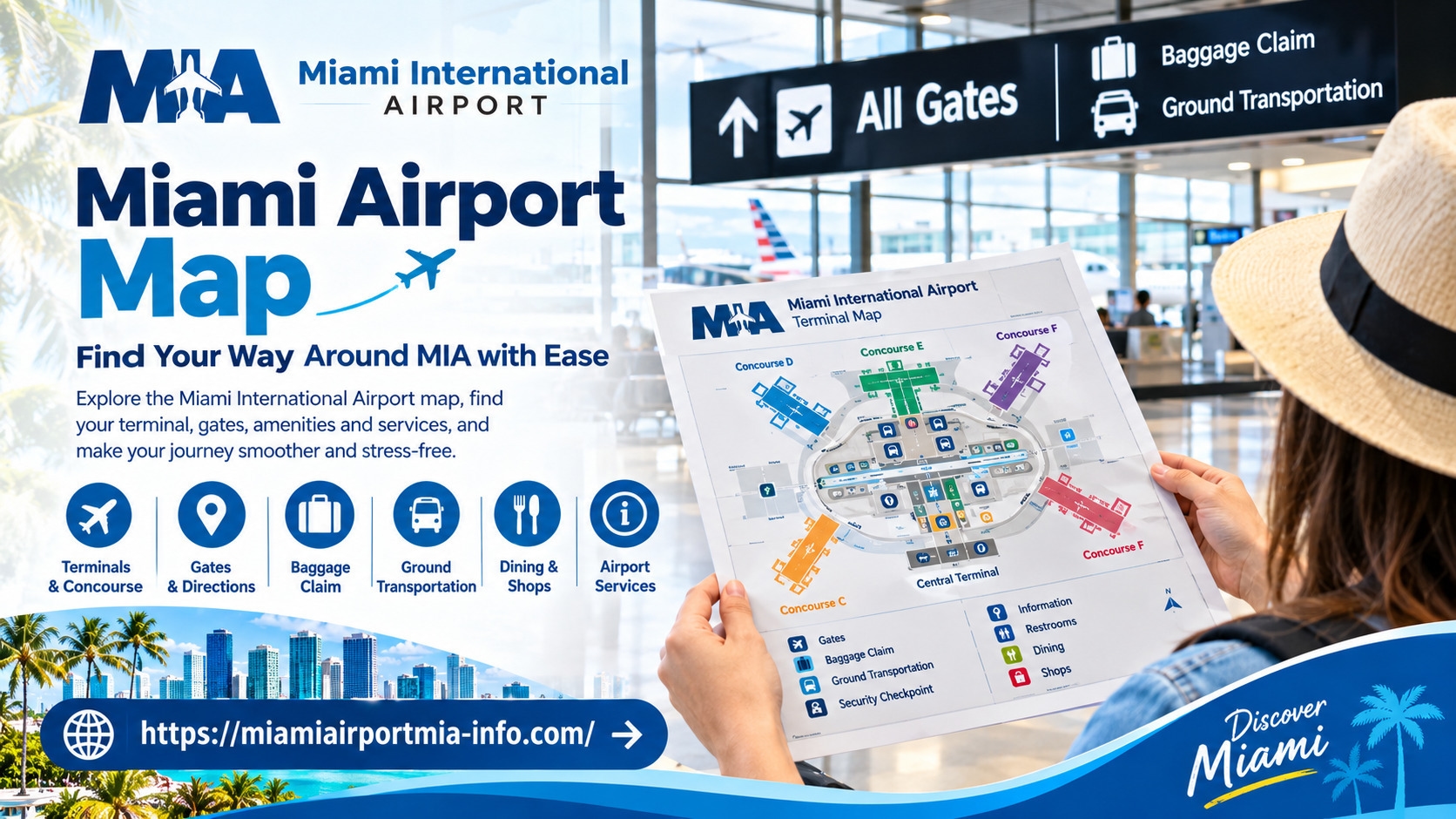
Navigating a large international airport can feel complicated, especially when you are catching a connecting flight, meeting arriving passengers, or visiting a destination for the first time. A Miami airport map helps travelers understand the airport's layout, locate airline check-in areas, identify departure gates, and find essential facilities without unnecessary confusion.
Miami International Airport (MIA) serves domestic and international travelers, making it important to plan your route before arriving. Knowing how the terminals and concourses are organized can help you move between check-in, security, boarding areas, baggage claim, and ground transportation more confidently.
This guide explains how to read a Miami International Airport map, locate important passenger facilities, plan flight connections, and navigate parking and transportation areas. It also highlights why travelers should verify airline assignments and operational details before departure, since airport information can change. Whether you are arriving in Miami, leaving on an international flight, or connecting to another destination, a little preparation can make your airport experience more manageable.
What Is a Miami Airport Map and Why Is It Useful?
An airport map is a visual guide to the airport's buildings, concourses, gates, passenger facilities, and transportation connections. Rather than relying entirely on overhead signs, travelers can use the map to understand where destinations are located in relation to one another.
A map of Miami airport is particularly useful when you need to:
Locate your airline's check-in and ticketing area before joining a queue.
Find the security checkpoint serving your departure area.
Identify a boarding gate and understand the route toward it.
Locate baggage claim after landing.
Find restaurants, restrooms, information desks, and other passenger services.
Identify parking garages, public transportation connections, and pickup areas.
Maps can also help passengers estimate how much navigation their journey may involve. For example, a traveler with a connecting flight can check the locations of the arrival and departure concourses before deciding how to organize the transfer.
However, a map provides general spatial information rather than a guarantee of current operations. Gate changes, temporary closures, and airline-specific instructions should always be checked separately.
How Is Miami International Airport Organized?
Miami International Airport is organized into three main terminal areas: North, Central, and South. These areas contain several concourses, which provide access to individual departure gates.
The general organization is as follows:
North Terminal: Concourse D.
Central Terminal: Concourses E, F, and G.
South Terminal: Concourses H and J.
Understanding this structure makes the Miami airport terminal map easier to interpret. A gate designation identifies a specific boarding location, while the concourse indicates the broader area where that gate is situated.
The airport's terminals also have multiple levels serving different passenger needs. According to the airport's general navigation guidance, check-in and ticketing are on Level 2, baggage claim is on Level 1, and moving walkways connect terminal areas on Level 3.
These details provide a useful starting point, but passengers should follow the signs and directions relevant to their actual journey. The correct route may depend on the airline, departure gate, security requirements, and whether the passenger is arriving internationally or domestically.
How to Read the Miami Airport Terminal Map
A Miami airport terminal map typically combines terminal outlines, concourse labels, gate numbers, service locations, and directional information. Reading these elements together helps you plan a route instead of searching for each destination independently. Travelers can also refer to Miamiairportmia-info for helpful information about understanding airport layouts, locating passenger facilities, and preparing for their journey through Miami International Airport.
Start by identifying your terminal or concourse. Next, locate your gate, check-in area, baggage claim destination, or required facility. Follow the connecting corridors and passenger walkways shown on the map, then use the airport's physical signs to confirm that you are moving in the correct direction.
Pay attention to the map legend. Different symbols may represent restrooms, elevators, information desks, restaurants, parking, and accessibility facilities. If a map offers separate views for different services, select the relevant view instead of assuming that one diagram contains every detail.
A Miami airport map terminals search may also lead to simplified diagrams that show the overall airport but omit smaller facilities or temporary changes. These overview maps are useful for understanding the layout, while detailed directories are better for locating a specific service.
For passengers unfamiliar with MIA, it helps to review both the overall terminal arrangement and the detailed map for the relevant concourse.
How to Find Gates, Check-In Counters, and Baggage Claim
The most efficient way to navigate MIA is to identify your next destination before moving through the airport.
Departures and check-in
Begin with your airline's current check-in instructions. Ticketing and check-in generally take place on Level 2, but the appropriate counter area depends on the airline and its operating arrangements.
After checking in, confirm which security checkpoint and concourse you should use. Do not assume that the nearest checkpoint is appropriate for every flight. Follow airport signage and any directions displayed by your airline.
Departure gates
A Miami airport gate map can help you understand where your assigned gate sits within the terminal. Once you know the gate number, follow the corresponding concourse signs and check the airport displays for updates.
Gate assignments can change after check-in or even after passengers have entered the departure area. Recheck your boarding pass and flight information displays before settling into a waiting area.
Arrivals and baggage claim
The Miami airport arrivals map can help arriving passengers locate baggage claim, exits, and onward transportation. Baggage claim is generally on Level 1.
After landing, follow the signs for arrivals and baggage claim rather than assuming that the route mirrors the departure journey. International arrivals may also need to complete immigration and customs procedures before continuing to baggage claim or onward connections, depending on the arrival process.
Travelers meeting friends or family should confirm the expected arrival area and coordinate a pickup point before the flight lands.
Planning Connections Between Flights
A terminal map is particularly valuable when you have a connecting flight. Before traveling, identify your arrival concourse, the next departure gate if available, and any additional procedures required for the connection.
If your next flight departs from another concourse, review the connecting walkways and available airport transportation. MIA has moving walkways between terminal areas and a Skytrain serving Concourse D. The appropriate route depends on the passenger's location and destination.
Allow enough time for possible security screening, immigration, customs, and baggage requirements. International passengers connecting to a U.S. destination may need to collect their luggage and clear U.S. Customs and Border Protection before continuing. Requirements can differ according to the itinerary and ticket arrangements, so confirm them with your airline.
Do not rely on a generic map to calculate a guaranteed transfer time. Walking distances, queues, accessibility needs, and operational changes can all affect the journey. When in doubt, ask an airport employee or airline representative for directions.
Where to Find Parking and Ground Transportation
MIA's ground transportation arrangements extend beyond the terminal interiors, so it is helpful to review the transportation layout before arriving.
Airport maps can help drivers identify parking facilities, terminal access roads, and passenger drop-off areas. The Dolphin and Flamingo garages are among the airport's main parking facilities, but travelers should verify current availability, access instructions, and rates before choosing where to park.
Passengers collecting a rental car can use airport directions to locate the MIA Mover connection to the Rental Car Center. The MIA Mover station is accessible from the terminal's Level 3 connection area.
Other transportation options include:
Public transportation: Check the designated connections for Metrorail, buses, and related services.
Taxis and rideshare: Follow the signs to the authorized pickup locations for your chosen service.
Hotel and private shuttles: Confirm the correct pickup point directly with the provider.
Accessible transportation: Review designated Special Transportation Services stops and arrange assistance if necessary.
Pickup locations and road arrangements can change. A transportation map should therefore be treated as a planning aid, with current airport signage and official directions taking priority on arrival.
How to Locate Airport Services and Passenger Facilities
An airport facilities map can save time when you need a particular service between flights. Instead of walking through multiple concourses, identify the nearest suitable location before leaving your current area.
Useful facilities to look for include:
Restrooms and accessible restrooms.
Restaurants, cafés, and retail shops.
Information desks and passenger assistance.
Nursing suites and family facilities.
Airline lounges and designated waiting areas.
Elevators, moving walkways, and other accessibility features.
Availability and access requirements vary. Some lounges require eligible tickets, memberships, or payment, while some facilities may be accessible only from particular terminal areas.
Security boundaries also matter. A restaurant or restroom shown nearby on a map may be on the opposite side of a security checkpoint. Passengers should confirm whether a facility is before or after security and whether reaching it would require additional screening.
Tips for Navigating Miami International Airport Efficiently
A few practical habits can make airport navigation less stressful.
Check your flight details before leaving home. Confirm your airline, departure time, and any check-in instructions. Review the airport map after checking your flight information so that you start with the correct terminal details.
Save a useful map for reference. A Miami airport terminal map PDF can be helpful when you want to review the general layout without repeatedly searching for a diagram. However, a downloaded document may not reflect temporary changes, so use it alongside official updates.
Build in extra time. Large terminals, queues, and additional screening can make airport journeys less predictable. Avoid planning a connection around an assumed walking time.
Prepare for accessibility needs. Identify elevators, accessible routes, and assistance services in advance. Passengers who require mobility support should coordinate arrangements with their airline and verify the relevant airport procedures.
Keep your family or travel group coordinated. Agree on a meeting point and share flight details before separating. This is particularly useful when traveling with children or meeting passengers arriving on different flights.
Ask for assistance when directions are unclear. Airport employees and information desks can help clarify routes, especially when construction, temporary closures, or flight changes affect the usual path.
Where to Find an Updated Miami Airport Map
For the most dependable navigation information, consult the official Miami International Airport website. Its maps directory provides specialized views for terminal gates, security checkpoints, baggage claim, parking, shopping and dining, and other airport facilities. The airport's getting-around guide also explains terminal levels and connections between passenger areas.
Visit the official Miami International Airport maps directory to choose the map relevant to your journey. You can also review the airport's official flight-connection guidance and confirm your itinerary directly with your airline.
Before departure, verify check-in locations, gate assignments, and security instructions. Before arrival, check baggage claim and transportation directions. Parking arrangements, service availability, and access routes should also be confirmed close to the travel date.
A map is most useful when paired with current operational information. Using both helps travelers prepare for the general layout while remaining flexible if their plans change.
Miami Airport Map FAQs
Where can I find a Miami airport map?
The official Miami International Airport website provides maps for terminal gates, parking, baggage claim, security checkpoints, and passenger facilities. Choose the map that matches your specific navigation needs.
How many terminals does Miami International Airport have?
MIA has three main terminal areas: North, Central, and South. They contain Concourses D, E, F, G, H, and J, respectively, as organized in the airport's general terminal layout.
Where can I find a Miami airport terminal map PDF?
Check the official airport website for downloadable maps and documents. Confirm the publication or update information before relying on a saved copy, since terminal details and access routes may change.
How do I find my gate at Miami International Airport?
Check your airline's flight information and boarding pass, then use the airport's terminal gate map and directional signs. Recheck the gate on airport displays because assignments can change.
Does the Miami airport arrivals map show baggage claim and transportation?
Official airport maps include baggage claim and transportation-related information. Select the relevant map and verify your pickup location, particularly if you are meeting arriving passengers or using a shuttle, taxi, or rideshare service.
What is the best way to navigate MIA for a connecting flight?
Confirm your arrival and departure concourses, review the airport's connecting-flight instructions, and allow time for any required security or customs procedures. Ask your airline or airport staff for help if the route or transfer requirements are unclear.