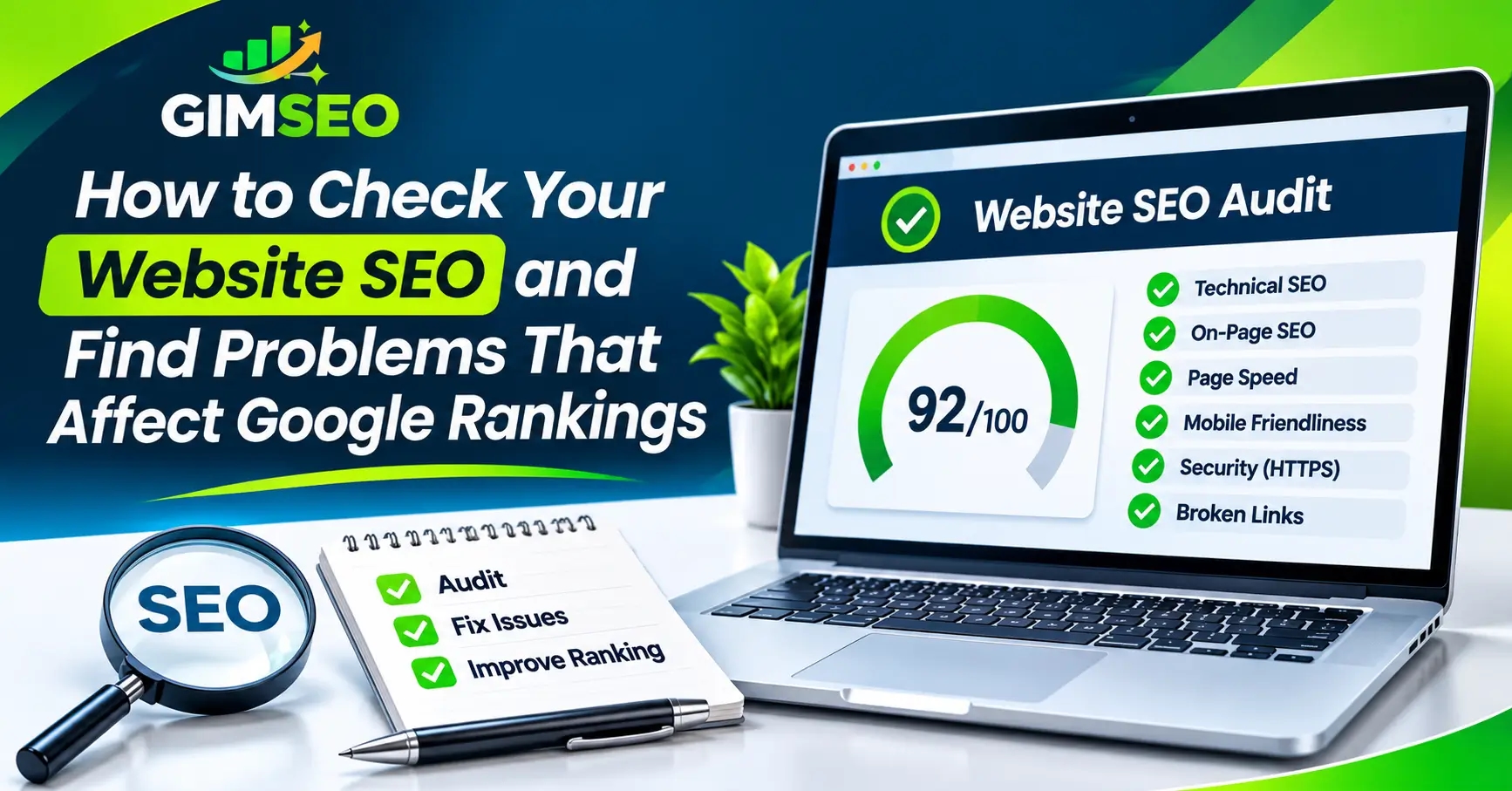
A website can look sharp on the surface and still struggle to rank on Google. Hidden issues like missing title tags, broken links, sluggish load times, or blocked pages quietly hold back your search traffic.
Before you start changing keywords or building links, you need to know what is actually broken. Running an SEO audit gives you a clear baseline of your site's technical health and on-page setup.
You don't need an expensive agency subscription to get started. The GIMSEO Free SEO Audit Tool scans your site across 12 core SEO areas and hands you a prioritized list of what to fix.
What Is a Website SEO Audit?
An SEO audit is a diagnostic checkup for your website. It looks under the hood to see how search engines crawl your pages, how fast your site loads for real visitors, and whether your content is set up to rank.
More importantly, a good audit tells you what matters most. Instead of guessing where to spend your time, you get a clear roadmap of high-impact fixes.
How to Check Your Website SEO for Free
You can run a thorough site check in just a few minutes without hiring a specialist or pulling out a credit card. Here is how to run a scan with GIMSEO:
1. Enter Your Website URL
Head over to the Free SEO Audit Tool, paste your homepage address into the box, and hit Start Audit. You don't need to sign up or enter payment details to run your first scan.
2. Let the Crawler Scan Your Site
Our crawler follows your internal links and respects your robots.txt rules to examine accessible pages across your site. Free visitors can scan up to 200 pages per audit, while users with a free GIMSEO account can scan up to 500 pages. At the same time, the tool runs live Google PageSpeed tests on both mobile and desktop.
3. Review Your Scores
Once the scan wraps up, you will get an overall website health score alongside individual scores for 12 specific SEO categories. The dashboard breaks everything down into critical errors, warnings, and passed checks, putting the biggest problems right at the top.
4. Download Your PDF Report
Export the entire audit as a clean PDF in one click. You can send it straight to your developer, hand it off to your marketing team, or share it with a client. After making your updates, run the scan again to confirm everything is resolved.
12 Key Areas Checked During an SEO Audit
Search performance depends on dozens of moving parts working together. Every GIMSEO audit evaluates your site across 12 technical and on-page categories:
1. Site Access and HTTP Status Codes
Search engines and visitors both need reliable access to your pages. We check what your server returns—whether that is a healthy 200 status, a 301/302 redirect, or a broken 404 page. The scan also flags long redirect chains, missing SSL certificates, unforced HTTPS, and split www vs. non-www versions.
2. Crawling and Indexing
If Google cannot find or index your pages, they will never show up in search results. We inspect your robots.txt file, XML sitemap, canonical tags, and accidental noindex tags, while also flagging pages buried too deep in your site architecture.
3. Page Speed and Core Web Vitals
Slow pages drive visitors away before they ever read your content. Using live Google PageSpeed data, we measure mobile and desktop load times alongside Core Web Vitals: Largest Contentful Paint (LCP), Cumulative Layout Shift (CLS), and Interaction to Next Paint (INP).
4. Mobile Friendliness
Google evaluates the mobile version of your website first. We check your viewport configuration, font legibility on small screens, and whether buttons and links have enough spacing so users aren't forced to pinch and zoom.
5. Website Security and HTTPS
Security protects your visitors and builds trust with search engines. The audit flags mixed content, such as insecure HTTP images or scripts loading on an HTTPS page, and checks for missing security headers like HSTS, X-Content-Type-Options, and X-Frame-Options.
6. Titles, Meta Descriptions, and Headings
Your titles and descriptions act as your storefront in Google search results. We flag missing, duplicate, or excessively long title tags and meta descriptions, and check that your H1 through H6 headings follow a clean, logical hierarchy.
7. Content Quality and Thin Pages
Pages with barely any text, duplicated copy, or overlapping keyword targets often struggle to rank. We highlight thin or competing pages so you can decide whether to expand them, merge them, or give them a clearer purpose.
8. Image SEO
Heavy image files are one of the most common causes of slow websites. We scan for oversized images that need compression, broken image links, and missing alt text that helps search engines and screen readers understand your visuals.
9. Internal and External Links
Strong internal linking guides both users and crawlers to your most important pages. We identify broken internal links, dead outbound links, and "orphan" pages that have zero internal links pointing to them.
10. Structured Data and Schema Markup
Schema markup translates your page details into a format search engines easily understand. We validate your JSON-LD and microdata setup so your pages remain eligible for Google rich results.
11. Hreflang Tags for Multi-Language Sites
If you serve audiences in multiple countries or languages, hreflang tags tell Google which version of a page to show each user. We check that your tags are formatted properly and that language versions link back to one another reciprocally.
12. Website Trust Signals
Both visitors and search engines want proof that a real, trustworthy organization runs your site. We verify that you have essential trust pages in place, including About Us, Contact, Privacy Policy, and Terms of Service.
How to Read Your SEO Audit Report
An audit can uncover dozens of line items, so GIMSEO groups each check into three clear buckets:
Errors: High-priority issues that actively hurt your rankings or block search engines.
Warnings: Moderate issues worth reviewing and cleaning up when you have time.
Passed: Checks your website already handles properly.
To keep things transparent, every finding also carries a confidence label:
• Verified: Confirmed directly in your page code or server response.
• Needs testing: Flagged as a potential issue that requires a quick manual look.
• Not covered: Metrics our crawler cannot see on its own, such as backlinks, Analytics traffic, or Google Search Console impressions.
What Should You Fix First After an SEO Audit?
Resist the urge to fix every minor warning all at once. Start with issues that actively block Google from crawling your site or break the experience for visitors.
First, verify that your robots.txt file, XML sitemap, canonical tags, and noindex rules are set up properly, and confirm that your core pages return a clean 200 HTTP status code. Once search engines can reliably access and index your content, move on to fixing broken links, improving mobile page speed, and optimizing your title tags and headings.