
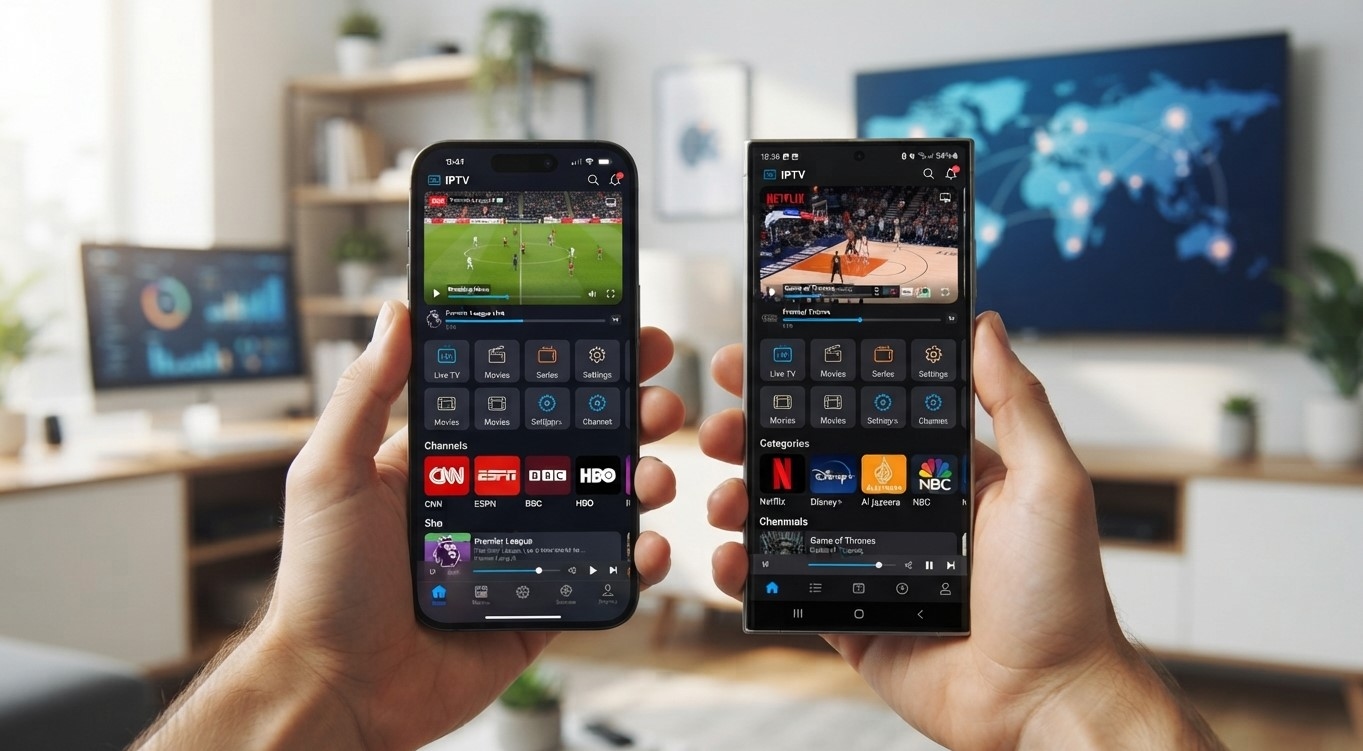
Choosing the right app can make or break your mobile IPTV experience. With dozens of player apps available, and iPhone and Android having very different levels of support, it helps to know exactly which apps actually work well on your device before you start. This guide covers the best options for both platforms in 2026, so you can get the most out of your Indian IPTV USA subscription on the go.
Table of Contents
Why the Right App Matters
Best IPTV Apps for Android
Best IPTV Apps for iPhone and iPad
Cross-Platform Apps That Work on Both
What to Check Before Choosing an App
Side-by-Side Comparison
How to Set Up Your Chosen App
Frequently Asked Questions
Why the Right App Matters
Not every IPTV app supports every login method, and providers typically issue either an M3U playlist link or Xtream Codes-style login credentials. A great-looking app is only useful if it actually supports the login format your subscription uses, so this is worth checking before you settle on one. Beyond compatibility, the app you choose also affects your channel guide quality, buffering handling, and how smoothly you can navigate live TV.
Best IPTV Apps for Android
Android offers the widest range of solid IPTV apps, since it allows more flexibility for developers compared to iOS. Strong options include:
TiviMate: Widely considered the best choice for Android TV and Firestick, offering a highly customizable interface, strong EPG support, and detailed category organization. A free tier is available, with a low-cost upgrade for multi-playlist support.
IPTV Smarters Pro: The most universal option, running well across Android, Android TV, and several other platforms. It's completely free and offers solid live TV, VOD, and recording features, making it a dependable all-around choice.
XCIPTV: A strong free option offering favorites, DVR recording, and multi-screen viewing at no cost, features that often require payment elsewhere. It requires sideloading rather than an app store install.
Best IPTV Apps for iPhone and iPad
iOS is more restrictive about which apps can access certain playback features, so the best options here are apps built specifically with Apple's ecosystem in mind:
GSE Smart IPTV: Widely regarded as the go-to choice for iPhone and iPad, offering automatic EPG matching and a native iOS interface. It also supports Apple TV and Mac, making it a strong pick if you use multiple Apple devices.
IPTV Smarters Pro: Also available on iOS, offering the same broad platform consistency it's known for on Android, making it a solid choice if you want one app across every screen in your household.
Flex IPTV: An iPhone, iPad, Apple TV, and Mac-only app that stands out for supporting live stream recording directly within the app, a feature not commonly found elsewhere on iOS.
Note that apps like TiviMate do not have an iOS version, so iPhone and iPad users should focus specifically on apps built for Apple's platform rather than assuming every popular Android app is also available.
Cross-Platform Apps That Work on Both
If you want the same app experience across both an iPhone and an Android device in your household, a few options run natively on both platforms:
IPTV Smarters Pro: The most consistent cross-platform experience, available on Android, iOS, Windows, Mac, and several Smart TV platforms
GSE Smart IPTV: Also available on both Android and iOS, with a consistent core feature set across each
What to Check Before Choosing an App
Confirm your provider's login method (M3U playlist or Xtream Codes) matches what the app supports
Check EPG quality, since a clear program guide makes browsing far easier
Look at buffering handling, since some apps manage unstable connections better than others
Consider whether you need recording or catch-up features, since not all apps support this
Decide if cross-device consistency matters, if you plan to use the same app on multiple screens
Side-by-Side Comparison
App | Platforms | Cost | Best For |
|---|---|---|---|
TiviMate | Android TV, Firestick | Free tier + paid upgrade | Customization, Android TV/Firestick |
IPTV Smarters Pro | Android, iOS, Windows, Mac, Smart TVs | Free | Widest platform coverage |
GSE Smart IPTV | Android, iOS, Apple TV, Mac | Free / low-cost Pro | Best native iOS experience |
XCIPTV | Android, Android TV, Firestick | Free | Free DVR and multi-screen features |
Flex IPTV | iPhone, iPad, Apple TV, Mac | Paid | In-app live stream recording on iOS |
How to Set Up Your Chosen App
Download your chosen app from the Google Play Store, Apple App Store, or via sideloading if required
Open the app and select the login method your provider issued, either M3U URL or Xtream Codes details
Enter your subscription credentials exactly as provided
Wait for the channel guide to load, then explore the interface
Save your favorite channels for quick access going forward
Frequently Asked Questions
What's the best IPTV app for iPhone in 2026? GSE Smart IPTV is widely considered the top choice for iPhone and iPad, offering a native interface and strong EPG support, though IPTV Smarters Pro is also a solid cross-platform option.
Can I use TiviMate on my iPhone? No, TiviMate is only available on Android TV and Firestick, with no iOS version. iPhone users should choose an app like GSE Smart IPTV or IPTV Smarters Pro instead.
Is there one app that works well on both Android and iPhone? Yes, IPTV Smarters Pro and GSE Smart IPTV both run natively on Android and iOS, offering a consistent experience across devices.
Do I need to pay for a good IPTV app? Not necessarily. Apps like IPTV Smarters Pro and XCIPTV are free and offer strong feature sets, though some apps like TiviMate offer optional paid upgrades for additional functionality.
What should I check before downloading an IPTV app? Confirm the app supports your provider's specific login method, either M3U playlist or Xtream Codes, since not all apps support both formats.
Start Streaming on Your Phone Today
Whichever app you choose, Indian IPTV USA works seamlessly across Android and iOS, giving you access to hundreds of live Hindi, Punjabi, Tamil, and Telugu channels wherever you are. For the best big-screen experience at home, pair your subscription with a reliable Indian IPTV Box.





