
Quick answer: A Facebook video downloader is a tool that takes a public video link, finds the video file behind it, and saves a copy to your device. Most of them work the same way. You copy the link, paste it into the tool, choose a quality, and download. The better options don't ask for your Facebook password, and they don't hide ads behind the download button.
Facebook is built for watching, not keeping. A clip can sit in your feed for an afternoon and then disappear under newer posts, and the save button doesn't always appear. That's the gap a Facebook video downloader fills. You get a copy you can rewatch offline, forward to a family group, or keep for a tutorial you'll need next month.
In this guide, I'll cover how these tools actually work, how to use one on a phone and a computer, and what to check before you trust a site with a link. I'll also cover the parts many guides skip: why some videos refuse to download, what quality you can realistically expect, and where the legal lines sit. Let's start with the basics.
What is a Facebook video downloader?
A Facebook video downloader is a web tool or app that saves a video from Facebook to your device so you don't have to stream it again. You give the tool a link to the video, which most people call a URL. The tool loads the page, locates the video file that Facebook plays in your browser, and offers you a copy to keep.
That's the core idea, but the details matter. Facebook doesn't store a video as one neat file you can grab with a click. Clips are delivered in pieces, often in more than one size, and the player stitches them together when you press play. A good downloader handles that for you. A weak one guesses wrong and gives you a broken file, a file with no sound, or a file that stops halfway through.
Many people searching for this topic are really looking for a video url downloader, which is simply a tool that starts from a web address instead of a file already saved on your phone. The two phrases describe the same workflow. What matters most is that the link is public. If the video is visible only to friends or to members of a private group, a downloader can't reach it, however well it's built.
It also helps to know why the save button goes missing in the first place. Facebook lets creators decide whether their videos can be downloaded. Some posts show a "Save video" option in the menu, and others don't. When the option is missing, a downloader is one way to get a copy, but that doesn't give you permission to do whatever you like with it. I'll come back to that in the legal section.
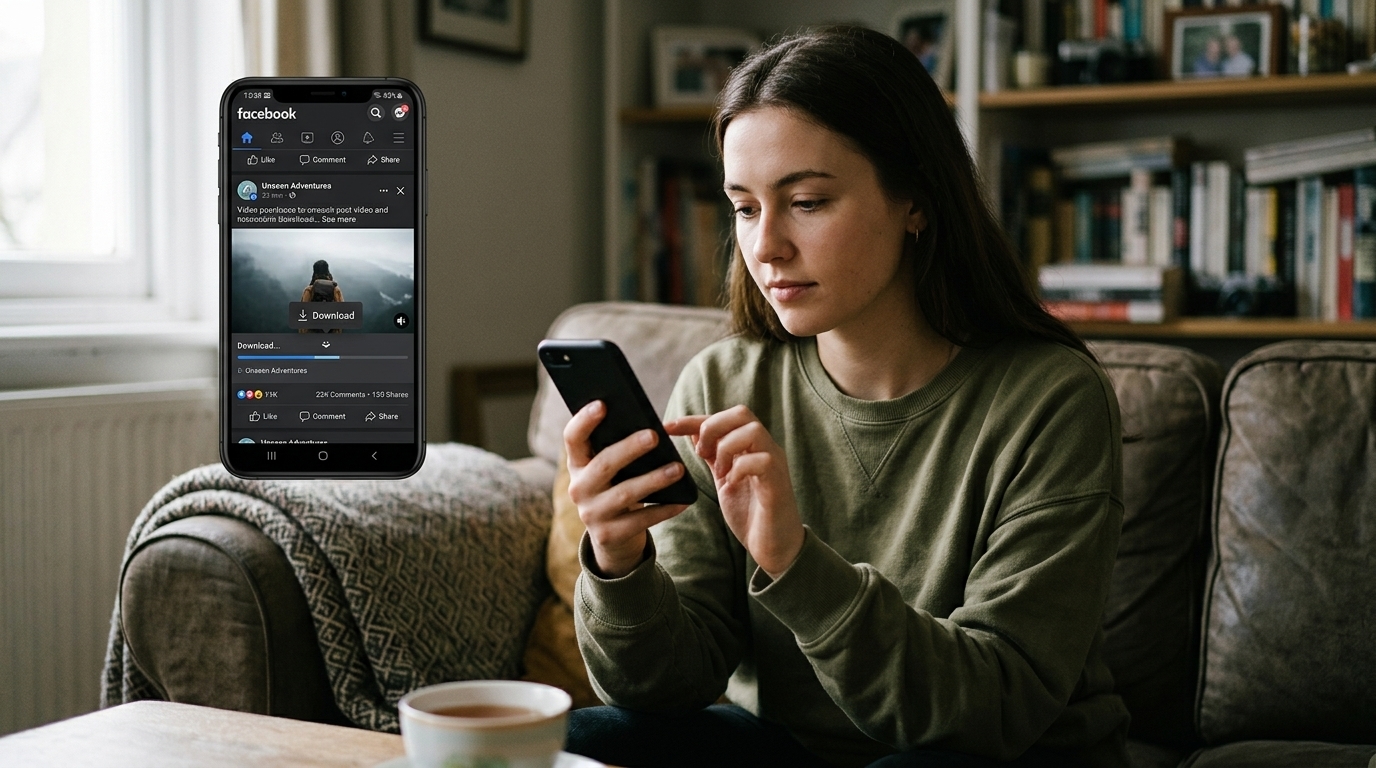
How does a Facebook video downloader work?
Most tools follow the same five steps. Knowing them makes troubleshooting much easier when something goes wrong.
Copy the link. On a phone, tap the share icon and choose the copy link option. On a computer, copy the address from the browser bar while the video is open.
Paste the link. The tool accepts the address and sends a request to fetch the page behind it.
Let the tool find the source. It looks for the file Facebook uses to play the clip and lists the versions it can detect.
Choose a quality. The options usually include a standard version and a higher one, if the original upload had both.
Download the file. It saves to your Downloads folder or your browser's default download location.
The step that surprises most people is the quality menu. A downloader can't add detail the uploader never provided. If a clip was posted at 480p, picking a different button won't turn it into 1080p. The tool can only deliver what exists on Facebook's servers. That's why I always check the highest option first, then decide whether the file is good enough for what I need it for.
Here's a rough guide to what you'll usually see:
Option | Best for | What to expect |
|---|---|---|
Standard quality | Phone viewing and messaging | Smaller file and faster download |
High quality | Laptop or TV viewing | Larger file and a sharper picture, if the upload was HD |
Audio only | Podcasts, music, and voice clips | Tiny file with no video, when the tool offers it |
Pay attention to file size too. A two-minute clip that downloads as a few kilobytes usually means the tool grabbed a preview or failed partway through. A realistic size for a short video runs into megabytes. If the number looks wrong, delete the file and try a different option.
How do I download a Facebook video on my phone?
Phones give you two good routes and one fallback. Start with the built-in save option, move to a browser-based downloader if that's missing, and only record your screen when nothing else works.
Check for the built-in save option first
Open the video, tap the three dots or the share icon, and look for Save video. If it's there, tap it. The clip goes to your saved items inside the Facebook app, and you can usually watch it again without a connection. This is the cleanest route because you're using the app's own feature. It isn't offered on every post, so don't worry when it's missing.
Use a downloader in your mobile browser
Copy the link from the share menu.
Open Chrome, Safari, or another browser and go to the downloader page.
Paste the link into the input box and start the process.
Pick a quality from the list.
Tap download and wait for the progress bar to finish.
On Android, the file usually lands in the Downloads folder. I like to move it into a folder called Facebook Clips so it doesn't get lost among screenshots and documents. On iPhone, Safari sends the file to the Files app. From there, tap the share icon and choose Save Video to move it into Photos, where it's easier to find and play.
Keep an eye on the pop-ups. Some download pages open extra tabs or ask you to tap several buttons before the real link appears. Close any tab that tries to install something you didn't ask for, and only tap the button that names the file or the quality you picked.
Screen recording as a last resort
If a video won't download at all, you can record your screen while it plays. Both Android and iPhone include built-in recording tools. This works, but it has costs. You'll capture the status bar, notifications, and sometimes the player controls. The picture also softens because you're recording a re-encoded version of what you see. Use screen recording for short clips, and only after you've confirmed that you have permission to keep the video.
How do I download a Facebook video on a computer?
The desktop process looks similar, with a few advantages. A bigger screen makes it easier to compare quality options, and folders are simpler to manage.
Open the video in your browser and copy the address from the top bar. Open a new tab, go to a downloader, and paste the link. Read the quality options carefully, because the first one is often the default rather than the best. If a high quality option is listed, choose it, then check the file size to make sure it's realistic.
Once the file downloads, rename it. Facebook files often come with long strings of numbers, which makes them hard to find later. I like a short name that includes the date and the topic, such as "2026 06 family trip." Dates at the front keep files in order automatically.
Browser updates matter more than people expect. An outdated browser can break video playback or block downloads that work fine on a current version. If a tool suddenly stops working, update your browser before you blame the link.
Some technical users prefer open source command line tools. They give you more control over format and naming, and they're powerful once you learn them. They also need updates whenever Facebook changes how its pages load, so they're less forgiving for casual use. For most people, a browser-based downloader is the simpler choice.
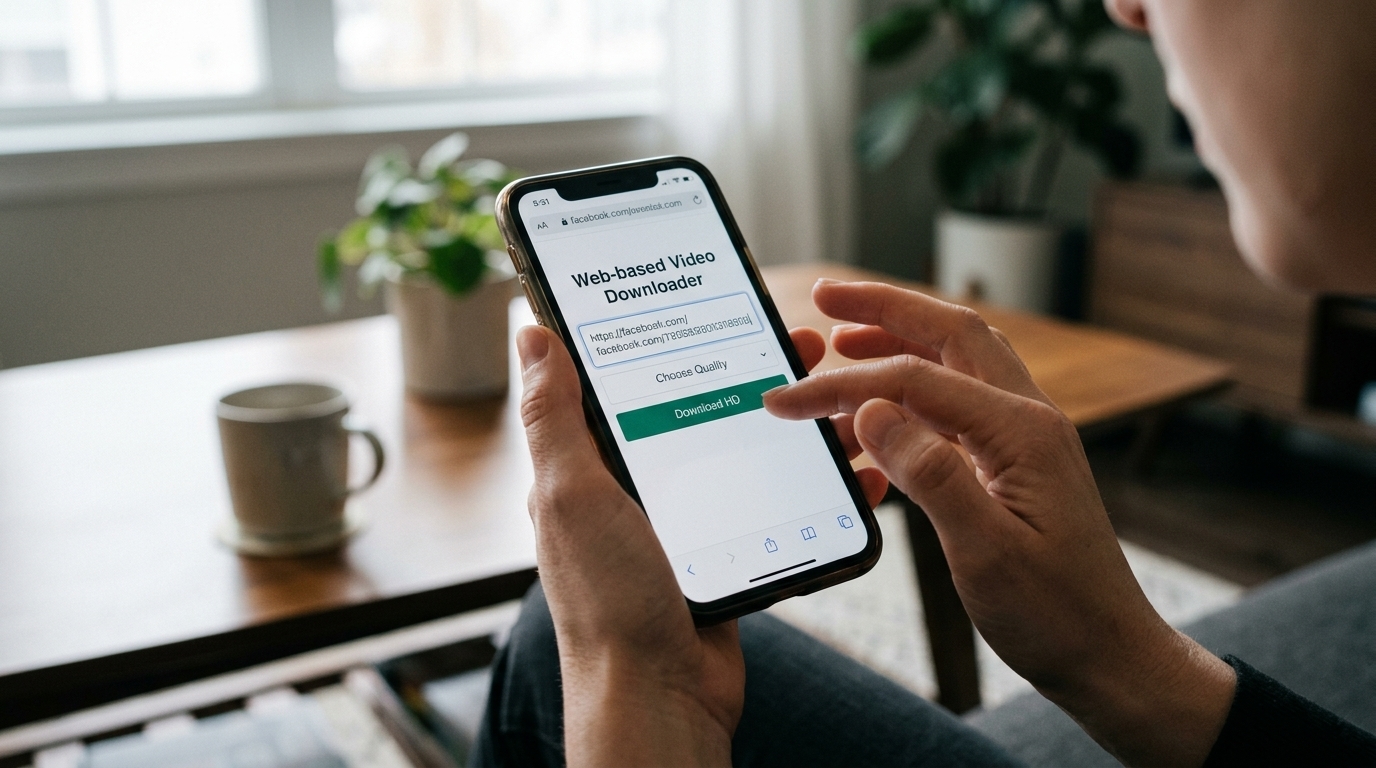
What should I look for in a good Facebook video downloader?
Not every downloader deserves your time or your link. Before you paste anything, check the points below.
It doesn't require a login for public videos. A tool that asks for your Facebook password is asking for access to your account, and most public clips don't need that.
It shows quality options before you download. You should see resolutions listed clearly, not hidden behind a second round of clicks.
Its download button is easy to tell apart from ads. Be wary of big buttons that open a new tab full of prompts.
It explains what happens to your link. Look for a privacy policy that says whether the site stores or shares the addresses you paste.
It works well on a phone. Many people download from their mobile device, and a page that doesn't fit the screen is tiring to use.
It uses a secure connection. Look for the lock icon and an address that starts with https.
Can a Facebook video downloader remove watermarks?
People searching for a facebook video downloader no watermark often hope for a clean copy of a clip that has a logo across it. Here's the honest answer. A downloader can't remove a watermark that the creator built into the video. Those marks are part of the picture, and removing them usually means cropping, blurring, or editing the frame, which is a separate job.
What a good downloader can do is avoid adding its own logo. Some sites stamp their branding on every file they produce. If you see a logo in the corner of a clip you just downloaded, check whether it was in the original post. If it wasn't, the tool added it, so try a different one. Editing out someone else's watermark can also raise copyright questions, so the cleanest approach is to ask the creator for a copy.
Common mistakes that waste your time
Most failed downloads come from a handful of avoidable errors. These are the ones I see most often.
Pasting a link from a private post or a friends-only group. The tool can only reach what a logged-out visitor can see, so a private link will fail every time. Test the video in a private browser window first. If it plays there, the tool can probably reach it too.
Copying the wrong link. Some share links point to a profile, a page, or a feed rather than the video itself. Open the video full screen, then copy the address. A quick check saves you a round of errors.
Expecting HD from a low resolution upload. A downloader can only deliver what the uploader provided. If the video looks soft in the app, it will look soft in the file.
Tapping the first big button on the page. On many download sites, the largest button belongs to an advertiser. Read the label, and make sure it names a file or a quality before you tap.
Installing extras you don't need. Some pages push desktop apps, toolbars, or browser extensions. You rarely need them for a single download, and each one adds another permission you have to trust.
Forgetting the rights question. A file that's easy to save isn't automatically yours to share. Before you post a clip somewhere else, ask whether you have permission, and credit the creator if you do.
Is it legal to download Facebook videos?
The honest answer is that it depends on what you do with the file and where you live. I'm not a lawyer, and laws differ from country to country, so treat this section as general information rather than legal advice.
Saving a video to watch offline is different from reposting it, editing it, or using it in a business. Copyright usually belongs to whoever created the video, and that protection applies even when a post is public. Personal viewing is generally the lowest-risk use. Sharing someone else's clip as your own content, or pulling it into a paid project, is where people get into trouble.
Platform rules are a separate layer. Before you make a habit of using any tool, it's worth reading what Meta says about facebook video download activity in its terms of service. Those terms set limits on how content can be accessed and reused on its services, and they can apply even when a clip is publicly visible.
A simple rule of thumb helps. If the creator has enabled downloads, you're on firmer ground. If they haven't, ask before you save. If you plan to share the clip, get permission and give credit. When in doubt, skip the download and message the creator instead. Most people are happy to share when someone asks politely.
How to spot a risky download site
Some sites are built to trap people who search for free downloads. Learn these warning signs, and you'll avoid most of the trouble.
Fake virus warnings with an urgent button that promises to clean your device.
Demands to complete a survey or install an app before the download starts.
Requests for your Facebook password, two-factor codes, or payment details.
Pop-ups that open new tabs every time you click anywhere on the page.
Browser extension prompts that ask for permission to read and change every website you visit.
Files that arrive with an extension like .exe or .apk when you expected a video.
If you see any of these, close the tab and don't install anything. If you already downloaded something suspicious, run a scan with your device's security tool. Clearing your downloads folder and checking your installed apps is a good habit after a bad experience. A good tool doesn't need tricks to earn a click.
Tips for getting the best quality from your download
Better downloads start before you even paste the link. A few habits make a noticeable difference.
Preview the clip in the app first. If it looks blurry there, the download will look blurry too.
Pick the highest quality your storage can handle. A short clip in HD rarely takes much space.
Use a stable connection. Interrupted downloads can produce corrupted files that won't play.
Avoid screenshots and screen recordings unless there's no other way to get the video.
Update your browser and phone. Older software can break video playback or block downloads.
Test the file in your default video player before you delete anything, so you know it works.
Key takeaways
A Facebook video downloader saves a copy of a public video by reading the file behind its link.
The quality you get depends on what the uploader provided, not on which button you tap.
Check for the built-in save option first, then use a trustworthy browser tool if you need one.
Avoid tools that ask for your password, push surveys, or hide ads behind the download button.
A watermark the creator added can't be removed by a downloader, and removing it may raise copyright questions.
Personal viewing is the lowest-risk use. Ask permission before you share or reuse a clip.
Frequently asked questions
Is a Facebook video downloader free to use?
Many tools are free for basic downloads, and some charge for extras like batch saves or higher limits. Free tools often rely on ads, so the main risk is tapping the wrong button. Read each label before you click. A tool that works without an account and shows its quality options clearly is usually a safer starting point.
Can I download a Facebook video without logging in?
Yes, if the video is public. A link-based downloader only needs the address of the video, not your account. If the post is limited to friends or a private group, the tool will fail because it can't see the video without you signed in. To check, open the link in a private browser window and see whether it plays.
Why does the save button not appear on some videos?
The creator decides whether a video can be saved. When downloads are turned off, the option doesn't show up in the menu. Some videos are also shared in ways the app doesn't offer a save option for. You can still try a downloader in those cases, but the creator's choice is a signal worth respecting.
Does a Facebook video downloader work on iPhone?
Yes. Most downloaders run in Safari or Chrome on iPhone. The file usually goes to the Files app, and you can move it to Photos from there. If the tool stalls, check that downloads are allowed in your browser settings, and keep iOS updated so the browser handles video files properly.
Will the downloaded video keep its original quality?
It will match the quality the tool provides, which is usually the quality the uploader posted. Some tools re-encode files, which can soften the picture slightly. If sharpness matters, choose the highest option and compare the file with the version in the app before you delete anything.
Can I download private Facebook videos?
Not with a link-based tool. Private videos are visible only to specific people, and a downloader can't get around those settings. If the creator wants you to have the file, ask them to send it. That's the safest route and avoids any question about permissions.
Is it safe to use a Facebook video downloader?
It can be, if you choose carefully. Stick to tools that don't require your password, don't push software installs, and keep ads clearly separate from the download button. Use an updated browser, avoid unfamiliar extensions, and scan any file that looks wrong before you open it.
Can a Facebook video downloader remove the watermark from a clip?
Usually not. A watermark built into the video is part of the image, and removing it means editing the frame, which a downloader doesn't do. A good tool also avoids adding its own logo. If you see a logo you didn't expect, the tool probably added it, so try another option.
Can I download videos from Facebook groups?
Only if the group is public and the video is visible to logged-out visitors. Most private groups require membership, and a downloader can't bypass that. If you're a member, the in-app save option may be your best route, as long as the creator or admin allows downloads.
Do I need to install an app to download Facebook videos?
Usually not. Browser-based tools cover most cases, and they don't take up storage or ask for extra permissions. An app can make sense if you download often and want batch options, but only install from a store you trust, and read the permissions before you agree.
Conclusion
Saving a Facebook video doesn't have to be complicated. Check for the built-in save option first, use a trustworthy browser tool when you need one, and keep the creator's rights in mind the whole time. Most of the frustration comes from bad links, low-quality uploads, and sketchy download pages, and a little care helps with all three.
When you're ready to try it, the facebook video downloader page on x2xconverter.com is a simple place to start. Paste your link, check the quality options, and save the file in a few seconds.